

Wi-Fi 7 for Business: When an Upgrade Makes Sense and What to Check First
Evaluate a business Wi-Fi 7 upgrade by reviewing client devices, 6 GHz availability, Ethernet uplinks, PoE, switching, cabling, coverage, capacity, and rollout timing.
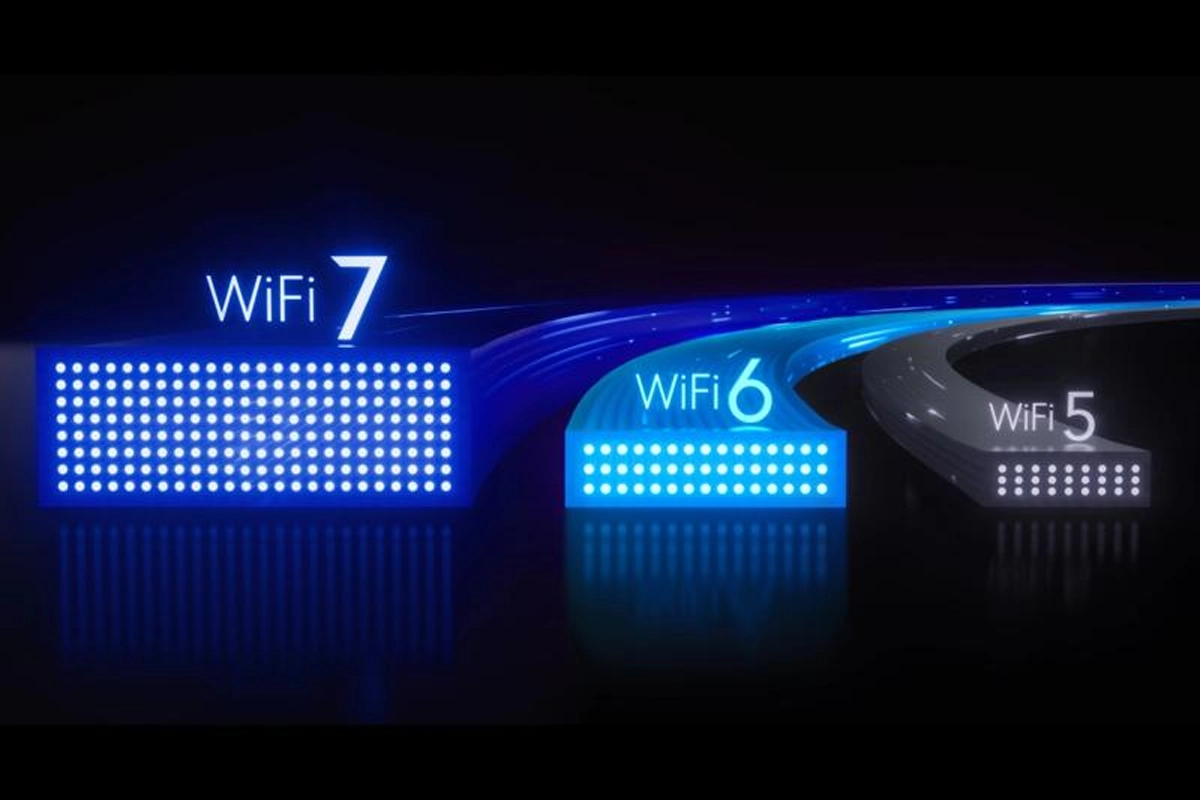
Wi-Fi 7 access points are available, but buying the newest access point does not automatically create a faster business network.
The upgrade only makes sense when the rest of the environment can support it: client devices, spectrum, Ethernet uplinks, switching, Power over Ethernet, cabling, internet capacity, and the physical layout of the business.
SMART Solutions provides WiFi Network Improvements and broader Networking services for coverage, performance, security, switching, cabling, and business connectivity.
SMART takeaway
Upgrade the wireless system, not just the access point.
Wi-Fi 7 can add useful capacity and efficiency, but a business should validate client support, 6 GHz conditions, multi-gig switching, PoE, cabling, and actual application needs before replacing working infrastructure.
Quick answer: what should a business check before upgrading to Wi-Fi 7?
Review:
- How many current client devices support Wi-Fi 7
- Whether 6 GHz spectrum is useful in the building
- Access-point placement and coverage
- Ethernet uplink speed to each access point
- Switch port capabilities
- PoE requirements and total power budget
- Cable category and condition
- Internet and WAN capacity
- Authentication and network segmentation
- Application requirements such as voice, video, dense client areas, or large file transfers
Wi-Fi CERTIFIED 7 includes capabilities such as 320 MHz operation and multi-link-related features. Those capabilities are meaningful only when supported by the client, spectrum, and surrounding network.
Source: Wi-Fi Alliance — Wi-Fi CERTIFIED 7 certification information.
1. Start with the business problem
Do not begin with “we need Wi-Fi 7.”
Begin with the symptoms:
- Slow meeting rooms
- Congested common areas
- Voice roaming problems
- Large file transfers
- Warehouse or outdoor dead zones
- Too many clients on one access point
- Older Wi-Fi generation
- New high-density office design
- Need for 6 GHz-capable clients
- Switch or cabling modernization already planned
If the current wireless network has a coverage problem, replacing access points in the same poor locations may preserve the problem.
Our commercial Wi-Fi installation guide explains why coverage, capacity, interference, cabling, power, and growth should be planned together.
2. Inventory client support
Wi-Fi is a two-sided connection.
The access point may support Wi-Fi 7 while many laptops, phones, scanners, tablets, cameras, or IoT devices still use earlier generations.
Create a rough client inventory:
- Wi-Fi 7 capable
- Wi-Fi 6E capable
- Wi-Fi 6 capable
- Older Wi-Fi
- 2.4 GHz-only devices
- Specialized or legacy devices
An upgrade can still improve overall network design, but expectations should reflect the actual client mix.
3. Understand the role of 6 GHz
The 6 GHz band can provide additional spectrum for compatible devices, but propagation characteristics and regulatory/channel availability differ from 2.4 and 5 GHz.
In practical terms, a business may need more careful access-point placement to get the desired 6 GHz experience.
Do not assume that an access point placed for old 2.4 GHz coverage will automatically provide ideal 6 GHz coverage.
A site survey or measured validation is more useful than guessing from a floor plan.
4. Check Ethernet uplinks
New wireless capacity can expose a wired bottleneck.
If the access point supports multi-gigabit throughput but connects through an older 1 Gb/s switch port, the wired uplink may limit aggregate performance.
Review:
- Switch port speed
- Access-point Ethernet capability
- Core or distribution uplinks
- Cable category
- Patch panels and patch cords
Our fiber vs. copper cabling guide explains how access-layer copper and backbone fiber can serve different roles in a business network.
5. Check PoE before installing new access points
Higher-performance access points may require more PoE power than the devices they replace.
For each planned AP, verify:
- Required PoE standard
- Expected device load
- Switch per-port support
- Total switch PoE budget
- UPS capacity
Our PoE budget planning guide explains why port count and power capacity must be designed separately.
6. Validate cabling
A Wi-Fi upgrade can reveal old copper problems.
Check:
- Cable category
- Termination quality
- Test results
- Distance
- Patch cords
- Existing damage
- Pathway capacity
If access points need multi-gigabit uplinks, the cabling system should be validated for the intended application rather than assumed capable because “Ethernet works.”
7. Plan for backward compatibility without designing around legacy forever
Business Wi-Fi often serves a mixed client population.
That can include:
- Modern laptops
- Older tablets
- Printers
- Scanners
- IoT equipment
- Phones
- Guest devices
The design should support required legacy clients while avoiding unnecessary compromises to the entire network.
Sometimes the right answer is a transition plan: modernize critical employee wireless first while isolating or replacing older devices over time.
8. Review security and segmentation
A Wi-Fi 7 project is also a good time to review:
- Employee network
- Guest network
- IoT network
- Voice or specialized-device requirements
- Authentication
- VLANs
- Firewall policies
- Administrative access
Our network segmentation guide explains how separating traffic by communication needs can reduce unnecessary exposure.
9. Check the internet connection
Faster Wi-Fi does not make a 300 Mb/s internet circuit behave like a multi-gigabit service.
Separate local-network performance from internet performance.
Some business workflows are mostly internet-bound, while others move files between local systems or use cloud services with different bottlenecks.
Measure the problem before deciding which layer needs investment.
10. Plan voice and video carefully
VoIP and video meetings care about more than headline throughput.
They also depend on:
- Latency
- Packet loss
- Jitter
- Roaming
- Coverage
- Capacity
- QoS design
- WAN quality
SMART Solutions’ WiFi Network Improvements service includes voice-readiness considerations, and VoIP Phone Systems can be planned with the network instead of treated as a separate island.
11. Upgrade by area when that makes operational sense
A business does not always need to replace every access point in one night.
A phased plan may make sense when:
- One floor has the highest density
- Conference areas need more capacity
- A new suite is opening
- The switch refresh is happening in stages
- Legacy clients need more time
- Cabling work is scheduled by area
Document temporary mixed-generation behavior so support teams know what to expect during the transition.
12. Measure after deployment
After installation, validate:
- Coverage
- Client association
- Roaming
- Throughput where relevant
- Latency and packet loss
- Access-point load
- Wired uplinks
- PoE conditions
- Authentication
- Guest and segmented networks
A successful upgrade should solve a documented business or user-experience problem, not simply produce a newer model number in the controller.
Wi-Fi 7 FAQ
Does Wi-Fi 7 require new client devices?
Clients need compatible hardware to use Wi-Fi 7-specific capabilities. Older clients can typically continue using supported earlier Wi-Fi modes, subject to the access point and network configuration.
Does Wi-Fi 7 automatically mean faster internet?
No. Internet speed is still limited by the WAN service and other network bottlenecks. Wi-Fi 7 primarily changes the wireless LAN capabilities.
Do I need multi-gig switches for Wi-Fi 7?
Not every deployment requires the same uplink design, but the access point’s wired interface and expected aggregate traffic should be compared with switch-port capabilities so the wired network does not become an avoidable bottleneck.
Does Wi-Fi 7 require more PoE?
Some Wi-Fi 7 access points can require higher PoE capabilities than older models. Always check the exact manufacturer’s specifications and the switch’s total PoE budget.
Can SMART Solutions plan a Wi-Fi 7 upgrade?
SMART Solutions provides WiFi Network Improvements, Networking, and Structured Cabling that can be evaluated together for a wireless upgrade.
Authoritative sources
Upgrade for a reason
Wi-Fi 7 is useful when its capabilities align with the business environment.
Inventory clients, validate coverage, check switching and PoE, inspect cabling, and measure the existing bottleneck before replacing access points.
For help planning business Wi-Fi and the wired infrastructure behind it, contact SMART Solutions.