

Network Segmentation for Small Businesses: What to Separate and Why
Learn how small businesses can segment guest WiFi, cameras, IoT, phones, workstations, servers, and admin systems to reduce unnecessary network exposure.
Many small-business networks start simple.
The office gets an internet connection, a router, a switch, WiFi, a few computers, a printer, and maybe a server. Over time, more devices arrive: security cameras, access control, smart TVs, VoIP phones, employee phones, guest devices, point-of-sale systems, building controls, and IoT equipment.
If every device is allowed to communicate freely with every other device, the network may be easy to set up—but it can become difficult to secure, troubleshoot, and manage.
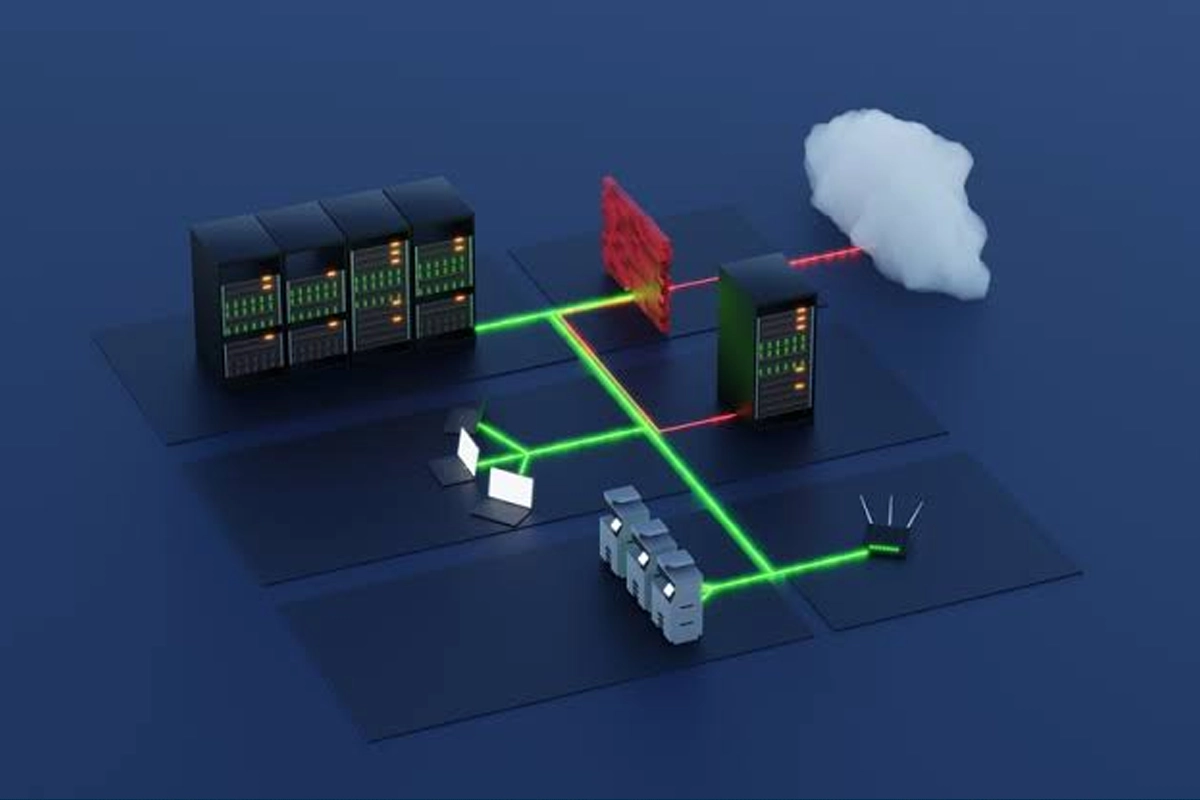
Network segmentation is the practice of separating devices and systems into controlled network zones and defining which traffic is allowed between them.
SMART Solutions includes network security, separation, WiFi configuration, camera infrastructure, access control, and Network & Security Assessments among the services it uses to help businesses plan stronger technology environments.

SMART takeaway
Not every device needs to trust every other device.
Separate systems by purpose and risk, then permit only the communication that the business actually needs.
What network segmentation means
A segmented network divides one environment into smaller logical or physical zones.
Those zones can be enforced with technologies such as VLANs, firewalls, access-control lists, routing policy, wireless network configuration, and other network controls.
CISA’s ransomware guidance recommends network segmentation because it can help contain an intrusion and limit lateral movement between systems.
Source: CISA — #StopRansomware Guide
Segmentation is not a guarantee that an attack cannot spread. Poor firewall rules, shared credentials, misconfigured devices, or users who bridge multiple networks can undermine the design.
The goal is to reduce unnecessary paths.
A flat network versus a segmented network
Consider a small office with:
- 15 employee computers
- 6 VoIP phones
- 12 security cameras
- 2 printers
- 1 file server
- 3 smart TVs
- Guest WiFi
- An access-control system
- Several employee phones and tablets
On a flat network, all of those devices may sit in the same logical space.
On a segmented network, they can be grouped according to their purpose and the communication they actually require.
1. Separate guest WiFi from business systems
Guest WiFi is one of the clearest segmentation use cases.
Visitors need internet access. They usually do not need access to:
- File servers
- Printers
- Security cameras
- Access-control systems
- Accounting workstations
- Network management interfaces
A guest wireless network should be designed so guest devices can reach the internet without becoming peers of internal business equipment.
SMART Solutions’ WiFi Network Improvements include security-focused configuration, network segmentation, coverage planning, and performance planning for business wireless networks.
2. Put cameras and physical-security devices in their own zone
IP cameras, recorders, access-control controllers, and related devices are part of the business network.
They should not automatically receive the same access as employee workstations.
A practical security zone can make it easier to:
- Limit which users can administer cameras
- Restrict camera traffic to the recorder or management platform
- Prevent guest devices from reaching security equipment
- Apply firewall policy between cameras and business systems
- Monitor security-system traffic separately
SMART Solutions’ Security Cameras & Surveillance service explicitly considers network infrastructure, remote access, placement, reliability, and long-term usability when planning camera systems.
For businesses adding cameras or access control, the current Network & Security Assessment also recommends reviewing the network first to reduce compatibility and performance problems.
3. Treat IoT devices as a separate trust category
Smart TVs, speakers, thermostats, building controllers, sensors, displays, and other connected devices may not need access to employee computers or sensitive servers.
An IoT zone can reduce unnecessary communication paths and make firewall rules easier to reason about.
Questions to ask:
- Does this device need internet access?
- Does it need to receive inbound connections?
- Which management system controls it?
- Does it need to communicate with employee devices?
- Can administration be limited to specific users or management stations?
The answer may differ by device type, which is why “put all IoT on another VLAN” is only the beginning of the design.
4. Decide whether VoIP phones need a dedicated voice network
Voice traffic has different operational characteristics from ordinary web browsing.
A separate voice segment can help businesses organize phone addressing, apply QoS policies, troubleshoot call quality, and control which systems communicate with phone infrastructure.
SMART Solutions provides VoIP Phone Systems and business networking, so voice and network design can be evaluated together rather than treating the phone system as unrelated equipment.
A voice VLAN is not automatically required for every small office. The decision should depend on the phone platform, switch capabilities, network size, security design, and operational requirements.
5. Protect servers and critical applications from broad access
Servers often deserve a more restrictive zone than ordinary user devices.
Instead of letting every subnet communicate freely with a server network, define which applications and protocols are actually required.
Examples might include:
- Employee workstations reaching a file service
- An application server communicating with a database
- Backup systems reaching protected data
- Administrators reaching management interfaces
The rule should describe a business requirement—not simply “allow everything from internal networks.”
6. Create a protected management network
Network infrastructure itself needs protection.
Routers, switches, wireless controllers, hypervisors, storage systems, recorders, and other administrative interfaces should not be casually accessible from every employee or guest device.
A management network can restrict administrative access to approved IT users or management stations.
This is especially useful when the business uses outside IT vendors. Vendor remote access can be limited to the specific management resources they support rather than opening broad access to the entire environment.
Our Business VPN & Remote Access checklist explains how identity, permissions, vendor access, logging, and offboarding fit into that design.
7. Use firewall policy between segments
Creating VLANs without controlling traffic between them does not accomplish much.
The security value comes from the policy enforced at the boundaries.
A useful design starts with required communication:
- List the zones. Employee, guest, cameras, IoT, voice, servers, management, and any special-purpose systems.
- Document required flows. Identify which zone needs to initiate communication to which destination.
- Block unnecessary paths. Avoid broad rules when a narrower rule meets the business requirement.
- Log important traffic. Keep enough visibility to troubleshoot and investigate unexpected behavior.
- Review exceptions. Temporary firewall rules should not quietly become permanent policy.
8. Do not confuse segmentation with zero trust
Segmentation is useful, but it is not the same as a complete zero-trust architecture.
NIST’s Zero Trust Architecture guidance states that trust should not be granted solely because an asset or user is located on an internal network. Zero trust focuses on protecting resources and making authentication and authorization decisions rather than relying only on network location.
Source: NIST SP 800-207 — Zero Trust Architecture
That means a well-segmented network can support a stronger security architecture, but being on the “server VLAN” or “employee VLAN” should not automatically make every user trusted.
9. Document the network so segmentation remains understandable
A segmented network becomes harder to support when no one knows why the segments exist.
Keep documentation that includes:
- Network and VLAN names
- IP addressing
- Purpose of each segment
- Wireless SSIDs and their mapped networks
- Firewall rules between zones
- Critical devices and static addresses
- Management access requirements
- External vendor access
CISA also recommends maintaining network diagrams that describe systems, data flows, major networks, addressing, topology, and third-party connections.
Source: CISA — #StopRansomware Guide
10. Test segmentation instead of assuming it works
After implementation, test the restrictions from actual devices.
For example:
- Can a guest device reach a printer?
- Can an employee computer open a camera management interface?
- Can a camera initiate traffic toward the file server?
- Can an IoT device reach the management network?
- Can the approved administrator still manage the switch?
- Can VoIP phones still reach the services they need?
A firewall configuration can look correct on paper and still behave differently because of routing, wireless isolation, switch configuration, or overlooked exceptions.
Security reality
Segmentation is a design process, not a VLAN count.
The useful question is not how many networks you created. It is whether devices can communicate only where the business has a reason for that communication.
When should a small business review segmentation?
A network assessment is especially useful when:
- Guest WiFi shares the same network as employees
- Cameras were added without a network redesign
- IoT devices have accumulated over several years
- Multiple vendors have network access
- The business is moving offices or replacing switches
- A new VoIP, access-control, or camera system is being installed
- No current network diagram exists
SMART Solutions can review the current environment through a Network & Security Assessment and connect the findings to Networking, WiFi, cameras, access control, and cybersecurity improvements.
If your business has outgrown one flat network, contact SMART Solutions to plan a cleaner architecture before the next device or system is added.