

Network Rack Airflow: Check Before Adding Equipment
Review equipment airflow requirements, rack conditions, monitoring, and support responsibilities before adding a switch, server, or other network device.
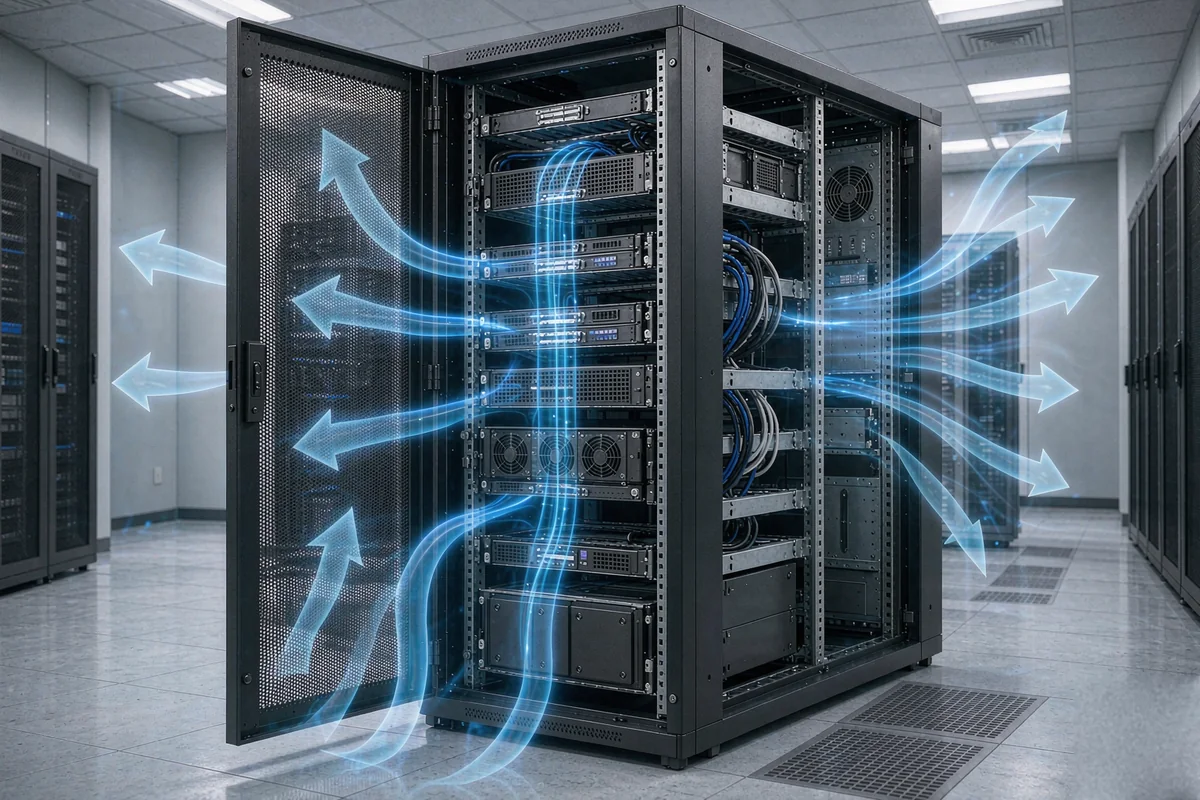
There is an empty space in the network rack, so a new switch appears easy to add. Before approving the installation, ask how the device’s cooling requirements fit the existing equipment and the room.
A network rack airflow review is a planning task for the installer, equipment support team, and facility contact. It should identify the actual device requirements, observe the installed environment, and define how the team will check the result after the change.
SMART takeaway
Available rack space is only one part of the installation decision.
Check airflow, environmental limits, cabling, power planning, and maintenance access against the equipment documentation. Assign an owner for unresolved conditions.
Start with the equipment list and manuals
Record the devices already installed and the equipment being proposed. Include exact models, mounting requirements, airflow direction where documented, environmental limits, and the manufacturer’s installation instructions.
Dell’s PowerEdge thermal troubleshooting guidance identifies blocked airflow, enclosed placement, rack cooling, and ambient conditions as points to check. That guidance concerns the equipment described in its manual; it does not establish one temperature limit or clearance for every network device.
Ask the installer to obtain the corresponding guidance for each relevant model. Use that documentation to resolve questions rather than applying a general rule about leaving an arbitrary empty space between all devices.
The IT asset inventory guide can help organize the device record. Include equipment managed by a separate provider so the review covers the actual rack.
Observe the normal installed condition
Have the responsible technical team inspect the environment as it is normally used. Record whether rack doors are in their usual position, how cables are routed, where equipment draws and exhausts air, and whether the surrounding area is being used for storage.
Compare the observations with the applicable installation requirements. Ask the facility contact about room access, normal occupied and unoccupied conditions, and who handles building-related concerns.
Avoid treating a photograph of an open rack during installation as proof of the normal operating condition. The useful record describes how the equipment will be used after the installer leaves.
Review the proposed change as a complete arrangement
Ask the installer to show the proposed position and explain how it meets the new device’s requirements while preserving the requirements of existing equipment. Identify any mounting, cabling, or facility work that must happen first.
Discuss service access as well as the final appearance. The person maintaining the equipment should have a supported way to reach required connections and replace components when authorized work is needed.
| Planning item | Evidence to request |
|---|---|
| Device requirements | Relevant model-specific installation guidance |
| Proposed position | Documented layout and compatibility with surrounding equipment |
| Cabling | Planned routes that respect the equipment requirements |
| Environment | Responsible owner for room or cooling concerns |
| Acceptance | Observations and supported monitoring to review after installation |
Keep electrical work and building changes with the appropriate authorized professionals. A network installation discussion should identify those dependencies rather than turning them into undocumented tasks for office staff.
Keep power and network capacity as separate checks
Airflow planning does not answer whether the power arrangement, UPS coverage, or network capacity is suitable. Put those questions into the same project record with their own owners and evidence.
For a switch supplying connected equipment, the PoE budget planning guide addresses the power delivered through network ports. The UPS sizing guide addresses load, runtime, and continuity requirements.
Use those reviews alongside the physical installation plan. A device passing one check does not complete the others, and this article does not prescribe a universal electrical or cooling design.
Agree what the team will observe after installation
Have the equipment owner identify supported status information, logs, or monitoring that can help verify the installation. Record which observations matter, where they are available, and who will respond to an exception.
Plan a representative operating check with the rack in its normal condition. Compare the result with the applicable equipment requirements and any documented baseline. The technician should explain unresolved warnings rather than simply marking the device online.
If a facility condition remains unresolved, assign it to a named owner with a review date. Define whether that issue prevents installation or needs another supported arrangement before the project proceeds.
Keep the handover useful for the next addition
- Current and proposed equipment models recorded
- Airflow and environmental requirements reviewed from manuals
- Normal rack and room conditions observed
- Power, cabling, and facility dependencies assigned
- Acceptance results and follow-up responsibilities retained
SMART Solutions provides LAN and WAN infrastructure services and computer, server, and device support. Contact our team with the current rack inventory and proposed equipment so the review can address the installation as a connected environment.