

IT Asset Inventory for Small Businesses: What to Track and Why
Build a practical IT asset inventory for your small business covering hardware, software, services, owners, sensitive data, lifecycle, access, and recovery priorities.
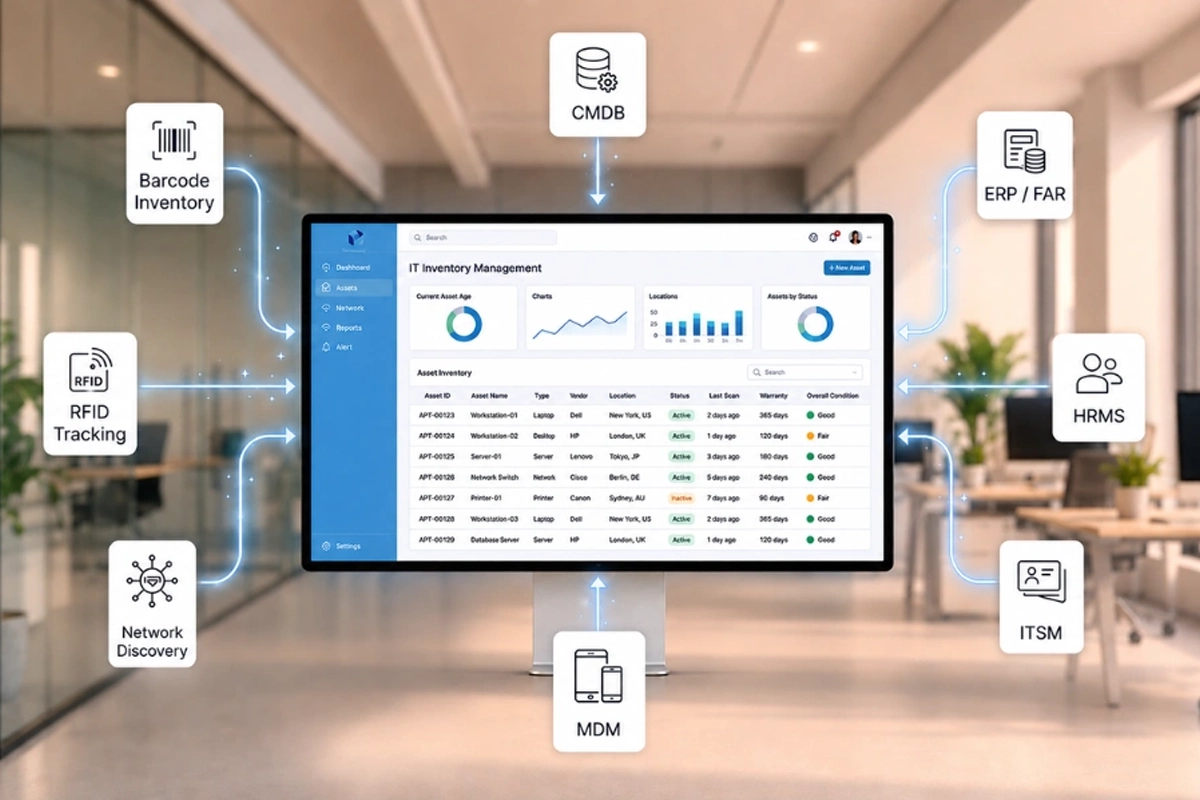
A small business cannot maintain, secure, back up, or replace technology it does not know it has.
That is why an IT asset inventory is one of the most useful foundations for day-to-day support and cybersecurity planning.
The goal is not to create a giant spreadsheet that nobody maintains. The goal is to keep a reliable record of the hardware, software, cloud services, accounts, network equipment, and other technology the business depends on — along with enough context to make better decisions when something breaks, changes, expires, or becomes a security risk.
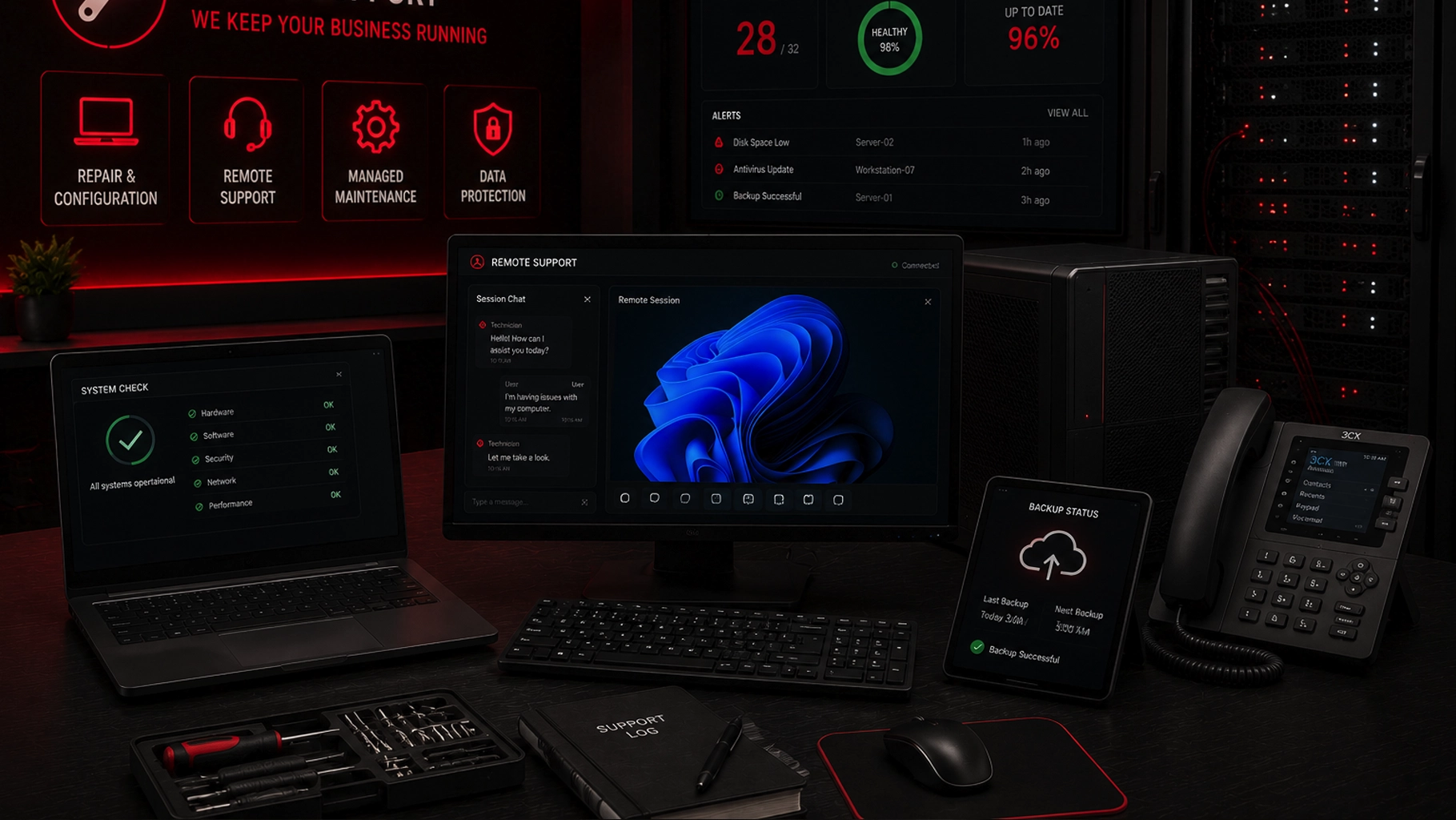
SMART Solutions provides Computer, Server & Device Support that can include repair, configuration, remote support, managed maintenance, antivirus/antimalware options, and data-protection planning. A current asset inventory makes each of those activities easier to organize around the actual environment.
SMART takeaway
Inventory should answer more than “what do we own?”
A useful asset record connects each device, application, service, or system to an owner, business purpose, sensitive-data exposure, lifecycle status, access method, and recovery priority.
Quick answer: what should an IT asset inventory include?
At minimum, a small-business IT asset inventory should identify the technology the organization relies on and enough information to manage its risk and lifecycle.
NIST’s Cybersecurity Framework 2.0 Small Business Quick-Start Guide recommends creating and maintaining an inventory of hardware, software, systems, and services before deciding how each asset should be protected. Its sample inventory also tracks the asset’s official use, administrator or owner, sensitive data access, whether MFA is required, and the impact if the business loses access to it.
Source: NIST — Cybersecurity Framework 2.0 Small Business Quick-Start Guide
For a small business, that can include:
- Desktops and laptops
- Servers, storage, and backup appliances
- Routers, firewalls, switches, and wireless access points
- VoIP phones and communication systems
- Printers and multifunction devices
- Security cameras, access control, and connected devices
- Operating systems and installed business applications
- Cloud services and SaaS subscriptions
- Email, identity, and file-sharing platforms
- Internet circuits and remote-access services
- Domain names, DNS, website hosting, and other critical online services
- Vendor-managed technology that still supports a business function
The inventory should be detailed enough to support decisions without becoming so complicated that nobody keeps it current.
1. Give every asset a clear identity
Start with information that helps someone distinguish one asset from another.
For hardware, useful fields can include:
- Asset name or internal ID
- Device type
- Manufacturer and model
- Serial number
- Assigned user or department
- Physical location
- Operating system
- Purchase or deployment date when known
For software and cloud services, identify the product, purpose, subscription owner, administrative account, renewal information when appropriate, and which users or systems depend on it.
Do not rely only on names such as Front Desk PC or Server. Those labels become ambiguous as an office grows or replaces equipment.
A stable asset ID or clearly documented hostname helps support staff connect tickets, repairs, warranty information, security events, and replacement history to the correct device.
2. Record the business purpose and owner
Two identical laptops can have very different importance.
One may be a spare training device. Another may run the only workstation used to process payments or manage appointments.
For each important asset, document:
- What business function it supports
- Which department or team depends on it
- Who is responsible for the asset or service
- Who administers it
- Who should approve major changes
NIST’s small-business guidance specifically recommends identifying the official use and administrator or owner of each asset.
That context becomes valuable during an outage. Instead of asking whether an offline device is important, the team already knows what stops working if the asset is unavailable.
3. Identify sensitive data and access
An asset inventory should help the business understand where sensitive information can be reached.
That does not mean copying passwords, confidential files, or authentication secrets into the inventory.
It means recording categories such as:
- Customer or patient information
- Employee information
- Financial or payment information
- Business records
- Credentials or administrative access
- Security footage or access logs
- Intellectual property or confidential documents
Also note whether the asset can reach other sensitive systems.
A workstation that does not store sensitive data locally may still have privileged access to a server, cloud tenant, firewall, or backup console.
Our Network Security Assessment guide explains why assets should be mapped together with access paths, network boundaries, remote connections, and business risk.
4. Track support status and lifecycle
Technology risk changes over time.
A device that was appropriate when purchased may eventually reach the end of vendor support, stop receiving security updates, or become unreliable for the applications the business needs.
Useful lifecycle fields include:
- Purchase or installation date
- Warranty status
- Operating-system version
- Firmware version when relevant
- Vendor support or end-of-support status
- Planned replacement window
- Known compatibility dependencies
This turns replacement planning into a managed process instead of an emergency purchase after a device fails.
It also makes patch management easier. Our small-business patch management guide recommends knowing which systems exist, which are supported, who owns them, and how updates should be tested and verified.
5. Include software and cloud services — not just physical devices
Many businesses still think of asset inventory as a list of computers and serial numbers.
That misses a large part of the modern environment.
Cloud services may control:
- File storage
- Customer records
- Accounting
- Scheduling
- Collaboration
- Backups
- Security cameras
- Phone systems
- Websites and domains
- Passwords and identity
For each important cloud or software service, document the business purpose, service owner, administrative contact, authentication method, licensing or subscription status, and critical integrations.
The FTC’s small-business cybersecurity guidance encourages organizations to identify the equipment, software, data, and services they use as part of understanding cybersecurity risk.
Source: FTC — Cybersecurity for Small Business
An unknown subscription can become a security problem when the only administrator leaves the company or a renewal fails unexpectedly.
6. Document network-connected and “invisible” devices
Printers, cameras, access-control panels, phones, smart TVs, conference-room equipment, wireless bridges, environmental sensors, and other connected devices are easy to forget because employees do not think of them as computers.
They still belong in the inventory when they affect business operations or security.
Track enough information to answer:
- What network is the device connected to?
- Who manages it?
- How is its firmware maintained?
- Does it have a web or cloud management account?
- Can it reach other business systems?
- Would its failure affect security, communications, or operations?
This also supports better network segmentation because the business can separate employee, guest, camera, IoT, voice, server, and management traffic only after it knows which devices actually exist.
7. Connect the inventory to maintenance and support
An asset inventory becomes much more useful when it supports recurring operations.
For example, it can help answer:
- Which devices need updates this month?
- Which workstations are repeatedly generating support tickets?
- Which servers or network devices are approaching replacement?
- Which devices are missing security software?
- Which assets should be covered by managed maintenance?
- Which equipment is no longer in service and should be securely retired?
SMART Solutions’ current Computer, Server & Device Support offering includes managed maintenance and support for essential business technology. The inventory provides the device-level context needed to make that work organized and repeatable.
8. Add recovery priority and backup context
Not every asset needs the same recovery plan.
For important systems, document whether the business can restore the data, rebuild the system, replace the hardware, or access the service another way.
Useful questions include:
- Is the data backed up?
- Is the entire system backed up or only selected files?
- Who can administer the backup?
- Has a restore been tested?
- Is replacement hardware required before recovery?
- What business process depends on this asset?
- How quickly does the business need it back?
Our business backup and recovery testing guide goes deeper into restore priorities, backup isolation, retention, administrator access, and recovery exercises.
9. Track vendors and ownership dependencies
An asset may be technically inside your office while operational control belongs partly to an outside provider.
Examples include:
- ISP-managed routers
- Copier vendor equipment
- Phone-system services
- Security systems
- Cloud applications
- Line-of-business software
- Managed backup platforms
- Website and domain services
Record the vendor, support contact, account owner, contract or renewal context when useful, and who inside the business is authorized to request changes.
Avoid storing vendor passwords directly in a general inventory document. Use an approved credential-management system for secrets.
This information matters during vendor transitions. A business should not discover during an outage that nobody knows the account number, support contact, or authorized administrator for a critical service.
10. Make inventory updates part of normal change management
The biggest asset-inventory mistake is creating a good list once and allowing it to become obsolete.
Build updates into common workflows:
- New purchase: add the device or service before deployment is considered complete.
- New employee: record assigned business devices and relevant account ownership.
- Role change: update assignment and access context.
- Repair or upgrade: record material hardware, operating-system, or ownership changes.
- Vendor change: update service ownership and administrative contacts.
- Retirement: mark the asset retired and document secure disposal or reassignment.
- Periodic review: reconcile the inventory with what is actually on the network and in active service.
The cadence should match the size and rate of change of the business. A fast-growing office may need more frequent reconciliation than a stable environment with few devices.
Inventory reality
Accuracy matters more than complexity.
A simple inventory that is updated every time technology changes is more valuable than a sophisticated asset-management system filled with stale records.
A practical starter template
For each important hardware, software, system, or service, consider tracking:
- Asset ID or name
- Type, model, or service name
- Assigned user, team, or location
- Business purpose
- Owner or administrator
- Sensitive-data access
- Authentication or MFA status when relevant
- Operating system, firmware, or version
- Support and lifecycle status
- Vendor or support contact
- Backup/recovery context
- Business impact if unavailable
- Notes or planned action
Do not collect fields merely because an inventory tool offers them. Track information the business will actually use for maintenance, security, budgeting, support, and recovery.
Turn the inventory into an improvement plan
An inventory is the Identify step, not the finish line.
Once the business understands its assets, the next questions become clearer:
- Which systems are unsupported?
- Which devices need stronger configuration?
- Which accounts need stronger authentication?
- Which assets should be segmented?
- Which systems are not backed up adequately?
- Which services have unclear ownership?
- Which devices should be replaced before failure forces the decision?
A Network & Security Assessment can connect that inventory with access, network design, security gaps, and improvement priorities.
If your technology list lives in several spreadsheets, invoices, vendor portals, and people’s memory, contact SMART Solutions to start organizing the environment around the systems your business actually depends on.