

Security Camera Storage for Businesses: NVR, Retention, and Capacity Planning
Plan business security camera storage by defining retention goals, recording modes, camera count, resolution, NVR capacity, edge storage, access, backups, and maintenance.
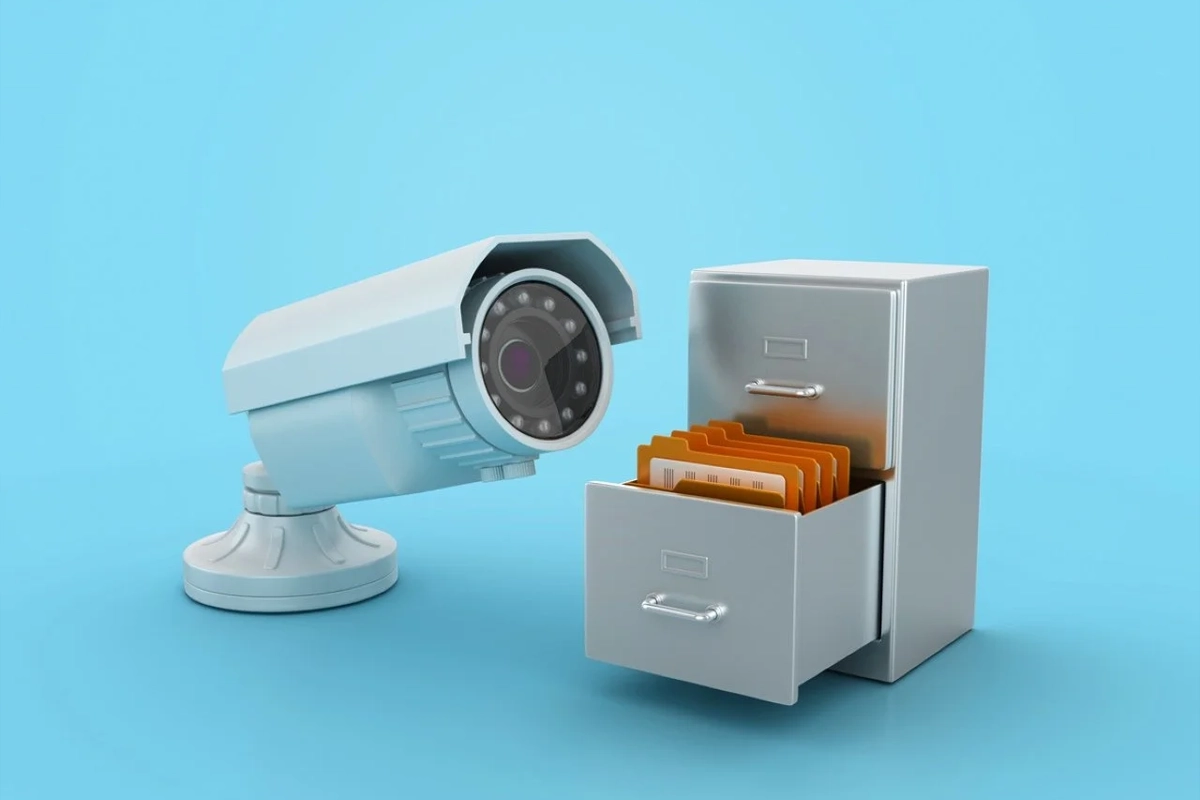
A security camera system can record excellent video and still disappoint the business when footage is actually needed.
The problem is often not the camera. It is the storage plan.
A company adds more cameras, increases resolution, changes recording from motion-based to continuous, or keeps footage longer — but the NVR or storage platform is never recalculated. Eventually the system overwrites video sooner than expected, runs short on capacity, or becomes difficult to search and manage.
Security camera storage planning starts by defining what the business needs to retain and work backward into recording, capacity, and system design.
SMART Solutions provides Security Cameras & Surveillance planned around visibility, placement, recording needs, remote access, infrastructure, and long-term usability.
SMART takeaway
Choose retention first, then size storage.
Camera count, resolution, frame rate, compression, recording schedule, motion activity, and retention period all affect storage. A useful design starts with the operational requirement instead of buying a drive and hoping it is enough.
Quick answer: what determines security camera storage capacity?
Storage requirements depend on several variables working together:
- Number of cameras
- Resolution
- Frame rate
- Video compression and codec settings
- Continuous versus event-based recording
- Hours recorded per day
- Amount of motion or activity in the scene
- Audio or metadata recording when used
- Desired retention period
- Storage overhead, redundancy, and system reserve
Because these variables differ by system and scene, there is no single universal number of gigabytes per camera per day that is accurate for every deployment.
1. Start with the retention goal
Ask how far back the business normally needs to review footage.
The answer might be driven by operational needs, incident-discovery patterns, insurance expectations, contractual requirements, or industry-specific obligations. Those requirements should be verified for the specific business rather than copied from another organization.
Define the target in days and identify whether every camera needs the same retention. A high-risk entrance may have a different requirement from a low-priority interior view.
Avoid claiming that one retention period is legally required for every business. Applicable laws, contracts, and industry rules vary.
2. Decide what each camera needs to record
Continuous recording produces a different storage profile from motion or event-based recording.
For each camera, decide whether the business needs:
- Continuous 24/7 recording
- Scheduled recording during business hours
- Motion-based recording
- Event-triggered recording
- A combination of continuous and event-based recording
Motion-based recording can reduce storage, but the result depends heavily on scene activity and detection configuration. A camera pointed at a busy entrance may record nearly all day even when configured for motion.
The recording strategy should match the reason the camera exists.
3. Calculate with actual camera settings
Capacity planning should use the actual configuration expected in production.
Review resolution, frame rate, codec, image complexity, bitrate settings, and recording schedule. Many camera or NVR manufacturers provide storage calculators for their own equipment; use the calculator that matches the selected platform rather than relying on a generic estimate alone.
After calculating the expected requirement, leave room for growth and operational overhead instead of sizing the recorder to the exact theoretical minimum.
4. Understand NVR, VMS, and edge-storage roles
A network video recorder (NVR) commonly provides centralized recording for IP cameras. Video management software (VMS) may record to a server or storage platform. Some cameras can also store footage locally on supported media.
ONVIF Profile G is designed for IP video recording and storage workflows. It covers devices that can record video over an IP network or on the device itself and clients that can configure, request, and control recording.
Source: ONVIF — Profile G.
Edge storage can complement centralized recording, but compatibility and behavior depend on the camera, recorder, VMS, and selected features. Confirm support rather than assuming every ONVIF-branded device implements every workflow the same way.
5. Plan for drive failure and storage health
Video storage is a working system, not a one-time capacity purchase.
Review how the selected recorder or server handles:
- Drive-health warnings
- Failed-disk alerts
- Storage replacement
- Supported drive types and capacities
- RAID or redundancy when supported and appropriate
- Recording continuity during maintenance
Redundancy can improve resilience against some hardware failures, but it is not the same thing as a backup and it does not eliminate the need for monitoring.
6. Separate retention from evidence preservation
Routine retention answers, “How long does normal footage remain available?”
Evidence preservation answers, “How do we keep selected footage from being overwritten when an incident matters?”
Create a documented process for authorized staff to export or preserve important clips before the normal retention window expires. Include who may export footage, where it is stored, how access is controlled, and how the original context is documented.
Do not wait until the last day of retention to decide how exports work.
7. Protect access to recorded video
Recorded footage can contain sensitive information about employees, customers, visitors, business routines, or property layouts.
Review:
- Who can view live cameras
- Who can search recordings
- Who can export clips
- Who has administrator rights
- Whether remote access is protected
- Whether former employees retain access
- How shared accounts are handled
- Whether meaningful access events are logged
Our user access review checklist provides a broader process for privileged access, stale accounts, vendors, shared identities, and offboarding.
8. Include the network in the storage design
IP cameras send video across the network to recorders, servers, or cloud-connected services.
Adding cameras can therefore affect switch capacity, PoE budgets, uplinks, VLAN design, storage traffic, and remote viewing.
Our structured cabling guide explains why camera, phone, WiFi, and access-control projects should account for network points and PoE capacity before installation. Our network segmentation guide covers separating connected-device traffic according to communication needs.
9. Validate remote viewing separately from recording
A recorder can be capturing footage correctly while remote viewing is slow, unavailable, or overly exposed.
Test local playback and remote access as separate functions. Confirm that remote users see only the cameras and features they need and that internet-bandwidth limitations do not lead the business to weaken recording quality unnecessarily.
SMART Solutions’ current camera service includes remote viewing options depending on system and configuration.
10. Test retention after the system has real traffic
Storage estimates are planning tools. Real scenes produce real data.
After the system has operated long enough to collect representative footage, compare actual retention with the target. Check whether high-activity cameras consume more storage than expected, whether motion detection is too sensitive, and whether new cameras changed the overwrite window.
Recheck after major configuration changes.
11. Monitor storage and recording health
A camera that is online does not prove it is recording.
Create recurring checks for:
- Recording status
- Drive health
- Available capacity
- Oldest available footage
- Camera time synchronization
- Failed-camera or failed-storage alerts
- Playback from representative cameras
- Export workflow
Document who owns these checks and how failures are escalated.
Security camera storage FAQ
How many days of footage should a business keep?
There is no universal retention period that fits every business. Set the target based on operational needs and any applicable legal, contractual, insurance, or industry-specific requirements, then size the system accordingly.
Is an NVR the same as a backup?
No. An NVR is normally the primary recording platform. If the business has a requirement to preserve selected footage beyond normal retention, create a separate authorized export or evidence-preservation process.
Does motion recording always save a lot of storage?
Not necessarily. Savings depend on scene activity and detection configuration. A busy scene may trigger recording frequently.
Can cameras record to local storage?
Some supported IP cameras can record on the device itself. ONVIF Profile G includes standardized recording and retrieval capabilities, but exact compatibility depends on the products and features selected.
Authoritative sources
- ONVIF — Profile G for edge storage and retrieval
- ONVIF — Profile G overview for video storage and recording
Design storage around the footage you actually need
A camera system is more useful when the business knows how long recordings remain available, how footage is searched, who can export it, and how storage failures are detected.
Explore Security Cameras & Surveillance or contact SMART Solutions to plan camera coverage, recording, storage, remote access, and supporting network infrastructure together.