

Security Camera Maintenance Checklist for Businesses: What to Inspect and Test
Keep business surveillance reliable with a practical maintenance checklist covering lenses, views, recording, storage, firmware, network health, UPS, alerts, time, and documentation.
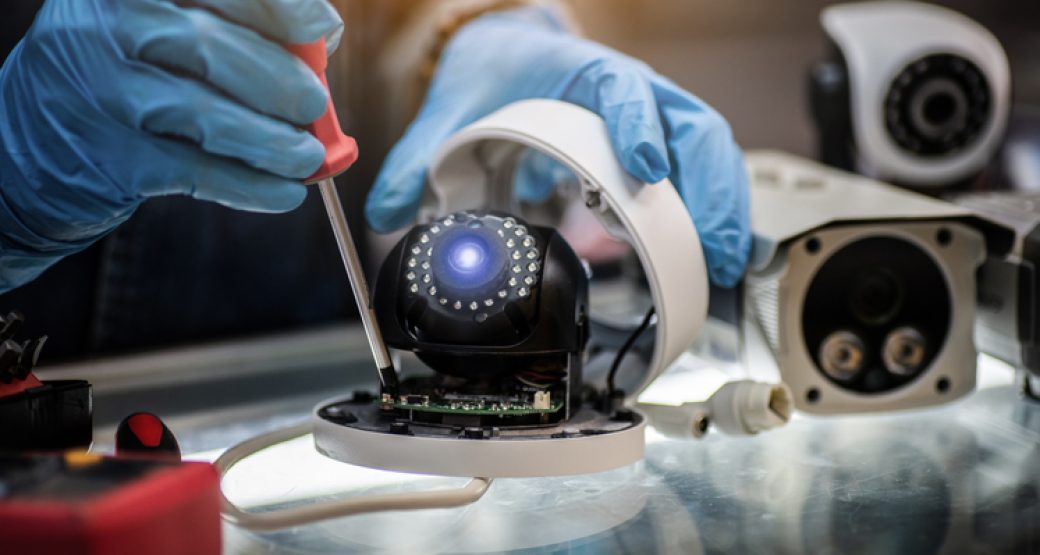
A security camera that appears online is not automatically providing useful surveillance.
The lens may be dirty. The time may be wrong. A tree or sign may block the view. Night footage may be unusable. The recorder may be almost full. A camera may stream live while recording has silently stopped.
A recurring security camera maintenance checklist helps businesses find those problems before footage is needed.
SMART Solutions provides Security Cameras & Surveillance planned around visibility, placement, recording needs, remote access, infrastructure, and long-term usability.
SMART takeaway
Maintain the evidence path, not just the camera.
A reliable surveillance system depends on the view, camera, network, power, recorder, storage, time settings, software, alerts, and access controls all working together.
Quick answer: what should business security camera maintenance include?
Review:
- Lens and dome cleanliness
- Camera position and field of view
- Day and night image quality
- Live view and recorded playback
- Recording schedule and retention behavior
- NVR/VMS storage health
- Firmware and software status
- Network and PoE connectivity
- UPS and backup power
- Time synchronization
- Alerts and health notifications
- User access and remote viewing
Axis’s July 2026 surveillance-maintenance guidance recommends consistent maintenance and specifically calls out firmware/software updates, enclosure damage or corrosion, backup-power testing, and periodic review of camera positions and angles.
Source: Axis Communications — Why Security Camera Maintenance Matters.
1. Clean lenses and domes correctly
Dirt, fingerprints, rain residue, spider webs, dust, and other debris can reduce image quality.
Inspect:
- Lens or dome
- Protective housing
- IR window
- Nearby lighting
- Mounting surface
Follow the camera manufacturer’s cleaning instructions for the exact product.
Avoid harsh chemicals or abrasive materials that can damage coatings or housings.
For outdoor cameras, cleaning frequency may need to increase based on the actual environment.
2. Verify the field of view
Property layouts change.
A new sign, tree growth, shelving, vehicle parking, construction, or relocated equipment can block a camera that was originally installed correctly.
Compare the current view with the security objective:
- Entrance face capture
- Loading area
- Register
- Hallway
- Parking lot
- Perimeter
- Server or equipment room
Axis recommends periodically reevaluating camera positions and angles as property needs change.
3. Test daytime and nighttime footage
Do not test only during business hours.
Review night footage for:
- Excessive darkness
- IR reflection
- Headlight glare
- Motion blur
- Overexposed entrances
- Dirty domes creating IR haze
- Lighting that changed since installation
A camera that looks excellent at noon may fail to capture useful detail at 2 AM.
4. Verify recording, not just live video
Open the recorder or video management system and retrieve footage from:
- Earlier today
- Yesterday
- A previous week if retention should extend that far
- Different cameras
Confirm that recording actually exists for the expected schedule.
Our security camera storage guide explains NVR capacity, retention goals, recording modes, edge storage, and access planning.
5. Review storage health
Check:
- Drive or storage status
- Current utilization
- Retention actually achieved
- Disk warnings
- Failed recording channels
- Archive or export functionality
Retention changes when camera count, resolution, frame rate, recording mode, or scene complexity changes.
Do not assume the original retention estimate still applies after the system expands.
6. Check firmware and VMS software
Camera and recorder software should have an intentional update process.
Review:
- Manufacturer advisories
- Camera firmware
- NVR/recorder software
- VMS clients
- Mobile applications
- Management plugins
- Browser support when relevant
Axis includes firmware and software updates in its periodic maintenance guidance because updates can address security issues, bugs, and features.
Do not update every production system blindly. Maintain backups, compatibility information, and an appropriate maintenance window.
7. Test network and PoE health
IP cameras depend on network infrastructure.
Review:
- Switch port status
- PoE conditions
- Uplink errors
- Packet loss
- Camera disconnect events
- VLAN configuration
- Network capacity
- Cabling and terminations
Our PoE budget planning guide explains why a switch can have enough ports but insufficient power capacity.
For broader infrastructure, see Resilient Infrastructure.
8. Test UPS and backup power
If the surveillance system uses a UPS, test it according to manufacturer and facility procedures.
Include:
- PoE switches
- NVR or server
- Storage
- Network gateway where required
- Monitor or management workstation if needed during an outage
Axis specifically recommends simulating a power outage during a periodic audit to verify that the UPS actually supports the surveillance system.
Also track battery age and replacement status.
9. Verify time synchronization
Correct timestamps matter when footage is reviewed alongside alarms, access logs, payment records, or incident reports.
Check that cameras and recorders use the intended time source and timezone.
Pay attention after:
- Daylight-saving changes
- Device replacement
- Firmware reset
- Network changes
- Power events
The system should present a consistent timeline across cameras.
10. Test health alerts
If the platform supports alerts, verify that they are reaching a monitored destination.
Useful notifications may include:
- Camera offline
- Storage failure
- Recording stopped
- Disk capacity warning
- Device tampering
- Firmware condition
- UPS condition
An alert configured years ago to a former employee’s email is effectively no alert.
11. Review user and remote access
Surveillance access changes as employees, vendors, and managers change.
Review:
- Active users
- Administrators
- Vendor accounts
- Remote viewing
- MFA where supported
- Shared accounts
- Export permissions
Remove access that is no longer required.
Our user access review checklist provides a broader recurring permissions process.
12. Keep a maintenance record
Record:
- Date
- Cameras checked
- Problems found
- Cleaning performed
- Firmware/software changes
- Storage condition
- UPS result
- View changes
- Repairs needed
- Person responsible for follow-up
A maintenance history helps distinguish recurring device problems from one-time issues.
Security camera maintenance FAQ
How often should business security cameras be maintained?
The schedule depends on environment, camera exposure, system criticality, manufacturer guidance, and change rate. Frequent visual/health checks plus deeper periodic audits are more useful than a one-size-fits-all interval.
Can I clean a camera dome with household cleaner?
Use the manufacturer’s cleaning instructions for the specific product. Harsh chemicals or abrasive materials can damage coatings or housings.
Why does live video work if recordings are missing?
Live streaming and recording are separate functions. Storage failures, schedules, recorder problems, permissions, or configuration can affect recording while live video remains available.
Can SMART Solutions maintain or review surveillance systems?
SMART Solutions provides Security Cameras & Surveillance covering planning, installation, recording needs, remote access, infrastructure, and support considerations.
Authoritative source
Test the system before an incident does
Maintenance is the difference between assuming the camera system works and verifying that it does.
Check the view, image quality, recording, storage, firmware, network, power, alerts, and access on a recurring schedule.
For help reviewing a business surveillance environment, contact SMART Solutions.