

Physical Security Assessment for Businesses: A Practical Review Checklist
Use this physical security assessment checklist to review entrances, cameras, alarms, access control, high-risk areas, visitors, lighting, and response procedures.
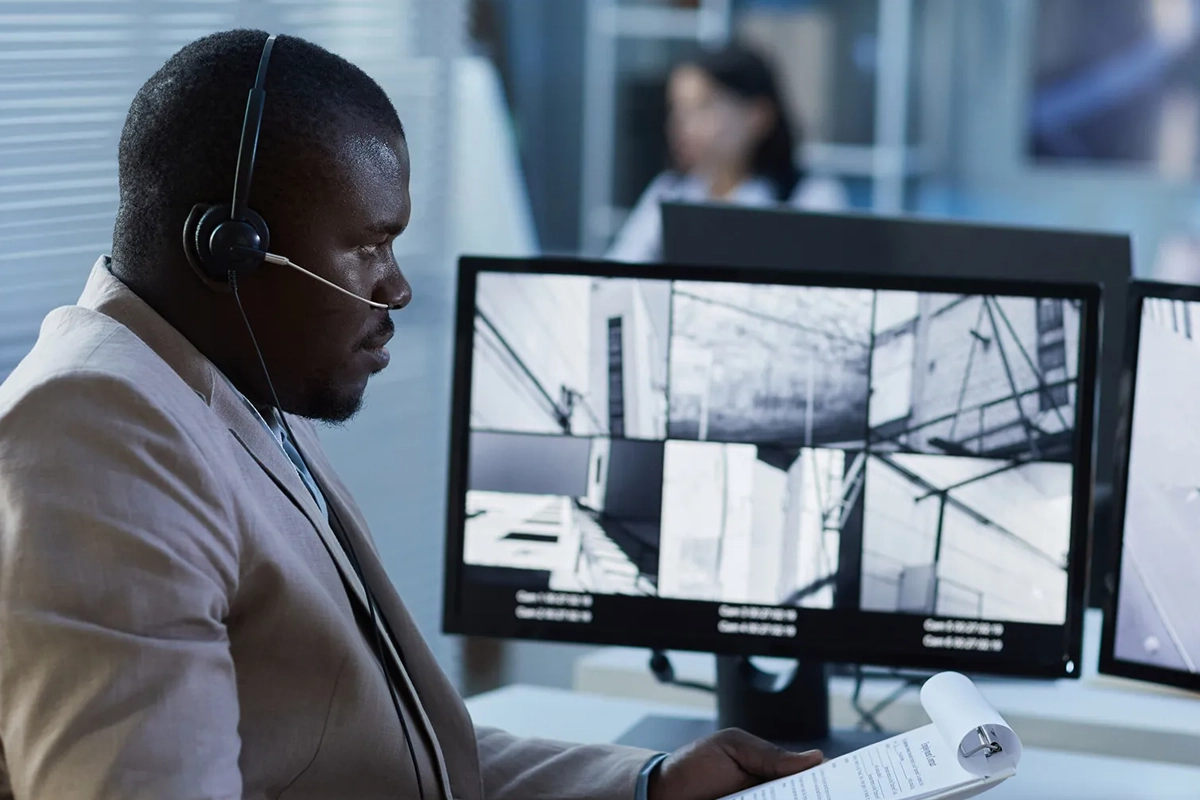
A business can own cameras, alarms, locks, and access-control equipment and still have important gaps.
A camera may face the wrong direction. A side door may not be included in the alarm plan. Former employees may still have credentials. A loading area may be poorly lit. Visitors may reach a sensitive workspace without a defined check-in process. A system may generate alerts without a clear person responsible for responding.
A physical security assessment looks at the property as a system: people, entrances, sensitive areas, cameras, alarms, access control, procedures, and the network technology that supports modern security devices.
SMART Solutions provides security services for businesses and properties, including Security Cameras & Surveillance, Intrusion & Burglar Alarms, and Network & Security Assessments.

SMART takeaway
Assess the path a person takes through the property, not just the equipment mounted on the walls.
A useful review connects entrances, sensitive assets, visitors, cameras, alarms, credentials, lighting, network dependencies, and response procedures into one practical security plan.
Quick answer: what does a physical security assessment review?
A business physical security assessment can review:
- Public, employee, vendor, and delivery entrances
- Doors, windows, gates, and other vulnerable entry points
- Security camera coverage and blind spots
- Alarm sensors, arming zones, and notification paths
- Access-control credentials and sensitive-area permissions
- Visitor and contractor movement
- Server rooms, network closets, cash handling, inventory, records, and other high-risk assets
- Exterior lighting and parking-area visibility
- Remote access to connected security systems
- Response, escalation, testing, and maintenance procedures
NIST CSF 2.0 implementation examples recommend physical controls such as security cameras, locked entrances, alarms, and other measures to monitor facilities and restrict access according to risk.
Source: NIST CSF 2.0 Implementation Examples.
1. Define what needs protection
Start with the business functions and assets that would create the greatest impact if someone accessed, damaged, removed, or disrupted them.
Examples can include:
- People and occupied work areas
- Cash or payment areas
- Inventory and equipment
- Medical, financial, or client records
- Server rooms and network closets
- Building controls
- Security-system equipment
- Loading and receiving areas
- Restricted offices or storage rooms
The assessment should prioritize these areas rather than treating every square foot as equally sensitive.
2. Map every way people enter and move through the property
Walk the site the way an employee, visitor, vendor, delivery driver, or unauthorized person might.
Document:
- Main public entrance
- Employee entrances
- Side and rear doors
- Loading areas
- Gates
- Interior restricted doors
- Stairwells and elevators where relevant
- After-hours paths
- Emergency exits
Then ask whether each path has the right mix of visibility, locking, detection, and procedures.
3. Review camera coverage for purpose, not camera count
More cameras do not automatically mean better coverage.
For every camera, define the purpose. Is it intended to identify a person at an entrance, observe a parking area, document a transaction area, monitor a hallway, or provide situational awareness?
Review:
- Field of view
- Blind spots
- Lighting conditions
- Obstructions
- Image usefulness at the distance that matters
- Recording status
- Time synchronization
- Remote-viewing permissions
SMART Solutions’ Security Cameras & Surveillance process begins by identifying visibility needs and planning camera locations, coverage angles, recording needs, remote access, and infrastructure requirements.
4. Check intrusion detection against the actual layout
Alarm systems should reflect the building and daily routines.
Review which doors and windows are protected, which motion areas are covered, how zones are armed, who receives alerts, and how users handle opening, closing, or alarm events.
If the business has expanded or reconfigured the space, confirm that the alarm design still matches the current layout.
Our commercial burglar alarm planning guide covers entry points, false-alarm reduction, monitoring workflows, backup power, users, integrations, and testing in more detail.
5. Review physical access privileges
Modern access-control systems can reduce dependence on shared keys, but the credential list still needs governance.
Review:
- Active employees and contractors
- Former employees
- Lost or replacement credentials
- Temporary credentials
- Privileged doors and schedules
- After-hours access
- Visitor credentials
- Emergency access
NIST CSF 2.0 includes physical access in its access-management outcomes and recommends reviewing physical privileges periodically and when roles or relationships change.
This connects directly with our user access review checklist because digital and physical permissions often change for the same employee or vendor at the same time.
6. Inspect high-risk rooms separately
A front door and a server room do not require the same controls.
NIST recommends additional physical security controls for areas containing higher-risk assets.
For server rooms, network closets, inventory storage, records rooms, or other sensitive spaces, consider whether access is limited, logged, visible, and physically protected in proportion to the risk.
7. Include visitors, vendors, and deliveries
Physical security is often weakest around legitimate visitors because staff want to be helpful.
Define how the business handles:
- Visitor arrival and check-in
- Vendor access to work areas
- Deliveries
- After-hours contractors
- Escort requirements for sensitive areas
- Temporary credentials
- Credential return or expiration
NIST’s current implementation examples specifically mention escorting guests, vendors, and other third parties within areas containing business-critical assets.
8. Review exterior conditions and visibility
Security technology has to work with the property.
Walk the exterior after dark if the business operates or receives deliveries at night. Look for poor lighting, landscaping or objects that block views, isolated entrances, unsecured equipment, and camera positions that become ineffective because of glare or darkness.
The objective is not to eliminate every possible risk. It is to identify conditions that unnecessarily reduce visibility or increase opportunity.
9. Check the network behind connected security devices
Modern cameras, access-control systems, and alarms often depend on switches, PoE power, internet connectivity, cloud portals, or remote access.
Review whether the network has enough capacity, whether security devices are segmented appropriately, whether management interfaces are protected, and who can remotely administer the system.
Our article on why security cameras, networking, and cybersecurity should work together explains those dependencies in more detail.
10. Verify the response process
A sensor or camera cannot decide what the business should do next.
For important events, define:
- Who receives the alert?
- Who verifies the event?
- When should staff escalate internally?
- When should emergency services or the monitoring provider be contacted?
- How is the event documented?
- Who restores the system to normal operation afterward?
Review contact information periodically so alerts do not go to former employees.
11. Test and maintain the system
Security controls can degrade quietly.
Create a recurring process for checking camera recording, storage, sensor status, access-control events, battery conditions, backup power, user lists, remote access, and alert delivery.
Document failures and assign follow-up ownership rather than assuming someone else will handle them.
Physical security assessment FAQ
Is a physical security assessment the same as a cybersecurity assessment?
No. Physical assessments focus on facilities, people, entry, surveillance, alarms, and physical controls. Cybersecurity assessments focus more heavily on devices, accounts, networks, software, and data. Connected security systems make the two disciplines overlap.
Does a business need cameras everywhere?
No. Camera placement should follow specific visibility and evidence needs. The right design depends on layout, risk, lighting, privacy, and operational goals.
Should access control replace burglar alarms?
Not necessarily. Access control manages authorized entry; intrusion alarms detect conditions associated with unauthorized entry. Many businesses use both for different purposes.
When should the assessment be repeated?
Reassess after major construction, expansion, changes in business use, security incidents, new high-value assets, or significant system changes, and review key controls on a recurring basis.
Authoritative sources
- NIST CSF 2.0 Implementation Examples
- NIST CSF 2.0 reference mapping for physical access controls
- NIST SP 800-171 Rev. 3 — Monitoring Physical Access
Turn the assessment into priorities
A useful assessment ends with a roadmap: which gaps need immediate attention, which improvements belong in the next project, and who owns each action.
Explore SMART Solutions Security services or contact us to review the physical and connected technology around your property.