

Why Your Security Cameras, Network, and Cybersecurity Should Work Together
Learn why cameras, networks, access control, cybersecurity, backups and communications work better as one coordinated business security system.
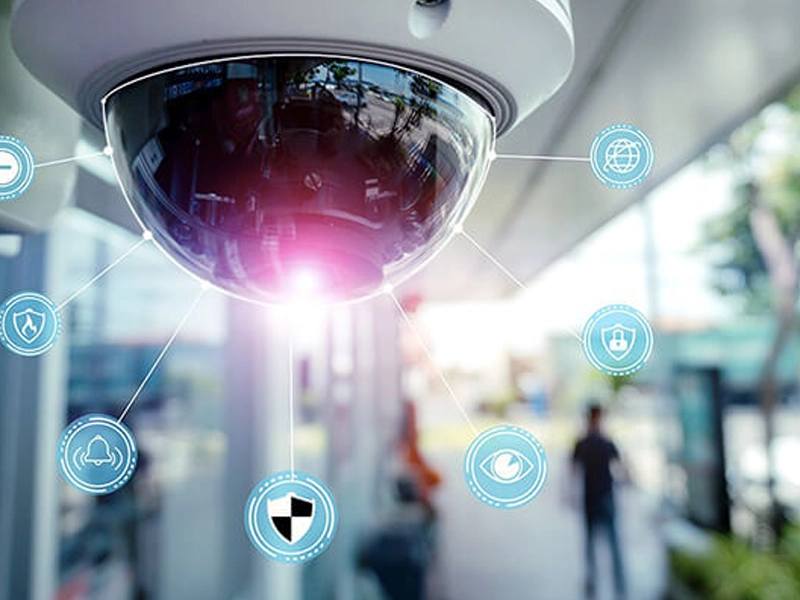
Many small businesses invest in technology one piece at a time. They install security cameras, upgrade Wi-Fi, add a phone system, buy computers, set up email, connect smart devices, and maybe add cybersecurity tools later.
Each system may work on its own, but that does not always mean the business is truly protected.
Modern business security is not only about cameras. It is not only about antivirus. It is not only about internet speed. Real protection happens when your physical security, network, cybersecurity, backups, access control, and communications are planned to work together.
For small businesses, disconnected technology can create blind spots. A camera system may record video, but the network may be unstable. A firewall may exist, but employees may still fall for phishing emails. A phone system may work, but there may be no plan if the internet goes down. A backup may exist, but no one has tested whether it can actually restore important data.
That is why connected security matters.
SMART Solutions helps businesses connect security systems, networking and connectivity, VoIP telecommunications, automation, and backup planning into one stronger technology foundation.

SMART takeaway
Your business is safer when your systems work together.
Security cameras, networks, cybersecurity, access control, backups, and communications should not be treated as separate projects. They should support one connected protection strategy.
Security is no longer just a camera on the wall
Security cameras are important, but they are only one part of a complete protection plan.
A camera may help you see what happened, but it does not automatically protect your business from weak passwords, poor Wi-Fi coverage, outdated devices, ransomware, unauthorized access, or internet outages.
Many businesses believe they are protected because they have cameras installed. The problem is that cameras depend on the rest of the technology environment.
A camera system needs:
- A reliable network connection
- Proper cabling or stable wireless coverage
- Secure passwords and user permissions
- Enough storage for video retention
- Remote access configured safely
- Power protection and backup planning
- Routine maintenance and updates
If one of those pieces is weak, the system may fail when the business needs it most.
That is why camera planning should be connected to your Security services and your Network & Connectivity strategy from the beginning.
The problem with disconnected systems
Disconnected technology usually happens slowly.
A business may start with a basic internet setup. Later, it adds cameras. Then a VoIP phone system. Then smart locks. Then a new computer. Then cloud storage. Then a backup solution. Then a few automation tools.
Over time, the business ends up with several systems that were never planned together.
Disconnected systems can create problems such as:
- Slow or unreliable camera access
- Wi-Fi dead zones in important areas
- Security devices using weak or shared passwords
- Remote access that is not properly protected
- No clear plan for outages or downtime
- Backups that are not monitored or tested
- Employees unsure what to do during an incident
- Too many apps, logins, dashboards, and vendors
The result is a business that looks connected but still has serious gaps.
For small businesses, these gaps can affect daily operations, customer service, security, and productivity at the same time.
Your network is the foundation of your security
A strong security system depends on a strong network.
Security cameras, access control systems, VoIP phones, workstations, cloud tools, smart devices, printers, and business applications all rely on the network. If the network is poorly designed, every connected system can suffer.
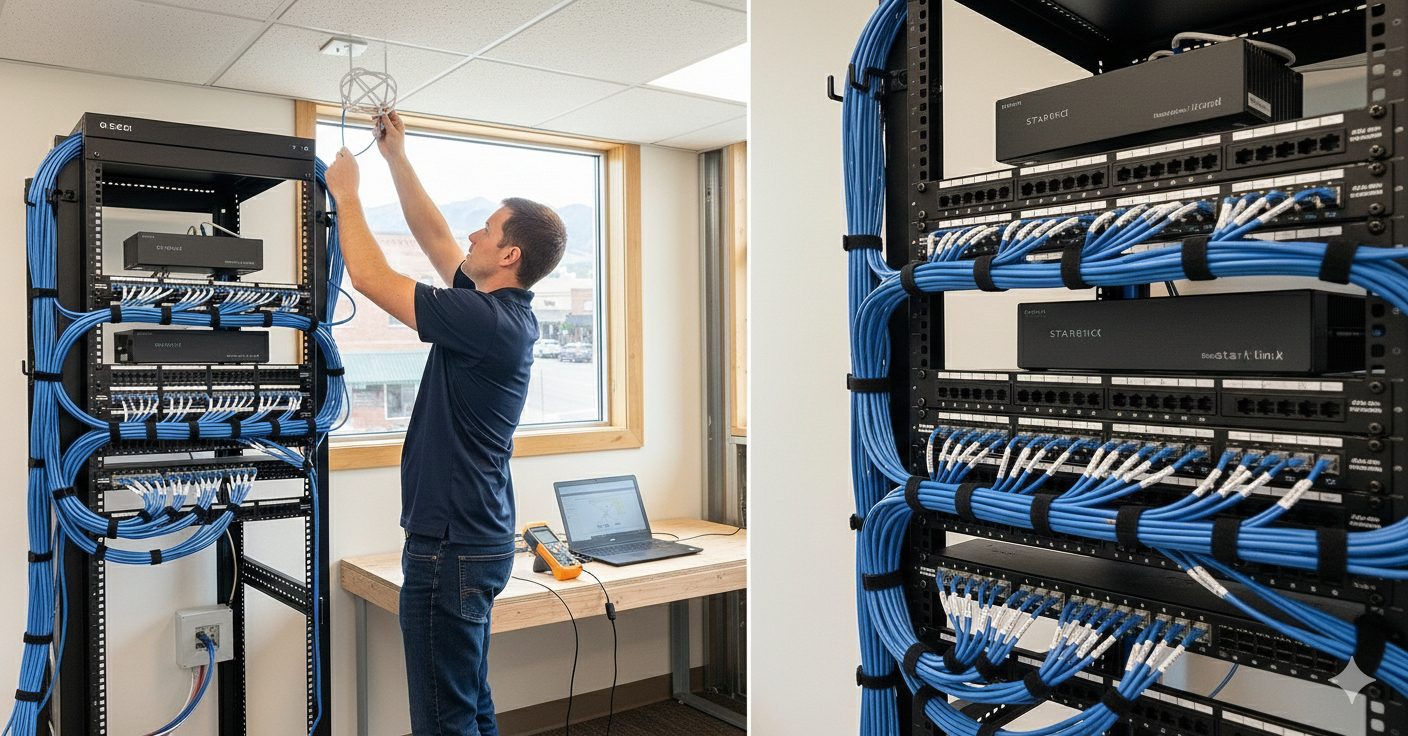
Your network affects:
- Camera video quality
- Remote access reliability
- Phone call quality
- Cloud application performance
- Wi-Fi coverage for staff and guests
- Security device communication
- System monitoring and alerts
- Business continuity during busy hours
A business can have high-quality cameras, but if the network is unstable, the experience will still be poor.
A business can have modern cloud tools, but if Wi-Fi coverage is weak, the team will still lose productivity.
A business can have cybersecurity software, but if devices are unmanaged and employees use unsafe access methods, the risk remains.
If your cameras, phones, cloud apps, or office devices depend on the same infrastructure, your network and connectivity should be reviewed before adding more devices.
Network reality
Your network is not just internet. It is the backbone of your business technology.
A reliable network helps your cameras, phones, computers, cloud tools, automation systems, and cybersecurity protections work the way they should.
Cybersecurity protects what cameras cannot see
Physical security helps protect your space. Cybersecurity helps protect your data, systems, accounts, and operations.
A camera can show who entered the building, but it cannot stop a phishing email. An access control system can limit entry to a room, but it cannot protect a weak Microsoft 365 password. A smart office system can automate routines, but it cannot replace endpoint protection, backups, or employee training.
Cybersecurity is essential because many business risks now happen digitally.
Common cybersecurity risks for small businesses include:
- Phishing emails that trick employees into clicking unsafe links
- Weak or reused passwords
- Missing multi-factor authentication
- Outdated computers or software
- Unsecured remote access
- Unmonitored backups
- Employees using unapproved apps or devices
- No clear response plan after a suspicious event
Cybersecurity should not be an afterthought. It should be built into the way your business uses technology every day.
For businesses that use cloud applications, email, remote access, connected cameras, and business devices, cybersecurity planning should be part of the same conversation as physical security.
Access control, cameras, and cybersecurity should support each other
Access control helps decide who can enter specific areas. Cameras help verify activity. Cybersecurity helps protect the systems that manage those tools.
When these systems are planned together, the business gets a stronger security picture.
For example:
- An employee enters through an access-controlled door.
- The camera records activity around that entrance.
- The network securely connects the camera and access control system.
- User permissions determine who can review footage or manage access.
- Cybersecurity protections help prevent unauthorized remote access.
- Backup and monitoring systems help preserve important records if something goes wrong.
This is the difference between simply installing devices and building a real security environment.
Access control, cameras, and cybersecurity should be planned together through a complete Security services approach.
Business phones are part of the security conversation too
Telecommunications often gets overlooked in security planning.
But for many small businesses, the phone system is one of the most important parts of daily operations. Customers call for appointments, service questions, quotes, emergencies, billing, and support.
If your phone system is unreliable, the business can lose opportunities and customer trust.
VoIP phone systems depend on:
- Reliable internet service
- Proper network configuration
- Quality of Service settings when needed
- Secure user accounts
- Backup call routing options
- Clear voicemail and call handling rules
- Support when devices or extensions change
A connected technology plan should include phones, not treat them as a separate issue.
If calls drop, voicemail is inconsistent, or the phone system is not connected to your daily workflow, review your VoIP and Telecommunications setup together with your network.
Automation can make security easier to manage
Automation helps businesses simplify repeated actions. In security and IT, automation can support consistency.
For example, automation can help with:
- Scheduled lighting routines
- Camera or door event notifications
- Automatic reminders for maintenance tasks
- Follow-up workflows after website forms
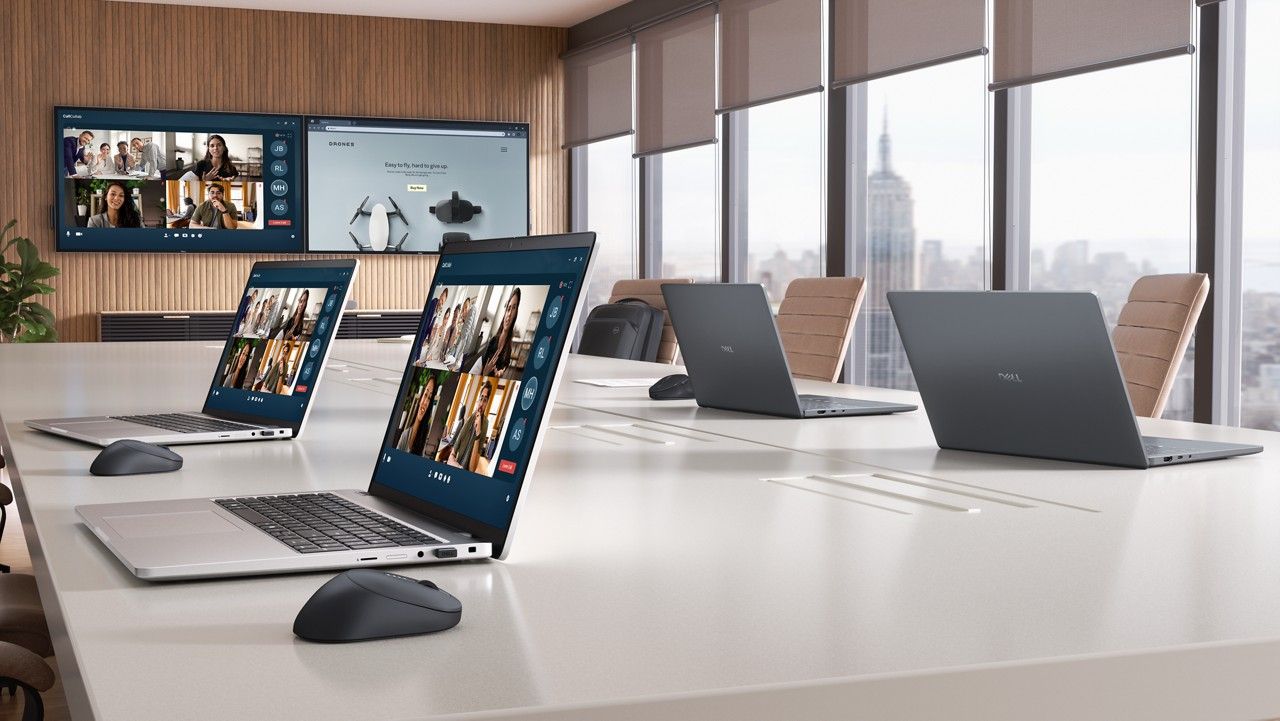
- Conference room technology presets
- Device alerts and support notifications
- Daily or weekly operational checklists
Automation is not about making the business more complicated. It is about reducing manual steps and helping technology behave more predictably.
Automation insight
The best automation is the one your team actually uses.
Security and office automation should be designed around real routines: opening, closing, meetings, customer follow-up, alerts, and daily operational tasks.
SMART Solutions can help connect automation with your security, communication, and support workflows so the system is easier for your team to use.
What a connected business technology plan should include
A small business does not need enterprise-level complexity. It needs a practical plan that covers the essentials.
A strong technology plan should include:
- Security cameras designed around real coverage needs
- A reliable wired and wireless network
- Secure remote access practices
- Access control where restricted entry matters
- Cybersecurity protection for users and devices
- Multi-factor authentication for important accounts
- Cloud and local backup planning where needed
- VoIP and communication systems that support daily operations
- Documentation for devices, passwords, vendors, and support
- A clear response plan for outages or suspicious activity
The goal is not to buy every possible tool. The goal is to build a system that fits the business.
Warning signs your systems are not working together
Many businesses do not realize their technology is disconnected until something breaks.
Watch for these warning signs:
- Camera footage is hard to access when needed
- Wi-Fi works in some areas but not others
- Employees share passwords or use simple logins
- Remote access was set up quickly and never reviewed
- Phone calls drop or sound poor during busy hours
- No one knows whether backups are working
- Different vendors manage different systems with no coordination
- Security alerts are ignored because no one owns the process
- New devices are added without documenting them
- The business has no clear plan for downtime
If several of these sound familiar, the issue may not be one device. The issue may be the lack of a connected strategy.
Important reminder
A technology problem is often a process problem.
When cameras, networks, phones, backups, and cybersecurity tools are managed separately, small issues can become bigger business interruptions.
A simple roadmap for improving business protection
Improving your security and IT environment does not have to happen all at once. The best approach is to assess, prioritize, and improve step by step.
- Review your current cameras, network, phones, computers, cloud tools, backups, and security systems.
- Identify the biggest risks, such as weak access, poor coverage, unreliable Wi-Fi, missing backups, or unprotected accounts.
- Prioritize the systems that affect daily operations and customer experience the most.
- Create a plan that connects physical security, cybersecurity, networking, communications, and automation.
- Document devices, users, permissions, vendors, passwords, warranties, and support responsibilities.
- Train your team so employees know what to do during suspicious emails, outages, access issues, or security events.
- Monitor and maintain the environment so the system keeps working as the business changes.
This roadmap helps move the business away from reactive fixes and toward a more reliable technology foundation.
A good first step is a full review of your Security and Network & Connectivity environment.
How SMART Solutions helps
SMART Solutions helps small businesses design, install, connect, and support the technology systems that protect daily operations.
Our approach is built around practical business needs. We look at how your team works, how customers communicate with you, where your risks are, and what systems need to work together.
We help businesses with:
- Security camera systems
- Network design and connectivity
- Wi-Fi planning and troubleshooting
- Access control solutions
- Cybersecurity and endpoint protection
- Cloud backups and business continuity planning
- VoIP telecommunications
- Smart office automation
- Website, media, and digital workflow support
- Ongoing technology support as the business grows
Instead of treating each system as a separate project, SMART Solutions helps connect the full technology environment so it is easier to manage, safer to use, and better prepared for daily business demands.
SMART Solutions approach
We help businesses build connected technology systems, not isolated devices.
From cameras and networks to cybersecurity, phones, automation, and backups, our goal is to help your business operate with more protection, reliability, and control.
Your business deserves more than disconnected technology
A camera system is valuable. A secure network is valuable. A reliable phone system is valuable. Cybersecurity is valuable. Backups are valuable.
But the real strength comes when these systems are planned together.
Small businesses do not need more complexity. They need technology that is easier to manage, safer to use, and aligned with how the business actually operates.
The right connected security and IT plan can help your business:
- Improve visibility
- Reduce downtime
- Protect customer and business data
- Strengthen employee productivity
- Support better communication
- Respond faster to issues
- Prepare for future growth
This is especially important for small businesses, professional offices, dental practices, healthcare facilities, and general contractors that depend on secure, reliable systems every day.
Ready to connect your security and IT systems?
SMART Solutions can help you review your current technology, identify weak points, and create a practical plan for cameras, networking, cybersecurity, telecommunications, automation, and business continuity.
Ready to get started?
Protect your business with technology that works together.
Start with a technology assessment. We will help you understand what is working, what is exposed, and what should be connected next.
Contact SMART Solutions to schedule a technology assessment.