

Network Monitoring for Small Businesses: What to Watch, Alert On, and Review
Learn what small businesses should monitor across internet links, firewalls, switches, Wi-Fi, servers, devices, logs, capacity, and alerts without drowning in noise.
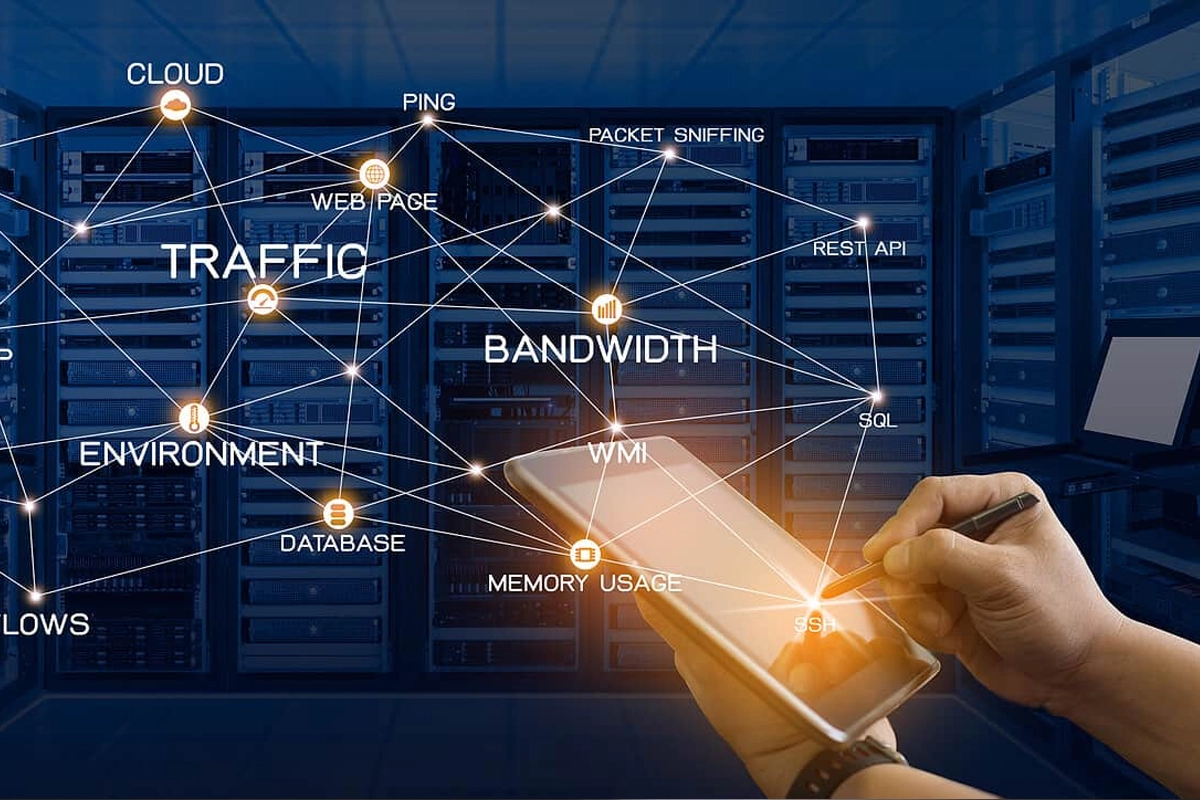
A network can be “up” while the business experience is already getting worse.
Internet packet loss increases. A switch port starts producing errors. An access point becomes overloaded. A backup link is down but nobody notices because the primary circuit still works. A firewall logs repeated authentication attempts. A server slowly fills its storage.
Network monitoring turns those conditions into signals the business can review before every problem becomes a help-desk emergency.
SMART Solutions provides Networking services for design, installation, security, optimization, maintenance, and support. A Network & Security Assessment can also help identify weak points and establish priorities before monitoring is expanded.
SMART takeaway
Monitoring is useful when every alert has context, ownership, and an action.
Collecting thousands of metrics is not the goal. Start with the systems the business depends on, define normal behavior, alert on meaningful changes, and review trends before capacity or reliability problems become urgent.
Quick answer: what should a small business monitor?
A practical starting point can include:
- Primary and backup internet connectivity
- Firewall availability and significant security events
- Switch and uplink status
- Wi-Fi access point health, client load, and coverage-related signals
- Servers and critical services
- Backup success and failures
- Storage and capacity thresholds
- Important device availability
- Authentication and privilege-related events
- Environmental or UPS alerts where relevant
CISA recommends logging activity on servers, firewalls, endpoints, and cloud services, centralizing logs where practical, setting alerts for high-risk events, and reviewing logs regularly.
Source: CISA — Use Logging on Business Systems.
1. Begin with business dependencies
Before choosing a monitoring platform, list what the company cannot operate without.
Examples:
- Internet connectivity
- Cloud applications
- VoIP phone system
- File or application servers
- Wi-Fi
- Point-of-sale systems
- Security cameras
- Access control
- Backup infrastructure
- Remote-access services
For each dependency, identify an owner and what “unavailable” means to the business.
Our IT asset inventory guide can help identify the systems that should appear on this list.
2. Monitor the internet connection from more than one perspective
A simple up/down test does not explain every internet problem.
Useful signals can include:
- Link availability
- Latency
- Packet loss
- Interface errors
- Bandwidth utilization
- WAN failover state
- Public-service reachability
If the company has backup connectivity, monitor the secondary path too. A backup circuit that silently failed months ago is not a real continuity plan.
Our business internet redundancy guide explains why failover paths should be tested rather than assumed.
3. Watch firewall health and significant events
The firewall sits at an important control point between business networks, internet connections, remote access, and often multiple network segments.
Monitor:
- Device availability
- WAN interfaces
- VPN status
- Resource or capacity warnings
- Administrative logins
- Configuration changes
- Repeated authentication failures
- Relevant threat or security events
Do not interpret every blocked connection as an incident. Firewalls routinely block unwanted traffic. The monitoring process should focus on patterns, high-risk events, and changes that require action.
For configuration and review questions, see our firewall management guide.
4. Monitor switches and uplinks
Switches connect workstations, access points, phones, cameras, servers, and other devices.
Useful operational signals include:
- Port up/down state for critical devices
- Uplink status
- Interface errors
- Unexpected speed or duplex changes
- PoE power conditions
- High utilization
- Device temperature or hardware alarms where supported
A single access port going down may be routine. A core uplink flapping repeatedly deserves a different priority.
5. Treat Wi-Fi as infrastructure, not just a signal-strength icon
Wireless monitoring should help answer:
- Are access points online?
- Are too many clients concentrated on one AP?
- Are channels heavily utilized?
- Are users repeatedly reconnecting?
- Are there authentication failures?
- Is the issue isolated to one location or widespread?
- Is the wired uplink healthy?
SMART Solutions’ WiFi Network Improvements service focuses on coverage, performance, security, voice readiness, and growth planning.
A monitoring tool does not replace a wireless design review. It helps identify where experience and infrastructure need closer investigation.
6. Add server and service monitoring
A server that responds to ping can still have a failed application, full disk, or stopped service.
For critical systems, consider:
- CPU and memory trends
- Disk capacity
- Important services
- Application or database status
- Backup jobs
- Security-agent status
- Certificate expiration
- Hardware alerts
Our server maintenance checklist connects monitoring with patching, backup verification, capacity, access, and lifecycle planning.
7. Establish a baseline before tuning alerts
CISA describes logging and monitoring as a way to build a picture of normal behavior so unusual activity is easier to recognize.
A baseline can include:
- Normal business-hour traffic
- Typical internet utilization
- Expected Wi-Fi client counts
- Normal backup completion times
- Standard administrative activity
- Typical server resource use
Without context, the same threshold may create constant noise in one environment and miss a real problem in another.
8. Use severity levels
Not every alert should wake someone up.
A simple model might separate:
The exact model can be simple. The important part is that people understand what each level means.
9. Define who owns each alert
An alert without an owner is just another notification.
For each important alert, document:
- Who receives it
- What the first check should be
- When it should be escalated
- Which vendor or internal contact may be needed
- How resolution is documented
This is especially important when internet carriers, software vendors, phone providers, and managed IT support share responsibility for different layers.
10. Protect the monitoring system
Monitoring platforms can see a lot about the environment.
Protect them with:
- Individual administrator accounts
- MFA where supported
- Least privilege
- Secure remote access
- Log retention appropriate to business needs
- Controlled integrations
- Regular access review
CISA also recommends protecting logs from unauthorized access or deletion.
11. Review trends, not just incidents
Weekly or monthly reviews can reveal slow-moving problems such as:
- Storage growth
- Rising bandwidth utilization
- Increasing wireless client density
- Recurring WAN instability
- Repeated device reboots
- Growing authentication failures
- Aging hardware producing more alerts
That is where monitoring becomes a planning tool instead of only an outage tool.
12. Connect monitoring to maintenance
If monitoring repeatedly identifies the same issue, create a maintenance action.
Examples:
- Replace a failing switch
- Add Wi-Fi capacity
- Upgrade an internet circuit
- Correct a backup problem
- Patch a vulnerable service
- Replace unsupported hardware
- Adjust a noisy threshold
Monitoring should lead to decisions.
Network monitoring FAQ
Does a small business need a full security operations center to monitor its network?
No. The scope should match the environment and risk. Small businesses can start with critical infrastructure, meaningful alerts, and a clear review process.
Is monitoring the same as a network assessment?
No. Monitoring observes ongoing state and events. An assessment is a structured review of architecture, configuration, risk, coverage, and priorities. They can complement each other.
How often should logs be reviewed?
High-risk events may require immediate alerting, while routine logs and trends can be reviewed on a recurring schedule. The frequency should reflect system criticality, risk, and business requirements.
Can SMART Solutions help with network monitoring and maintenance planning?
SMART Solutions provides Networking services and Network & Security Assessments that can help businesses understand infrastructure, reliability, security, and ongoing support needs.
Authoritative sources
- CISA — Use Logging on Business Systems
- CISA — Small and Medium-Sized Business Resources
- NIST — Cybersecurity Framework 2.0
Turn signals into actions
Start with the systems the business depends on. Monitor the connections and services that matter. Create useful thresholds, assign owners, and review trends before they become emergencies.
For help reviewing or improving your business network, contact SMART Solutions.