

Call Recording in Florida: 10 Things Businesses Should Plan Before Enabling VoIP Recording
Learn what Florida businesses should plan before enabling VoIP call recording, including consent, recording scope, permissions, retention, security, testing, and 3CX controls.

Call recording can be useful for quality reviews, training, dispute research, customer-service coaching, and documenting important conversations.
But for a Florida business, the technical question — Can the phone system record this call? — should never be confused with the legal and operational question — Should this call be recorded, and under what approved process?
Florida’s current communications statute makes that distinction especially important. The general rule in Florida Statutes § 934.03 allows interception when all parties to the communication have given prior consent, while the statute also contains specific exceptions for particular circumstances.
That means a business should plan consent, scope, access, retention, security, and testing before turning on automatic recording across extensions or queues.
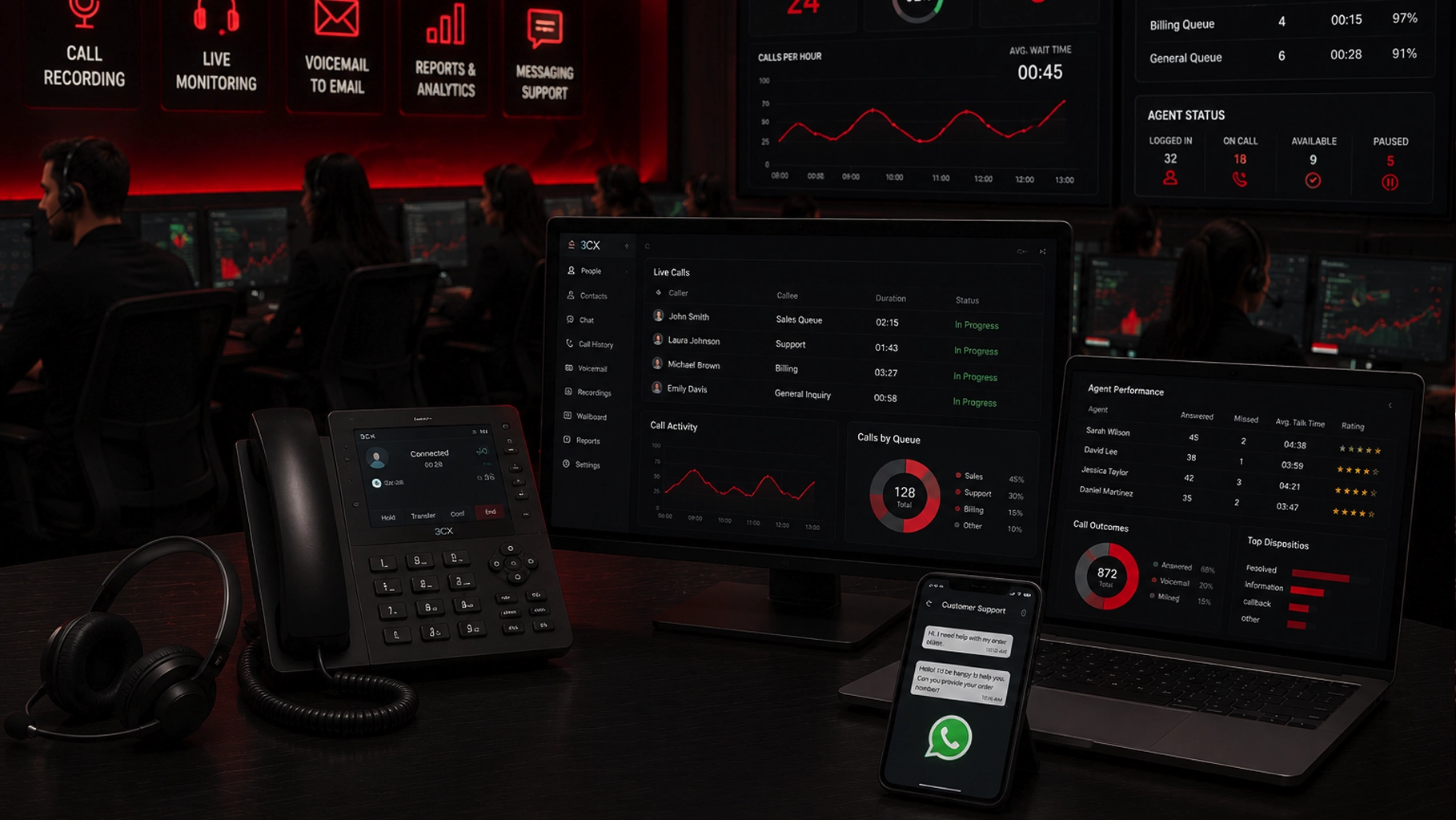
SMART Solutions provides Call Center & Customer Communication capabilities that can include call recording, monitoring, voicemail-to-email, wallboards, reports, callback tools, and messaging. Our VoIP Phone Systems are built around 3CX-powered business communications, including call queues, IVR, ring groups, mobile and desktop access, and business integrations.
SMART takeaway
A recording toggle is not a recording policy.
Decide why calls are being recorded, which calls are in scope, how consent will be handled, who may access recordings, how long recordings are retained, and how the workflow will be tested before enabling the feature broadly.
Quick answer
A Florida business planning VoIP call recording should address at least these ten questions before rollout:
- What is the legitimate business purpose? Define why recording is needed instead of recording everything by default.
- What consent process has legal counsel approved? Florida's general statutory rule requires prior consent from all parties.
- Which inbound and outbound calls are in scope? Map queues, departments, extensions, mobile users, transfers, conference calls, and interstate calls.
- Should recording be automatic, selective, or user-controlled? Match the technical setting to the approved policy.
- Who can start, stop, view, or delete recordings? Use role-based access rather than broad permissions.
- How will callers and employees be informed? The approved consent workflow must work before recording starts.
- How long will recordings be kept? Create a retention rule tied to a real business or legal need.
- How will recordings be protected? Treat recordings as business data that may contain sensitive information.
- What happens to transcripts or exported copies? Derived data needs the same governance discussion as the original recording.
- How will the system be tested and reviewed? Validate real call flows instead of assuming the configuration works because a checkbox is enabled.
This article is practical technology-planning guidance, not legal advice. Florida businesses should have qualified legal counsel review their specific call-recording use case, consent language, interstate-call considerations, industry obligations, and retention requirements.
What Florida’s current call-recording law says
Florida Statutes § 934.03 regulates interception and disclosure of wire, oral, and electronic communications.
The current 2026 Florida Statutes state in § 934.03(2)(d) that interception is lawful when all parties to the communication have given prior consent.
Source: Florida Senate — 2026 Florida Statutes § 934.03
The same statute contains specific exceptions for particular situations. That is one reason a business should not reduce legal review to a slogan such as “Florida is a two-party state” and assume every possible call fits the same fact pattern.
For normal business planning, the practical lesson is straightforward:
Do not treat the existence of a recording feature as authorization to use it in every situation.
1. Define why the business needs recordings
Start with purpose.
Common business reasons may include:
- Quality-assurance reviews
- Customer-service coaching
- Training examples
- Reviewing disputed instructions or commitments
- Documenting call-handling procedures
- Supervisory review in a call-center environment
A defined purpose helps answer almost every question that follows.
If the business only needs to review calls in one customer-service queue, there may be no operational reason to record every employee, every internal call, every vendor conversation, and every outbound call.
The Federal Trade Commission recommends that businesses make deliberate decisions about the information they collect, how long they keep it, and who can access it. It also recommends retaining sensitive information only as long as there is a legitimate business or legal reason to keep it.
Source: FTC — Protecting Personal Information: A Guide for Business
Record because there is a reason — not because storage is available.
2. Have the consent workflow reviewed before configuration
The business should decide the consent process with qualified counsel before the phone administrator builds the production call flow.
Questions for that review can include:
- What notice or consent process is appropriate for inbound calls?
- What process is appropriate for outbound calls?
- What happens when another participant joins a conference call?
- What happens when a call is transferred between recorded and non-recorded destinations?
- What should employees do if a participant does not consent?
- Which calls, if any, should be excluded from recording?
- How should interstate calls be handled?
- Do industry-specific rules create additional requirements?
Interstate calls deserve special attention because participants may be in different jurisdictions. The phone-system administrator should not be expected to make choice-of-law decisions during configuration.
A practical approach is to have legal counsel approve the policy and consent workflow, then translate those requirements into IVR prompts, queue behavior, extension settings, staff procedures, and testing criteria.
Our auto-attendant and call-routing guide explains how IVR, queues, ring groups, office hours, and fallback destinations are typically mapped around caller intent. Recording requirements should be added to that call-flow design rather than bolted on afterward.
3. Map every call path before deciding the recording scope
A business phone system rarely has one call path.
A customer may:
- Call a main number.
- Hear an IVR.
- Enter a sales queue.
- Transfer to accounting.
- Add another participant.
- Continue the conversation from a mobile app.
An employee may make an outbound call from a desk phone, desktop app, browser, or mobile app.
Before enabling recording, document:
- Inbound numbers and DIDs
- IVR destinations
- Queues and ring groups
- Departments
- Direct extensions
- Outbound calling paths
- Mobile and remote users
- Transferred calls
- Conference calls
- After-hours and overflow destinations
Then label which paths are intended to be recorded and which are not.
That map becomes both a configuration document and a test plan.
4. Choose automatic, selective, or user-controlled recording intentionally
Current 3CX documentation provides per-user controls that can set call recording to off, external calls only, or all calls. It also supports a separate permission that lets authorized users start and stop recording during an active call.
Source: 3CX — Granular Control of Call Information, Presence and Call Operations
That means a business has several possible operating models.
Automatic recording
Useful when an approved policy requires consistent recording for a defined queue or role.
Potential benefit: consistency.
Potential risk: the system may record more situations than the business actually needs if the scope is too broad.
Selective recording
Useful when only particular departments, external calls, or workflows need recording.
Potential benefit: less unnecessary data.
Potential risk: configuration becomes more detailed and needs stronger testing.
User-controlled recording
Useful when recording is appropriate only in specific situations and staff are trained to follow the approved consent process.
Potential benefit: flexibility.
Potential risk: inconsistent use or human error.
There is no universal best option. The correct model depends on the business purpose, approved legal process, operational workflow, and ability to train users.
5. Control who can start, stop, view, and delete recordings
A recording can contain customer names, phone numbers, financial discussions, health information, account details, business strategies, complaints, or other sensitive content.
Access should therefore be intentional.
Current 3CX documentation includes separate controls for:
- Whether an extension records calls
- Whether a user can start and stop recording
- Whether recordings are visible to specified management roles
- Whether a user may delete recordings
Source: 3CX — Recording permissions
The FTC recommends applying least privilege to business data: employees should have access only to the information needed for their jobs.
Source: FTC — Protecting Personal Information
Ask:
- Does every supervisor need access to every recording?
- Who can export or download a recording?
- Who can delete one?
- Should agents be able to start and stop recording themselves?
- What happens to permissions when an employee changes roles or leaves the company?
- Who periodically reviews recording access?
Treat recording permissions like other sensitive business-data permissions, not like a convenience setting.
6. Do not confuse an administrative notification with caller consent
This detail matters in 3CX.
The current 3CX permissions documentation includes a setting called Call Recording Notification. According to the documentation, that setting sends the user an email with the recording link and, when enabled, transcription information.
It is an administrative/user notification feature.
It should not be assumed to be the legal consent notice presented to the people on the call.
Source: 3CX — Granular Control of Call Information, Presence and Call Operations
If the approved process requires a pre-call announcement, IVR message, agent statement, affirmative response, or another consent mechanism, that workflow needs to be designed and tested separately.
Configuration warning
Feature names are not legal conclusions.
Confirm exactly what a phone-system setting does, then compare that behavior with the consent process approved for the business. Never assume a setting with “notification” in its name automatically satisfies a legal recording requirement.
7. Set a retention period instead of keeping recordings forever
Recording storage tends to grow quietly.
A business may begin with a few calls, then discover months later that it has accumulated thousands of audio files and possibly transcripts.
Define:
- Which recordings must be retained
- The business or legal reason for retaining them
- How long each category should be kept
- Who can authorize a legal or operational hold
- When normal deletion resumes
- How exported copies are handled
- How deletion is verified
The FTC advises businesses to keep sensitive data only as long as there is a business reason to have it and, when information must be retained, to create a written records-retention policy covering what is kept, how it is secured, how long it is kept, and how it is disposed of.
Source: FTC — Protecting Personal Information: A Guide for Business
Retention should be a policy decision, not simply the maximum storage period supported by the platform.
8. Protect recordings like sensitive business data
The recording itself is only one copy of the information.
Other copies can appear when someone:
- Downloads the audio.
- Emails a recording link.
- Exports a file for a manager.
- Attaches a recording to a CRM record.
- Creates a transcript.
- Copies transcript text into another system.
- Uses a recording for training.
That creates a data-governance problem, not just a phone-system problem.
The FTC recommends restricting access to sensitive data on a need-to-know basis and limiting administrative access to the people responsible for that function.
Source: FTC — Start with Security: A Guide for Business
A recording-security review can include:
- Administrative account protection
- Strong authentication for recording access
- Role-based permissions
- Export/download controls where available
- Offboarding procedures
- Audit or access review
- Storage and backup behavior
- Secure disposal after the retention period
Our phishing-resistant MFA guide explains why privileged and sensitive accounts should be prioritized for stronger authentication where supported.
9. Treat transcripts and AI-derived data as part of the recording workflow
Modern communication platforms increasingly offer transcription, summaries, analytics, or AI-assisted review.
That can be useful, but it also means one recorded call may create several data objects:
- Original audio
- Transcript
- Summary
- Extracted action items
- CRM notes
- Analytics or quality-review data
The current 3CX documentation notes that a recording notification email can include transcription when transcription is activated.
Source: 3CX — Recording permissions
Do not create a 30-day audio-retention policy while accidentally retaining transcripts forever in another platform.
Ask where each derivative is stored, who can access it, how long it remains, and whether it contains information the business does not need to keep.
10. Test the real workflow before company-wide rollout
A successful test is not simply “I made a call and found an audio file.”
Test the complete policy and call flow.
A practical acceptance test can include:
- Test inbound calls. Confirm the approved consent workflow happens before recording.
- Test outbound calls. Verify staff know what to do and that the intended recording setting applies.
- Test transfers. Confirm behavior when calls move between recorded and non-recorded users or queues.
- Test conferences. Review what happens when a new participant joins.
- Test remote users. Include desktop, mobile, browser, and supported remote calling workflows actually used by the team.
- Test permissions. Confirm ordinary users cannot access recordings they should not see.
- Test deletion and retention. Verify the documented process rather than assuming it works.
- Test failure paths. Decide what staff should do if the approved consent prompt, recording control, or call route does not behave as expected.
Document the results.
If the phone system changes, the call flow changes, a new queue is added, or the legal policy changes, repeat the relevant tests.
Connect recording policy with call-center reporting
Call recordings should not become a substitute for useful operational metrics.
A manager often gets more value by combining selected recording reviews with trends such as:
- Call volume
- Abandoned calls
- Waiting time
- Queue performance
- Callback activity
- Routing behavior
Our call-center reporting guide explains how those metrics can be reviewed together instead of evaluating employees from isolated calls or raw totals.
Use recordings to answer a defined question — not to create an unlimited archive that nobody reviews.
Questions to ask before enabling business call recording in Florida
Use this checklist with your phone-system administrator, management team, and qualified legal counsel:
- What business purpose requires recording?
- Which departments, queues, extensions, and call types are in scope?
- What consent process has counsel approved?
- How are inbound and outbound calls handled differently?
- How are interstate and multi-party calls handled?
- What happens when someone does not consent?
- Who can start or stop a recording?
- Who can view, export, or delete recordings?
- How long are recordings retained?
- What happens to transcripts and exported copies?
- How are administrators and recording repositories protected?
- How will new employees be trained?
- How will configuration changes be retested?
SMART Solutions can help plan and configure Call Center & Customer Communication and VoIP Phone Systems around the communication workflow your business has approved.
We can configure the technology and help map the call flow, recording scope, user permissions, and operational testing. Your legal counsel should determine the legal consent requirements and approve the specific recording policy and disclosure process for your business.
If your current phone system records calls but nobody can clearly explain which calls are recorded, who has access, how long recordings remain, or what consent workflow applies, contact SMART Solutions to review the technical configuration and communication workflow.