

Call Center Reporting: 8 Metrics Small Teams Should Review Every Week
Use call center reporting to track answered and abandoned calls, wait time, callbacks, SLA performance, call volume, agent availability, and routing trends.

A call center report is useful only when it leads to a better decision.
A small customer-service team does not need dozens of dashboards simply because the phone system can produce them. It needs a short set of metrics that reveal when callers are waiting too long, when calls are being abandoned, when staffing does not match demand, and when routing or callback settings should be reviewed.
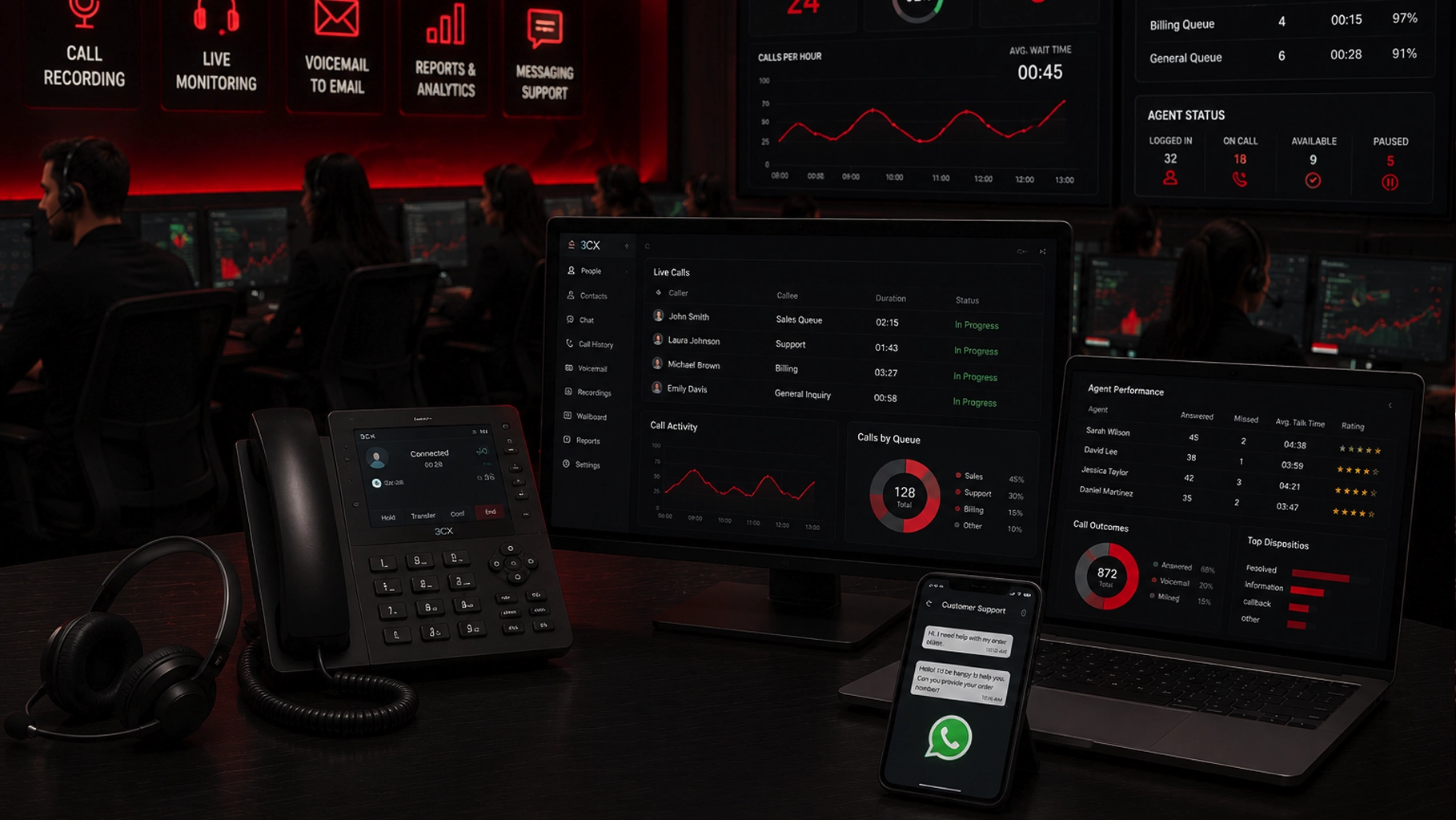
SMART Solutions provides Call Center & Customer Communication capabilities that can include call recording, monitoring, voicemail-to-email, wallboards, reports, callback tools, messaging, and agent-performance tools as part of a 3CX-based communication environment.
SMART takeaway
Measure the call flow, not just the agent.
Call volume, wait time, abandonment, service level, callbacks, and routing behavior often reveal system or staffing problems that individual-agent totals cannot explain by themselves.
What 3CX reporting can show
Current 3CX documentation includes reporting for queue statistics, agent statistics, ring groups, extensions, call logs, chat activity, callbacks, abandoned calls, SLA statistics, waiting time, and queue performance. Reports can also be scheduled for recurring delivery.
Source: 3CX — Call Reporting
That creates many possible metrics.
The challenge is deciding which ones matter for a small team.
A useful weekly review should connect each metric to an operational question.
1. Total inbound call volume
Start with demand.
How many calls entered the business or queue during the period?
Volume by itself is not a quality metric, but it gives context to everything else.
A week with 80 calls and a week with 800 calls should not be interpreted the same way.
Break volume down by:
- Hour of day
- Day of week
- Queue or department
- Location when applicable
- Campaign or published number when routing supports it
Look for recurring peaks.
If Monday morning consistently has more calls than the rest of the week, that is a staffing and routing input—not just an interesting chart.
2. Answered versus unanswered calls
The next question is simple: Did someone answer?
3CX queue and ring-group reporting can show answered and unanswered activity, depending on the report and configuration.
A growing unanswered-call count can indicate several different problems:
- Too few people available
- Poor queue membership
- Incorrect office hours
- Agents logged out of queues
- Ring time that is too short
- Calls being routed to the wrong destination
- Staffing that does not match peak demand
Do not assume every unanswered call is an employee performance issue.
First verify the call flow.
3. Abandoned calls
An abandoned queue call occurs when the caller leaves the queue before being answered.
3CX provides an Abandoned Queue Calls report and queue statistics that can distinguish received, handled, and unhandled activity.
Source: 3CX — Call Reporting
Abandonment deserves context.
A caller who disconnects after a few seconds may have dialed the wrong number. A caller who waits several minutes and then hangs up may indicate a capacity or routing problem.
When reviewing abandonment, ask:
- How long did callers wait before disconnecting?
- Did abandonment increase during a specific hour?
- Were enough agents logged in?
- Was callback offered?
- Did the IVR send callers to the correct queue?
4. Queue waiting time
Wait time tells you what callers experience before someone answers.
3CX reporting includes answered calls by waiting time and queue statistics that help managers analyze how long callers remain on hold.
A single average can hide important patterns.
For example, an acceptable weekly average may conceal a daily 12:00–1:00 p.m. period where callers wait much longer because staffing drops at lunch.
Review wait time by smaller intervals when the volume supports it.
5. Service-level performance
A service-level target asks whether calls are answered within a defined time objective.
3CX includes SLA statistics and SLA breach reporting for queues when those settings are configured.
Source: 3CX — Call Queues & Ring Groups
The target should reflect the business rather than copying an arbitrary industry benchmark.
A medical office, emergency service, appointment line, sales desk, and internal help desk may have very different expectations.
Define the target intentionally, then use reporting to see how often the queue meets it.
6. Callback requests and callback failures
Callbacks can reduce the need for callers to stay on hold.
3CX reporting includes queue callback activity and failed callbacks.
That makes callback performance a useful weekly review item:
- How many callers requested callbacks?
- How many callbacks completed successfully?
- How many failed?
- During which periods are callbacks requested most often?
- Does a callback spike line up with long queue waits?
A high callback count is not automatically negative. It may show that the feature is working as designed during busy periods.
The more important question is whether the callbacks are being completed and whether the underlying wait-time pattern needs attention.
7. Agent queue availability and login history
Queue performance depends on who is actually available to receive calls.
3CX includes agent-in-queue statistics and login history for queue members.
This can help answer questions such as:
- Was the queue understaffed?
- Were scheduled agents logged out?
- Did one team absorb most of the calls?
- Did the queue configuration match the actual staff schedule?
Use this data carefully.
Agent statistics should be interpreted alongside role, schedule, call complexity, training responsibilities, and other work. A raw “calls answered” leaderboard can reward speed while ignoring quality or job context.
8. Routing and destination performance
Sometimes the problem is not the queue. It is what happens before or after the queue.
Review:
- IVR selections
- Inbound rules
- Ring groups
- After-hours destinations
- Overflow routes
- Voicemail destinations
- Department numbers
3CX reporting includes inbound-rule information and ring-group statistics that can help administrators understand where calls are being sent and how those destinations perform.
If callers are entering the wrong queue, adding more agents to that queue does not solve the original routing problem.
Our auto attendant and call-routing guide explains how IVR, ring groups, queues, office hours, and fallback destinations should be designed around caller intent.
Build a weekly call-review routine
The reporting process should be simple enough to repeat.
A practical weekly review can follow this sequence:
- Check demand. Review inbound call volume and peak periods.
- Check accessibility. Compare answered, unanswered, and abandoned calls.
- Check waiting. Review queue wait-time patterns.
- Check service level. Look for SLA breaches where targets are configured.
- Check callbacks. Confirm requests are being completed.
- Check availability. Compare queue performance with agent login and staffing patterns.
- Check routing. Review whether calls are entering the correct queue or destination.
- Choose one action. Make a specific change or document why no change is needed.
The last step matters.
Reporting without action becomes another inbox attachment.
Separate operational metrics from customer outcomes
Phone-system reporting tells you what happened in the communication platform.
It does not automatically tell you whether the customer’s problem was solved.
For a fuller picture, businesses may need to combine call data with:
- CRM outcomes
- Appointment status
- Sales conversion
- Ticket resolution
- Customer feedback
- Quality review
Do not label a short call “good” or a long call “bad” without knowing what happened during the interaction.
Use scheduled reports to make review consistent
3CX supports scheduling reports for recurring delivery, including CSV output that can be used for additional analysis.
Source: 3CX — Call Reporting
A small team can use this to establish a repeatable cadence instead of waiting until someone complains about missed calls.
Consider separate report views for:
- Daily operational monitoring
- Weekly queue review
- Monthly management trends
- Seasonal staffing analysis
Do not optimize one metric in isolation
Every call-center metric can create the wrong behavior when used alone.
Examples:
- Reducing average call duration can hurt complex customer conversations.
- Maximizing calls answered per agent can discourage documentation.
- Reducing abandonment by changing the queue message does not fix understaffing.
- Meeting an SLA while routing callers to the wrong department does not create good service.
Use several metrics together and connect them to the customer journey.
Reporting reality
A dashboard should answer “what should we change?”
The most useful call-center report connects demand, wait time, abandonment, service level, callbacks, staffing, and routing to one specific operational decision.
Questions to ask when configuring call-center reporting
- Which queues are customer-facing?
- What hours should each queue operate?
- What wait-time target makes sense for the business?
- Should callers be offered callbacks?
- Who reviews abandoned calls?
- Which managers need scheduled reports?
- How often should reports be reviewed?
- What CRM or business outcome should be compared with phone data?
- Which routing changes require approval?
SMART Solutions can configure Call Center & Customer Communication features alongside VoIP Phone Systems so queues, IVR, reports, callbacks, devices, and network requirements are planned together.
If your team has call data but no consistent review process, contact SMART Solutions to map the reports to the decisions your managers actually need to make.