

Auto Attendant Phone Systems: A Call-Routing Guide for Miami Small Businesses
Learn how to plan an auto attendant phone system, IVR, queues, office hours and call routing for a Miami small business without frustrating callers.
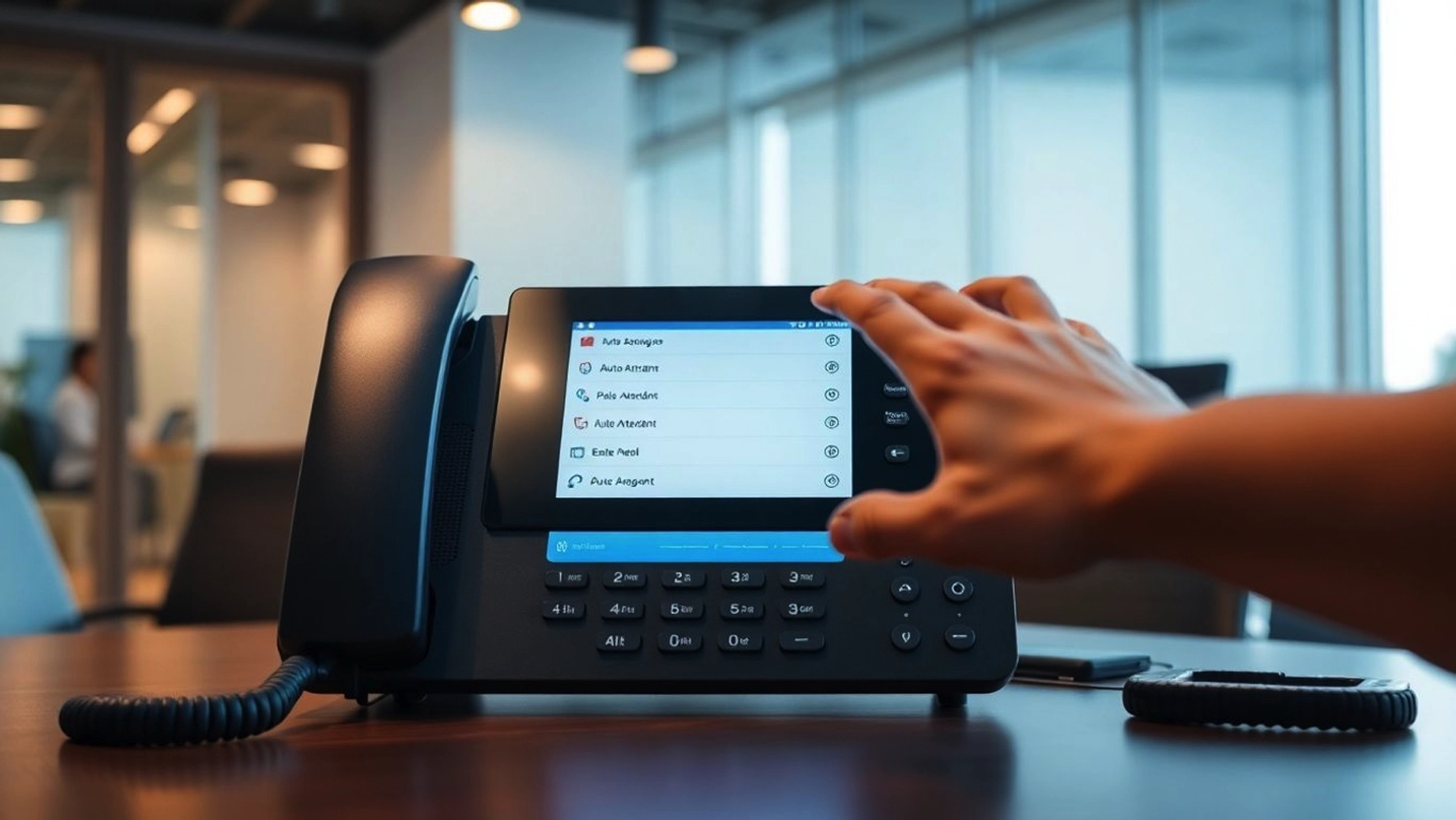
An auto attendant can make a small business sound organized before anyone answers the phone.
It can also do the opposite.
A long menu, unclear options, dead-end extensions, outdated office hours, or a queue with no useful fallback can turn a simple customer call into friction.
That is why an auto attendant phone system should be designed around how callers actually need to reach the business, not around how many features the phone platform offers.
For Miami and South Florida small businesses, that can mean coordinating a main number, departments, remote employees, front-desk coverage, after-hours calls, bilingual teams, busy periods, and multiple locations without making callers navigate an obstacle course.
SMART Solutions provides VoIP Phone Systems and Call Center & Customer Communication solutions built around business call handling, queues, IVR, messaging, reporting, and daily communication workflows.
SMART takeaway
A good auto attendant reduces decisions for the caller instead of creating more of them.
Start with the calls your business receives most often, then build the shortest reliable path from each caller to the right person, team, queue, or fallback.
Quick answer
A small-business auto attendant should have a short greeting, a small number of clear menu choices, sensible routing during business hours, a different after-hours path, an option for callers who do not know which department they need, and a fallback for unanswered calls.
The phone system should also define what happens when employees are busy, unavailable, remote, on break, or closed for a holiday.
If a business needs more than simple simultaneous ringing, queues, IVR, voicemail handling, schedules, and reporting can make call flow easier to manage.
What is an auto attendant phone system?
An auto attendant is the menu callers hear after dialing a business number.
You may also hear terms such as:
- IVR, or interactive voice response
- Digital receptionist
- Phone menu
- Call-routing menu
- Automated receptionist
A basic example might say:
“Thank you for calling. Press 1 for sales, 2 for support, 3 for billing, or stay on the line for the front desk.”
The important part is not the recording itself. It is what happens after the caller makes a choice.
The selected option may route to one extension, a ring group, a queue, another IVR, voicemail, or a different destination based on business hours.
Current 3CX documentation describes call handling around IVRs, ring groups, queues, office hours, and destination-based routing. That makes the design of the call flow as important as the menu wording itself.
Source: 3CX — Office Hours & IVR
1. Start with caller intent, not your organization chart
A common mistake is building the menu around internal departments that make sense to employees but not to customers.
The caller usually does not care how the company is organized.
They care about the reason they called.
Before writing the menu, review the most common call types:
- New customer or sales inquiry
- Existing customer support
- Appointment or scheduling request
- Billing or payment question
- Vendor or partner call
- Employee or internal call
- Urgent service request
- General question when the caller is unsure where to go
Then map each intent to the shortest useful destination.
A menu that says “Press 1 for Operations, 2 for Administration, 3 for Client Relations” may reflect the company chart but still confuse the caller.
A menu that says “Press 1 for a new quote, 2 for existing customer support, 3 for billing” is often easier to understand because it reflects why someone is calling.
2. Keep the first menu short
Every additional option adds another decision.
Small businesses rarely need a first-level menu with eight or nine choices.
Start with the most common reasons people call and keep less common destinations behind a second step only when necessary.
If a business has specialized teams, use a second-level menu only where it genuinely reduces transfers.
The goal is not to automate every possible call. The goal is to route the majority of calls correctly with the fewest reasonable steps.
3. Decide whether each destination should be a person, ring group, or queue
Not every menu option should ring one employee.
That creates a single point of failure when that person is already on a call, away from the desk, working remotely, or out for the day.
3CX distinguishes between ring groups and queues:
- A ring group can ring multiple extensions concurrently or sequentially.
- A queue can hold callers when agents are busy until an available agent can take the call.
Source: 3CX — Call Queues & Ring Groups
That distinction matters.
A small office may use a ring group for a front desk where several people can answer. A busier sales or support team may need a queue so callers are not immediately sent to voicemail simply because everyone is already speaking with someone else.
Ask:
- How many people can answer this type of call?
- Should everyone ring at once or in a defined order?
- Should callers wait if every agent is busy?
- How long should they wait before another action happens?
- Where should the call go if nobody becomes available?
4. Build a real unanswered-call fallback
Routing is incomplete until you know what happens when the first destination fails.
A caller should not bounce indefinitely between extensions.
Useful fallback destinations can include:
- Another employee or department
- A front-desk ring group
- A call queue
- Department voicemail
- A shared voicemail process
- An after-hours message
Current 3CX queue documentation supports voicemail handling and email-delivery options for queue voicemail, while call-forwarding rules can define where unanswered extension calls should go.
Sources: 3CX — Call Queues & Ring Groups and 3CX — Call Forwarding
The operational question is simple:
Who owns the missed call after the phone stops ringing?
If nobody owns that next step, the technology has not solved the business problem.
5. Create separate business-hours and after-hours behavior
The same call flow should not necessarily run 24 hours a day.
A caller at 10:00 AM may need a live team. A caller at 10:00 PM may need a concise closed message, voicemail, emergency instruction, or next-business-day expectation.
3CX allows office hours to influence where calls are routed, including different destinations during office hours, out-of-office periods, breaks, and holidays.
Source: 3CX — Office Hours & IVR
Plan at least these states:
- Normal business hours
- Lunch or scheduled breaks
- After hours
- Weekends
- Company holidays
- Temporary early closure or special schedule
Do not assume someone will remember to manually change the phone greeting before every holiday.
Scheduled routing makes the system more consistent and easier to maintain.
6. Give callers a path when they do not know what to press
Some callers will not fit the menu.
Others will simply wait.
That means the auto attendant needs a default behavior for no input, invalid input, or callers who want general help.
Depending on the workflow, that may be:
- Front desk
- General queue
- Operator extension
- Directory or call-by-name function
- General voicemail
3CX supports call-by-name functionality through IVR for environments where a directory is useful.
Source: 3CX — Call By Name Functionality
For many small businesses, however, a simple general-help destination is easier than forcing every caller to search a directory.
7. Plan the call flow around staffing reality
A beautiful menu does not matter if the destination is rarely staffed.
Review the actual team schedule.
If sales has two people, support has one person, and the receptionist covers lunch for another employee, the call flow should reflect that reality.
Questions to review include:
- Who answers the main number first?
- Who covers when that person is unavailable?
- Which employees are remote?
- Which employees should receive calls on a mobile or desktop app?
- Which teams need queues rather than simple ringing?
- Who should receive voicemail notifications?
- Who can change office hours or holiday routing?
This is where a modern VoIP system becomes more than a set of desk phones.
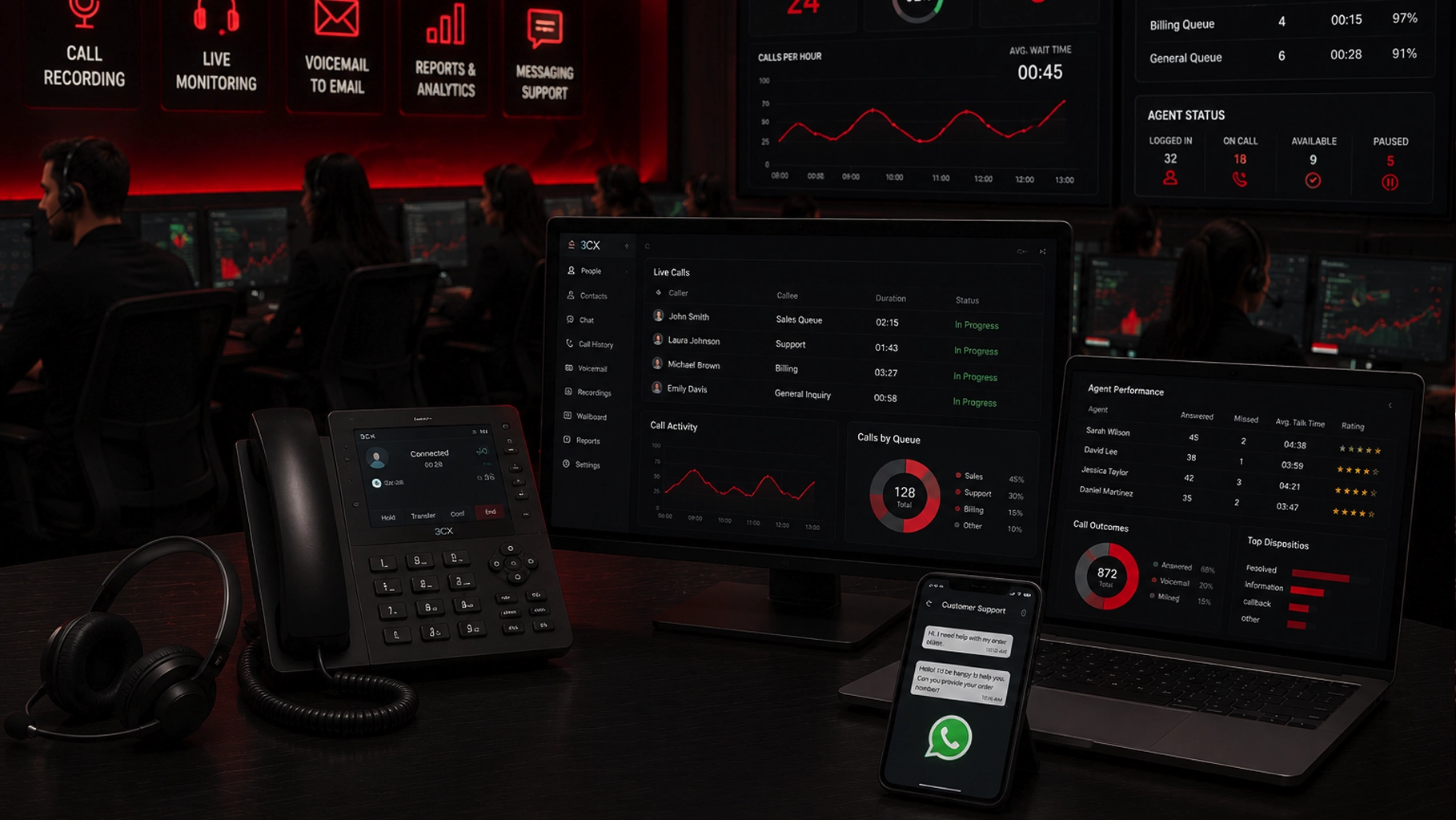
SMART Solutions’ current VoIP Phone Systems service supports 3CX-based voice, video, chat, SMS, mobile and desktop access, call queues, IVR, ring groups, and business-app integrations.
For teams with higher call volume, Call Center & Customer Communication adds a more focused path for call handling, recording, monitoring, reporting, callbacks, and messaging workflows.
8. Test the flow from the caller’s side
Administrators often test whether a button technically works.
That is not enough.
Test the experience as if you were a customer calling for the first time.
Use a checklist like this:
- Call the main number during business hours.
- Listen to the full greeting for clarity and length.
- Test every menu option.
- Test invalid input.
- Test no input.
- Test a busy destination.
- Test an unanswered destination.
- Test after-hours routing.
- Test a holiday or temporary-closure scenario.
- Confirm voicemail reaches the people responsible for follow-up.
Also test from an outside phone, not only from an internal extension.
3CX documents DID routing through IVRs, ring groups, queues, and other destinations, so inbound-number testing should be part of deployment rather than assumed from the configuration screen.
Source: 3CX — Configuring a SIP Trunk / VoIP Provider
9. Treat emergency calling as a separate requirement
The normal customer call flow should never be the only consideration in a business phone deployment.
Emergency calling needs its own configuration and testing process.
3CX provides dedicated emergency-number rules that can prioritize emergency dialing, define trunks/routes, and configure notification behavior. In the United States, 3CX also documents E911 geolocation support when the VoIP provider supports the required configuration.
Sources: 3CX — Emergency Numbers and 3CX — Dynamic E911 with Geolocation Support
A business should verify emergency-calling behavior with its phone-system administrator and VoIP provider before rollout, especially when users work from multiple locations.
Do not assume that a general IVR, forwarding rule, or mobile-app setup automatically handles every emergency-calling requirement correctly.
10. Use reporting to improve the call flow after launch
The first call flow does not need to be permanent.
Real usage can reveal problems that are hard to predict during setup.
For example:
- One menu option may receive far more calls than expected.
- A queue may regularly build during lunch.
- Too many callers may abandon before reaching an agent.
- Calls may repeatedly transfer from one department to another.
- Voicemail may be used more often than expected.
3CX provides call and queue reporting capabilities that can support this review.
Source: 3CX — Reports
The purpose of reporting is not to collect data for its own sake.
It is to identify where the call flow can become easier for customers and easier for employees to manage.
Call-flow reality
The best auto attendant is the one callers barely notice.
If callers can quickly reach the right person, team, queue, or fallback without getting lost, the routing is doing its job.
A simple auto attendant blueprint for a small business
A typical starting point might look like this:
That blueprint should be adjusted to the business.
A dental office, contractor, professional-services company, property-management team, retail operation, and multi-location business will not have the same caller journey.
Why this matters for Miami small businesses
South Florida businesses often operate with a mix of office staff, field employees, mobile users, multiple locations, and customer-facing teams.
The phone system needs to follow that operating model.
A business may need the main Miami office to answer first, then route overflow to another employee or location. A contractor may need office calls to reach dispatch without sending customers directly to a technician’s personal number. A professional office may need separate new-client and existing-client paths. A growing business may need to add extensions, queues, or departments later without rebuilding everything.
The right design starts with workflow.
If the business is also dealing with weak connectivity, poor WiFi, or inconsistent network performance, review Network & Connectivity before assuming every voice problem is caused by the phone platform.
Auto attendant vs. call queue vs. ring group
These tools solve different problems.
- Auto attendant / IVR: asks the caller where they need to go.
- Ring group: tries multiple employees according to a ringing strategy.
- Call queue: holds callers when the team is busy and distributes calls as agents become available.
Many small businesses use all three together.
The IVR identifies the caller’s need, then the selected destination may be a ring group or a queue.
That is more useful than thinking of the auto attendant as a standalone recording.
When should a small business redesign its call routing?
Review the phone flow when:
- Customers regularly complain that they cannot reach the right person.
- Calls are frequently transferred more than once.
- One employee has become the bottleneck for the main number.
- The business added remote employees or a second location.
- Office hours changed but the phone system did not.
- Voicemails are being missed or sent to the wrong person.
- The company added a sales, support, or billing team.
- The existing menu contains outdated departments or employees.
- Call volume has outgrown simple simultaneous ringing.
A call-flow redesign can sometimes create more value than buying new phones.
How SMART Solutions helps
SMART Solutions provides business VoIP and telecommunications services for South Florida organizations that need a phone system designed around real communication workflows.
Current SMART Solutions VoIP and customer-communication capabilities include:
- 3CX-powered VoIP phone systems
- Voice, video, live chat, and SMS
- Call queues, IVR, and ring groups
- Mobile, desktop, and web access
- CRM and business-app integrations
- Call recording and reporting options
- Voicemail-to-email and callback workflows
- Messaging and customer-communication tools
- Deployment, configuration, training, support, and adjustments
If you are evaluating a new business phone system, also read VoIP Phone Systems vs Traditional Phone Lines for the platform-level comparison and Why Small Businesses Should Upgrade to VoIP for the broader business case.
Ready to improve your call flow?
Design the phone system around the customer journey and the people who actually answer the calls.
SMART Solutions can help plan VoIP, auto attendants, queues, routing, mobile users, and customer communication for South Florida businesses.
Contact SMART Solutions to review your current call flow or plan a new business phone system.