

Workflow Automation Error Handling: A Business Guide
Plan reliable business automation with input checks, controlled retries, duplicate prevention, failure alerts, human review, and safe recovery procedures.
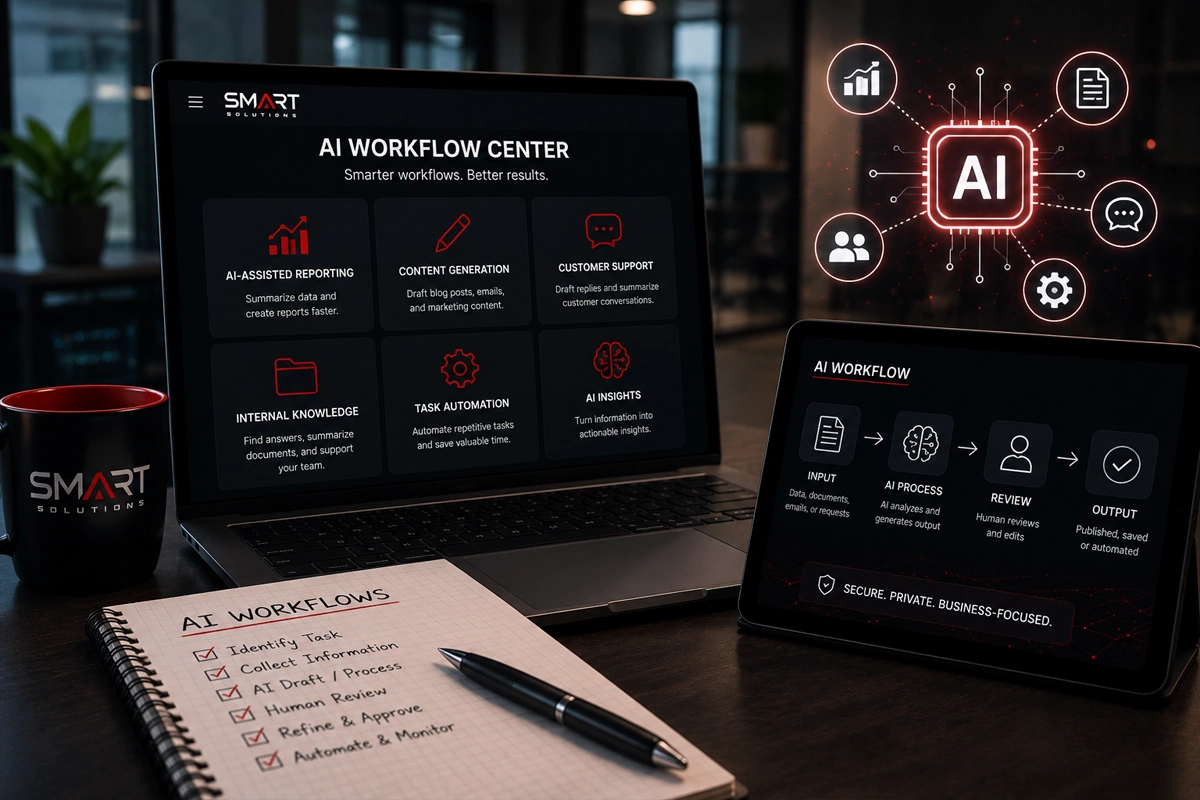
A website lead form feeds a CRM. A new record creates a task. A reminder goes to the assigned employee. The demonstration works, and the business starts depending on it.
Then a connection expires, an input is missing, or the same submission arrives twice.
Workflow automation error handling is the plan for what happens next. It determines whether the team sees the problem, whether work can continue, and whether retrying creates another problem.
SMART takeaway
Design the failure path before expanding the workflow.
Every important automation needs an owner, a useful completion condition, controlled retries, duplicate checks, and a clear route to human review.
Quick answer: what should automation error handling include?
- Validation of the information required to perform the action
- A distinction between temporary failures and errors that require correction
- Limits on retries and checks before repeating business actions
- A record of completed, failed, and uncertain steps
- Alerts with a responsible owner and a response procedure
- A safe manual fallback and a tested replay process
These are design recommendations. Implement them using the documented controls of the platform and applications in your workflow.
1. Define success as a business result
A workflow run can finish while the business result is incomplete. Decide what “done” means before choosing an alert or dashboard.
For a lead workflow, success might mean a valid contact is in the CRM, assigned to an owner, and visible in that person’s work queue. Sending an email to a general inbox is a different result.
Record the expected outcome for each important step. This lets the team distinguish an accepted request from a completed action.
SMART Solutions’ routine task automation service starts by reviewing daily processes and identifying practical automation opportunities. Include exceptions in that process review.
2. Validate input before writing to the destination
Decide which fields are mandatory, which formats are accepted, and what happens when information is missing.
For example, a form without a usable contact method might go to a review queue instead of creating a misleading “ready to call” task.
Check business rules as well as formatting. A syntactically valid date can still be inappropriate for the requested workflow.
Keep rejected items visible to the authorized team. An automation that silently drops unusual requests can hide customer work that still needs attention.
3. Separate temporary failures from corrective work
A short service interruption may justify a limited retry. Invalid data or missing authorization generally needs investigation.
Write a response for each expected error category. Record when a retry should stop and what the human owner should see.
Microsoft’s Power Automate error-handling guidance describes failure branches, scopes, retry policies, termination, and logging or notifications. Those are examples of platform controls; availability and implementation must be checked for the actual workflow.
Do not assume endless retries improve reliability. A repeated invalid request can create noise while delaying the work that needs correction.
4. Make repeated actions safe
Before replaying a workflow, ask whether an earlier step may already have succeeded.
An external application might accept a new record while the automation fails to receive confirmation. Repeating the creation without checking can produce a duplicate.
Microsoft documents that Power Automate flows can encounter duplicate actions or inputs and recommends idempotent design: repeated processing should avoid creating unintended duplicate results.
For a business workflow, use an agreed identifier and a documented destination check. Where supported, a destination’s unique-key or conditional-write controls can help enforce the rule. Have the implementer evaluate concurrency as well as ordinary retries.
The objective is simple: one customer request should create the intended business action, even if processing is repeated.
5. Track partial completion
A workflow may create the CRM record and fail before sending the internal notification. Recovery should address the unfinished step rather than blindly repeating everything.
Record an execution identifier, the relevant business reference, the steps completed, and the failure category. Keep secrets and unnecessary personal information out of logs and alerts.
If the result is uncertain, mark it for reconciliation. The operator should inspect the destination before deciding what to replay.
Consider a lead-processing example:
- Receive the submission and assign its reference.
- Validate the required information.
- Check whether the destination already contains that reference.
- Create or update the record using the approved rule.
- Confirm assignment and notify the owner.
- Record completion or route the remaining work to review.
This is an illustrative pattern, not a promise that every platform provides these controls automatically.
6. Send an alert that enables action
A useful failure alert identifies the workflow, affected reference, failed step, time, owner, and link to the authorized review interface.
Avoid putting the customer’s full sensitive record into an email merely to make troubleshooting easier.
Define escalation for unacknowledged alerts. Also choose how duplicate alerts are grouped so an outage does not overwhelm the responsible employee.
Check where alerts go during vacations, staff departures, and account changes. Connect ownership updates with your employee IT offboarding process.
7. Prepare a manual fallback and replay procedure
Decide how the team will continue essential work when the automation is unavailable.
A fallback might be an authorized review queue with documented assignment. Record manually completed items so restored automation does not process them again unintentionally.
Limit who can replay, edit, or discard failed items. For workflows affecting payments, access, or customer commitments, require the appropriate business approval before recovery actions.
If AI is part of the workflow, use the AI acceptable use policy guide to establish data and human-review boundaries.
8. Test the failures deliberately
Use a safe environment and clearly labeled test records. Test missing fields, duplicate input, revoked access, a destination outage, a timeout after an accepted action, and partial completion.
Confirm that the owner receives an actionable alert and can recover the work without an unintended duplicate. Also test the return to normal operation after manual fallback.
Document the result and retest after significant changes. A successful demonstration with ideal inputs is only one test case.
Automation reliability FAQ
Should every failed step retry automatically?
No. Choose retries by error type and by the safety of repeating the action. Some failures need corrected input or authorization.
Is a workflow dashboard enough?
It helps only if someone reviews it and knows how to act. Define ownership, alerting, and recovery procedures.
Can SMART Solutions help plan the workflow?
SMART Solutions provides automation services built around practical processes and connected systems. Contact our team to review the business workflow, exceptions, and implementation scope.
Primary sources
- Microsoft Learn — Employ robust error handling: platform error-handling controls.
- Microsoft Learn — Troubleshoot triggers: duplicate execution and idempotent design.
Choose one important automation and test what happens when it fails. The recovery process should be as understandable as the normal process.