

Search Console Ownership: Keep Access Through an Agency Handoff
Review verified owners, delegated access, verification tokens, and business account control before changing the agency that manages your website.
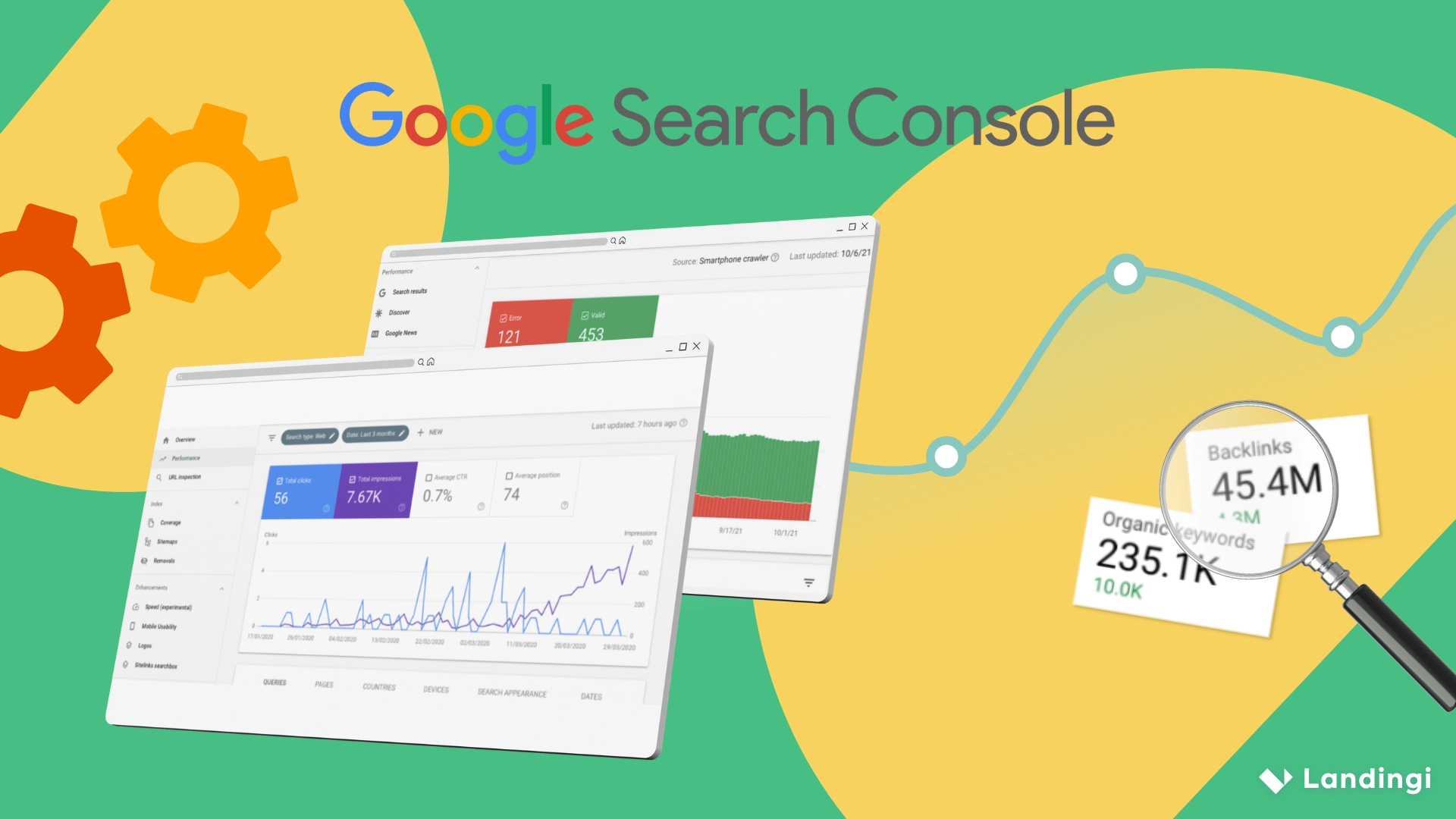
You are changing website providers. The business has its domain login and website files, so the handoff appears complete. Then someone asks who owns the Google Search Console property.
Treat Search Console access as a named handover item. Record the property, establish business-controlled ownership, review outside access, and verify what remains after the transition. Avoid waiting until a former agency account is the only known route into the property.
SMART takeaway
Confirm a business-controlled verified owner before removing agency access.
Review the permission list and the verification methods together. Keep changes coordinated with the website and domain owners.
Understand the ownership distinction
Google’s Search Console permissions guidance distinguishes verified owners from delegated owners. Verified ownership is established through a verification token or method; delegated ownership is granted by an existing owner. Google says a property needs at least one verified owner for users to retain access.
Ask who currently holds each role and which account the business intends to retain. A staff member being able to view a report does not establish that the business controls verified ownership.
Choose an appropriate business-managed account and recovery arrangement. Document the responsible person and backup contact through your organization’s account-management process rather than sharing an employee’s password with the agency.
Identify the property before changing permissions
Have the current owner show the exact property being used. Record its name, property type, website scope, and the reporting work it supports. If several properties appear to cover the site, ask the website team to explain which one is used for which purpose.
Separate Search Console from the domain registrar, website host, analytics account, and Google Business Profile. Those assets may have different account owners and transfer procedures. Include them in the broader handoff without assuming that access to one grants control of the others.
The business domain and DNS ownership checklist is a useful companion for the domain side of the transition. Coordinate the participants so an ownership change is not mixed into unrelated DNS edits.
Verify business access while the current team is available
Use Google’s supported ownership-verification process with the appropriate website or domain administrator. Have the intended business owner sign in independently and confirm that the correct property and role are available.
Make this an acceptance task in the handoff. Record completion, the account responsible, and the method used in the approved support record. Do not copy account passwords or unnecessary token details into a broadly shared document.
If ownership cannot be verified, keep the issue open with a named technical owner. A screenshot supplied by the outgoing agency does not establish that the business can access the property through its own account.
Review permissions and old verification methods together
Agree which outside users still need access for ongoing work and which role fits that work. Remove obsolete access through the supported process after the business ownership check is complete.
Google also explains that an old verified owner may be able to verify again if their token remains. Its ownership-token management guidance describes reviewing unused tokens as part of access cleanup.
Have the technical owner identify the exact token before removal and check whether it supports another Google service. Avoid deleting unfamiliar DNS records, files, or tags in bulk. Coordinate token changes with the website owner and confirm the retained verification still works afterward.
Make reporting responsibility part of the handoff
Access is only part of the operational arrangement. Decide who reviews Search Console, who receives issues, and how the business requests a technical investigation. Agree where the team keeps decisions and follow-up notes.
Ask the incoming provider to confirm the property they will use before making website changes. If a redesign or migration is also planned, treat that as a separate scoped project with its own checks and approvals.
SMART Solutions’ SEO and local visibility services provide a relevant destination for discussing ongoing search visibility work. Ownership housekeeping establishes access; it does not itself promise a ranking improvement.
Use a short handoff acceptance list
- Exact Search Console property and website scope recorded
- Business-controlled verified ownership checked independently
- Outside users and roles reviewed against current responsibilities
- Obsolete verification methods assessed by the technical owner
- Retained access tested and reporting responsibility assigned
Connect the process with the employee offboarding checklist when staff accounts are changing at the same time. Agency transitions and employee departures can overlap, so keep one clear owner for the final access review.
Contact SMART Solutions to discuss website support and digital marketing needs. Bring the current property list and provider responsibilities so the handoff can be planned around the business assets that need ongoing control.