

IT Support in Miami: 10 Questions Small Businesses Should Ask Before Choosing a Provider
Use 10 practical questions to compare Miami IT providers on support speed, cybersecurity, backups, networks, documentation and vendor coordination.

Technology problems rarely stay isolated inside a small business.
A slow workstation can delay a customer. A failed server can interrupt access to files. A WiFi issue can affect phones, cloud applications, printers, and meetings. A weak backup process can turn a routine device failure into a much larger recovery problem.
That is why choosing IT support should involve more than asking who can fix a computer when something breaks.
The stronger question is whether the provider can understand the environment, support the devices and systems the business depends on, reduce avoidable risk, document what matters, and help the technology stay usable as the company grows.
For businesses comparing IT support in Miami, the questions below provide a practical way to evaluate scope before signing a support agreement.
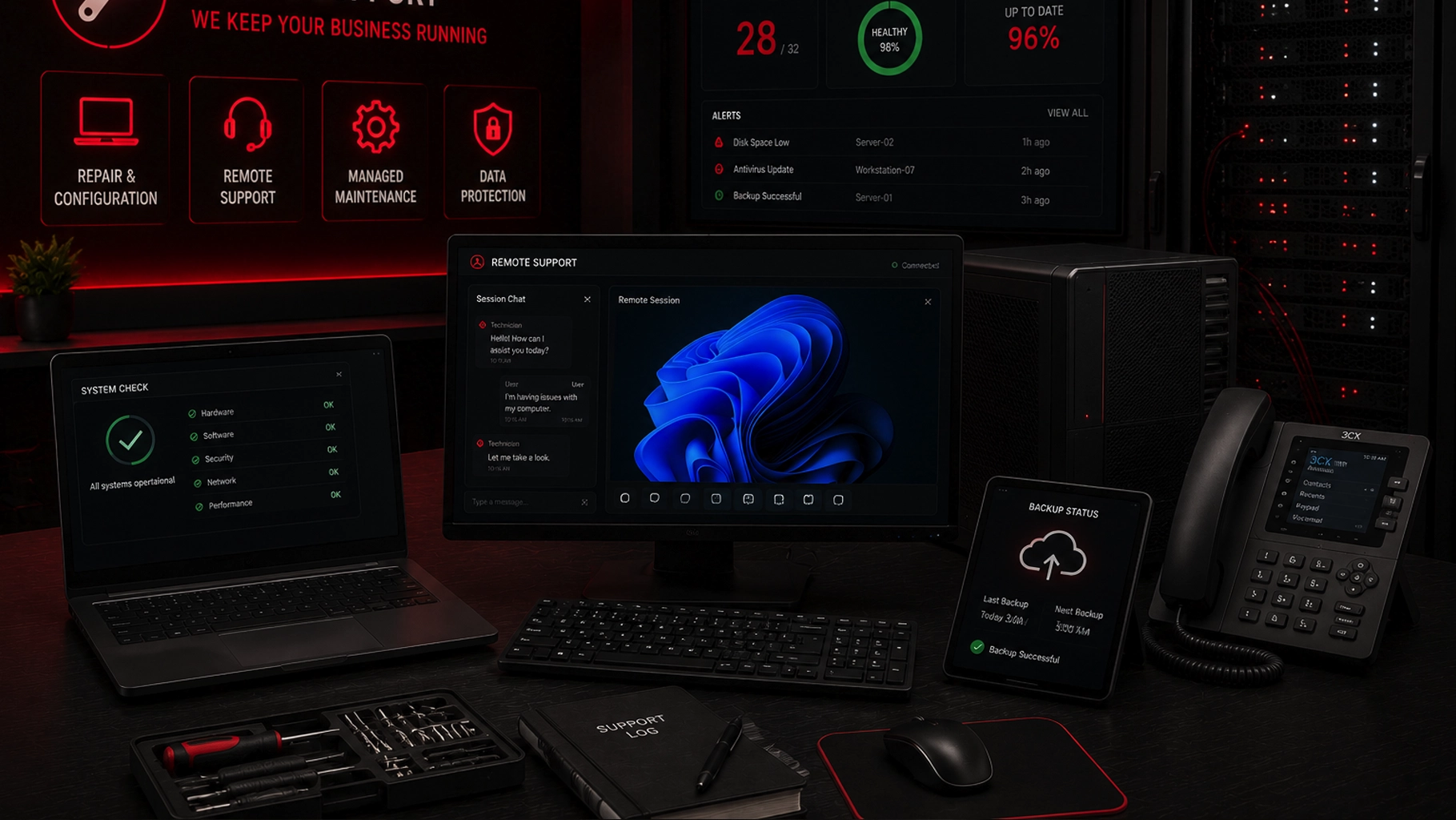
SMART Solutions provides Computer, Server & Device Support for businesses that need repair, configuration, remote support, managed maintenance, antivirus/antimalware options, and data-protection planning.
SMART takeaway
Good IT support should make the technology environment easier to understand, support, and improve.
Before choosing a provider, define what needs support, how help will be delivered, how risks and backups will be handled, and what happens when the business changes.
Quick answer
Before choosing an IT support provider, a small business should ask what devices and systems are included, how remote and on-site support work, how cybersecurity and backups are handled, whether network issues are in scope, how systems are documented, how vendors are coordinated, what onboarding looks like, how recurring maintenance is managed, and how the support plan can grow with the business.
Price matters, but scope matters first.
Two providers can both advertise IT support while offering very different levels of responsibility.
Why IT support planning matters for Miami small businesses
A modern small business may depend on more technology than its headcount suggests.
One office can rely on:
- Desktop and laptop computers
- Servers or network-attached storage
- Cloud applications
- Printers and scanners
- Business WiFi
- VoIP phones and softphones
- Remote-access tools
- Security cameras and connected devices
- Backups
- User accounts and shared access
The support plan should reflect the real environment instead of treating every issue as a separate repair ticket.
That is especially important for businesses where customer service, appointments, communications, files, payments, or daily operations depend on technology staying available.
1. What devices and systems are actually included?
Start with the support boundary.
Ask the provider to define exactly what it supports.
That may include:
- Windows or Mac computers
- Laptops and tablets
- Servers
- Printers and scanners
- Network equipment
- WiFi access points
- VoIP phones
- Business applications
- Cloud services
- Connected office devices
Do not assume that “IT support” includes every device in the office.
Some providers focus on computers only. Others also support servers, networks, phones, cloud tools, and vendors.
SMART Solutions’ current Computer, Server & Device Support service includes hardware and software troubleshooting, remote support options, managed maintenance plans, and data-protection planning for essential business devices.
2. How does remote support work, and when is on-site help needed?
Remote support can solve many software, configuration, account, and troubleshooting issues without waiting for a technician to travel to the office.
But not every problem can be solved remotely.
Hardware failures, cabling problems, physical device replacements, some network issues, and certain installations may require on-site work.
Ask:
- Which issues are normally handled remotely?
- How is a remote session authorized?
- What information does the technician need before connecting?
- When does the issue become an on-site visit?
- How are unresolved tickets escalated?
SMART Solutions provides a dedicated remote support resource for guided technical help and screen-sharing assistance.
The important part is not whether remote support exists. It is whether the provider has a clear process for deciding when remote help is appropriate and when physical intervention is required.
3. How does the provider approach cybersecurity?
IT support and cybersecurity overlap, but they are not the same thing.
A provider should be able to explain how routine support decisions affect security.
That includes software updates, account access, remote access, endpoint protection, network exposure, backups, and administrative privileges.
The NIST Cybersecurity Framework 2.0 Small Business Quick-Start Guide is designed to help small and medium-sized businesses begin managing cybersecurity risk. NIST organizes the CSF 2.0 around six functions: Govern, Identify, Protect, Detect, Respond, and Recover.
That is useful context when evaluating IT support because security is not one product. It is an ongoing set of responsibilities.
Ask the provider:
- How are administrator accounts handled?
- How are software and operating-system updates managed?
- What endpoint security options are available?
- How is remote access protected?
- What happens when a suspicious login, phishing message, or malware event is reported?
- Which security responsibilities belong to the provider and which remain with the business?
SMART Solutions also provides Cybersecurity Protection for businesses that need a broader review of devices, access, network exposure, and practical risk-reduction priorities.
4. Are backups part of the support plan, or a separate responsibility?
A backup is only useful if the business understands what is being protected, where the copies are stored, how often the process runs, and how recovery is supposed to work.
Do not assume that an IT support agreement automatically includes backup monitoring or recovery planning.
Ask:
- Which computers, servers, folders, or applications are backed up?
- How often do backups run?
- Who reviews failures?
- How long is data retained?
- How would a file, computer, or server be restored?
- Who owns the backup account and credentials?
CISA’s small and medium-sized business resources include backups among the cybersecurity practices businesses should address alongside logging and data encryption.
SMART Solutions’ SMART Backup resource explains its backup and data-protection offering for organizations that need a more deliberate recovery plan.
Support reality
"We have backups" is not the same as "we know how recovery works."
A useful support plan should make backup ownership, monitoring, retention, and recovery responsibilities clear before an emergency.
5. Does the provider support the network too?
Many problems that look like computer issues are actually connectivity issues.
Slow cloud applications, dropped VoIP calls, unstable video meetings, printers disappearing from the network, cameras going offline, and intermittent access to shared resources can all involve network infrastructure.
Ask whether the provider supports:
- Routers and firewalls
- Switches
- Wireless access points
- Business WiFi
- Network segmentation
- Internet-provider coordination
- Basic cabling and connectivity troubleshooting
NIST’s Securing Network Connections resources emphasize wireless, remote access, and network infrastructure as part of small-business security planning.
SMART Solutions provides broader Network & Connectivity services for businesses that need infrastructure planning in addition to device support.
6. How will the environment be documented?
A support relationship becomes harder when every technician has to rediscover the environment from scratch.
Useful documentation can include:
- Device inventory
- Server roles
- Network equipment
- Vendor information
- Software subscriptions
- Warranty details
- Administrative ownership
- Backup responsibilities
- Important support procedures
Documentation should not expose passwords unnecessarily, but the business should understand who owns critical accounts and how essential systems can be recovered or transferred if the support relationship changes.
That makes documentation a continuity issue, not just an internal technician convenience.
7. Who coordinates with internet, software, phone, and hardware vendors?
Small businesses often use several technology vendors at once.
A problem may involve the internet provider, a software vendor, a VoIP platform, a printer company, a hardware manufacturer, a cloud service, or a line-of-business application.
Ask whether your IT provider will help determine where the issue belongs and coordinate with another vendor when needed.
This matters because users should not have to become the technical translator between multiple companies every time a system stops working.
The Federal Trade Commission’s Cybersecurity for Small Business guidance also treats vendor security as a business responsibility. The FTC recommends putting security expectations in writing, defining how vendors handle data, and verifying that vendors follow the agreed requirements.
A good IT relationship should make vendor ownership and escalation clearer, not more confusing.
8. What does onboarding look like?
The first days of a support relationship should involve more than installing a remote-support tool.
A practical onboarding process may include:
- Inventory important devices
- Review current support problems
- Identify servers and shared resources
- Review network equipment and WiFi
- Confirm backup ownership
- Review administrative access
- Identify business-critical applications and vendors
- Document immediate risks and priorities
This creates a baseline.
Without a baseline, the provider may only learn the environment one emergency at a time.
For a growing company, onboarding is also the right time to separate immediate repairs from longer-term improvements.
9. How is recurring maintenance handled?
A support provider should be able to explain what happens between tickets.
That may include reviewing device health, software updates, antivirus or antimalware status, backup issues, recurring user problems, aging hardware, or configuration changes.
The exact service scope will vary, so ask what is included instead of assuming that every managed plan works the same way.
SMART Solutions’ current support service includes managed maintenance plans as an available option alongside repair, configuration, remote support, antivirus/antimalware, and data-protection services.
The important distinction is whether recurring maintenance is actually defined in the agreement.
10. Can the support plan grow with the business?
A small business technology environment can change quickly.
The company may add employees, move offices, replace computers, adopt new software, add a server, expand WiFi, install VoIP, introduce cameras, or open another location.
Ask how the provider handles changes in:
- User count
- Device count
- Office locations
- Cloud applications
- Network requirements
- Security requirements
- Backup capacity
- Phone and communication systems
The right plan should not trap the business inside the technology environment it had on day one.
It should provide a way to review priorities as operations change.
IT support vs managed IT services: what is the difference?
The terms are often used broadly, so the service agreement matters more than the label.
Traditional IT support may focus on troubleshooting and repair when users report problems.
Managed IT services usually refer to a more ongoing relationship that can include recurring maintenance, support, monitoring, security, backups, documentation, and planning.
SMART Solutions already covers this distinction in Managed IT vs Break/Fix IT Support.
When comparing providers, use the actual scope rather than assuming that the word “managed” automatically guarantees a particular list of services.
A practical checklist before choosing IT support in Miami
Before signing a support agreement, confirm these items in writing where appropriate:
- Supported users, devices, servers, and locations
- Remote and on-site support process
- Normal escalation path
- Cybersecurity responsibilities
- Backup responsibilities
- Network-support scope
- Documentation and account ownership
- Vendor-coordination responsibilities
- Recurring maintenance scope
- How the plan changes as the business grows
The goal is not to find a provider that promises to do everything.
The goal is to understand exactly what the provider will own, what the business will own, and how the two sides will work together when technology problems or changes occur.
How SMART Solutions helps
SMART Solutions provides technology support for South Florida businesses that need help keeping essential computers, servers, and connected devices working.
Current support capabilities include:
- Hardware and software troubleshooting
- Computer, server, tablet, and connected-device support
- Remote support options
- Managed maintenance plans
- Antivirus and antimalware options
- Data-protection planning
- Related network, cybersecurity, backup, and telecommunications services
Planning your support?
Start by defining what your business depends on every day.
SMART Solutions can review your computers, servers, connected devices, support challenges, maintenance needs, and data-protection concerns to help define a practical path forward.
Contact SMART Solutions to discuss IT support for your Miami or South Florida business.