

Home Automation in Miami: 9 Things to Plan Before Installing a Smart Home System
Plan a Miami smart home around reliable networking, lighting, climate, security, AV, scenes and everyday controls before selecting equipment.
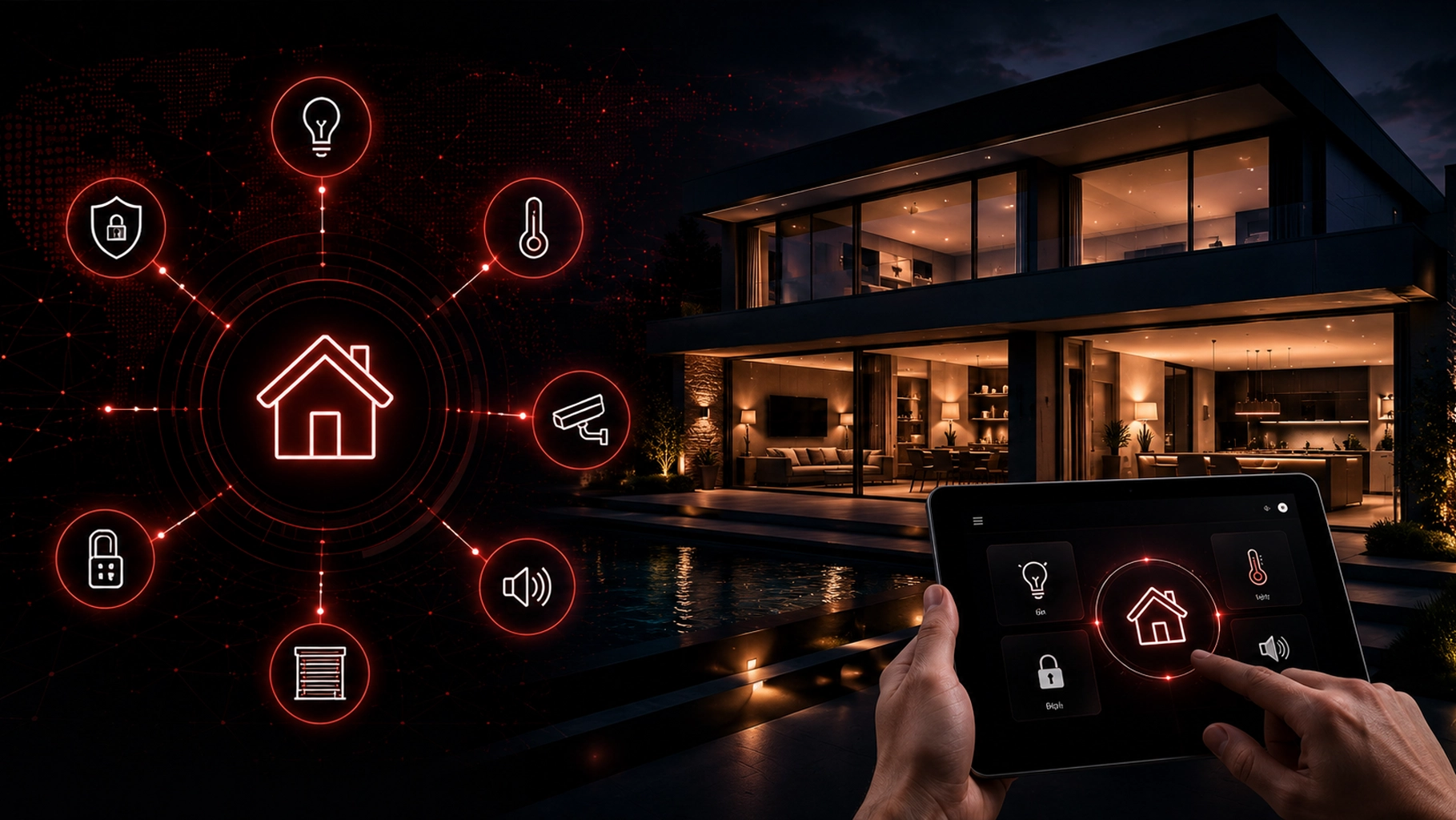
Home automation can make a house easier to control, more comfortable, and more responsive to the way you actually live.
But a good smart home is not built by buying the most devices.
It is built by deciding what should work together before the installation begins.
For homeowners in Miami and across South Florida, that planning can include lighting, climate control, security, cameras, motorized shades, audio/video, voice assistants, mobile control, networking, and everyday scenes such as Home, Away, Night, or Vacation.
SMART Solutions designs home automation systems that can connect these technologies into a simpler experience instead of leaving homeowners with a collection of disconnected apps and controls.
SMART takeaway
Plan the experience before you choose the devices.
A reliable smart home starts with the rooms, routines, users, network, and systems you want to control. The products should support that plan — not define it.
Quick answer: what should you plan before installing home automation?
Before installing a smart home system, decide:
- Which rooms and systems you want to automate.
- How you want to control the home.
- Which routines or scenes would actually save time.
- Whether your Wi-Fi and network can support more connected devices.
- How lighting, climate, security, shades, and AV should work together.
- Which users need access and what they should be able to control.
- What should still work when the internet is unavailable.
- How device updates, passwords, privacy, and security will be managed.
- How the system can expand later without starting over.
Those decisions are more important than choosing a particular touchscreen, thermostat, speaker, camera, or voice assistant on day one.
1. Start with the problems you want home automation to solve
The easiest way to overspend on smart-home technology is to start with products instead of goals.
A better first question is:
What do you repeatedly adjust, check, turn on, turn off, or worry about at home?
Common answers include:
- Turning lights off throughout the house before bed.
- Adjusting temperature when the home is occupied or empty.
- Checking whether doors are locked.
- Viewing cameras when someone approaches the property.
- Lowering shades at particular times.
- Starting music or entertainment in multiple rooms.
- Preparing a room for movie night with several separate controls.
- Making the home look occupied while traveling.
These real routines give the automation system a purpose.
For example, a Good Night scene could turn off selected lights, adjust the thermostat, close compatible shades, confirm selected security devices, and shut down entertainment equipment through one command instead of several separate steps.
That is the difference between owning smart devices and having a planned automation system.
2. Decide which systems should work together
Most homeowners do not need every device in the house connected to one platform.
They do need the systems that affect the same routine to cooperate.
SMART Solutions’ broader automation services include home automation, audio/video automation, routine task automation, and connected control systems. Planning these categories together can help avoid incompatible choices later.
3. Treat the home network as part of the automation system
Many smart-home devices depend on Wi-Fi, Ethernet, cloud services, mobile apps, or a combination of them.
That means home automation is also a networking project.
A house may have excellent internet service and still have weak Wi-Fi coverage in a bedroom, patio, garage, or other area where connected devices need reliable access.
Before adding a large number of devices, review:
- Wi-Fi coverage across the whole property.
- Router and access-point capacity.
- Available Ethernet cabling for devices that benefit from wired connections.
- Where automation hubs, controllers, cameras, TVs, and AV equipment will connect.
- Whether guest and IoT devices should be separated from primary computers and work devices.
- What happens to important functions if internet access is temporarily unavailable.
The Federal Trade Commission emphasizes that the router is central to protecting internet-connected devices at home and recommends securing the home network, changing default credentials, using current encryption, and keeping router and device software updated. See the FTC’s guidance on securing internet-connected devices and securing home Wi-Fi.
If your home needs stronger coverage, wired infrastructure, or better device segmentation, review SMART Solutions’ network and connectivity services before treating Wi-Fi as an afterthought.
4. Plan climate automation around routines, not constant adjustment
Climate control is one of the most practical places to use automation because temperature changes happen every day.
A smart thermostat can support schedules, occupancy-based adjustments, remote control, and energy-use information depending on the model and system.
The U.S. Department of Energy notes that programmable thermostats can automatically adjust temperatures based on schedules, while smart thermostats can add capabilities such as occupancy-based control and remote management. The DOE’s programmable thermostat guidance is a useful reference when deciding what you actually need.

Photo by HUUM on Unsplash, used under the Unsplash License.
Before choosing a thermostat, think about the behavior you want:
- Different temperatures for home, away, sleeping, or vacation modes.
- Remote adjustments before arriving home.
- Coordination with shades or other comfort systems.
- Simple controls for family members and guests.
- A clear manual fallback when someone does not want to use an app.
The goal is not to adjust the thermostat more often. It is to make fewer adjustments because the system already understands the routine.
5. Design lighting scenes around how each room is used
Smart lighting is much more useful when it is designed around activities instead of individual bulbs.
Think in scenes:
- Morning: comfortable lighting in the rooms you use first.
- Entertain: brighter common areas with selected accent lighting.
- Movie: lower lights, prepare the display and audio system, and reduce glare.
- Good Night: turn off nonessential lighting while keeping selected pathways available.
- Away: shut down unnecessary lighting or follow a planned occupancy routine.
A professional automation plan should also consider which switches must remain intuitive when a phone is not nearby.
The best smart home still needs to make sense to a guest who simply wants to turn on a light.
6. Decide how security and automation should interact
Security systems and home automation can complement each other, but they should be planned carefully.
SMART Solutions’ home automation offering includes smart security integration, and the company also provides dedicated security services for cameras, alarms, access control, and related systems.
Possible interactions can include:
- Exterior lighting responding to an arrival or security event.
- Camera access from the same control environment used elsewhere in the home.
- Away scenes that adjust selected lighting, climate, and compatible security devices.
- Notifications that make important events easier to review.
Security should never be treated as a novelty feature.
The FTC recommends researching camera security features, keeping camera and router software updated, using strong unique passwords, and considering network separation for cameras and other devices. Its home security camera guidance explains these precautions in more detail.
7. Choose controls for the people who will actually use the house
A smart home can be controlled in several ways:
- Wall keypads or switches.
- Touchscreens.
- Mobile apps.
- Handheld remotes.
- Voice assistants.
- Automatic schedules, sensors, and scenes.
The right mix depends on the household.
A mobile app may be convenient for the homeowner but frustrating for a child, visitor, babysitter, housekeeper, or family member who simply expects a physical control on the wall.

Photo by Samsung Memory on Unsplash, used under the Unsplash License.
Voice control can also be useful, but privacy settings deserve attention. The FTC advises users to understand when voice assistants are listening, review connected accounts, secure logins, and use multi-factor authentication when available. See its guidance on voice-assistant privacy and security.
A good design gives people more than one reasonable way to control important functions.
8. Plan for privacy, passwords, updates, and ownership
Every connected device adds another account, firmware version, privacy setting, or support lifecycle that may need attention.
Before installation, document:
- Who owns the administrator accounts.
- Where recovery information is stored securely.
- Which users need access.
- Whether multi-factor authentication is available.
- How firmware and app updates will be handled.
- Which devices depend on manufacturer cloud services.
- How old or unsupported devices will be removed later.
This matters even when a system works perfectly today.
A smart home is a long-term technology environment. Devices will eventually be replaced, apps will change, phones will be upgraded, passwords will be reset, and homeowners may move.
The FTC even recommends resetting smart-home devices and removing administrative access and personal information when ownership of a smart home changes. Its guidance for buying or selling a smart home is a useful reminder that device ownership and account ownership are part of the system design.
9. Leave room for the system to grow
Most smart homes evolve.
You might begin with lighting and climate control, then later add:
- Whole-home audio.
- A home theater.
- Motorized shades.
- Additional cameras.
- Outdoor entertainment.
- More advanced scenes and routines.
- New rooms or renovations.
That is why compatibility, cabling, network capacity, controller capacity, and product support matter before the first installation.
A little planning now can reduce the number of systems that need to be replaced later.
Planning principle
Build around routines, infrastructure, and people — not around a shopping list.
The best automation system should disappear into daily life. Lights, climate, security, AV, and connected devices should become easier to use together, not harder to manage separately.
What should a home automation consultation cover?
A useful home automation consultation should review the property and the way people use it before recommending equipment.
For a Miami-area home, that conversation can include:
- Rooms and outdoor areas that need control.
- Existing smart devices and platforms.
- Lighting and shade requirements.
- Thermostats and climate-control goals.
- Security and camera integration.
- Audio/video and entertainment spaces.
- Wi-Fi coverage and network readiness.
- Preferred mobile, voice, touchscreen, keypad, and remote controls.
- Daily scenes and schedules.
- Future expansion plans.
SMART Solutions’ process for home automation begins by understanding rooms, routines, devices, comfort preferences, security needs, and preferred controls before creating the smart-home plan and connecting the system.
Home automation in Miami: the goal is a simpler home
A smart home should not require you to become the full-time administrator of dozens of devices.
The technology should simplify the house.
That means planning the network before adding devices, choosing controls people will actually use, connecting systems that benefit from working together, protecting accounts and devices, and leaving a path for future expansion.
If you are planning home automation in Miami or elsewhere in South Florida, SMART Solutions can help design a system around your property, routines, and existing technology.
Contact SMART Solutions to discuss home automation, smart lighting, climate control, security integration, audio/video, networking, and connected-home planning.