

Device Lifecycle Management for Small Businesses: Repair, Replace, Retire
Use this device lifecycle management guide to plan inventory, support dates, repair decisions, replacement timing, secure retirement, data transfer, and business continuity.
A business device rarely fails at a convenient time.
A laptop battery degrades before a trip. A workstation cannot support the next operating-system release. A server warranty expires. A switch reaches end of support. An employee receives a replacement computer, but the old drive still contains company data. A printer or tablet keeps getting repaired even though downtime now costs more than replacement.
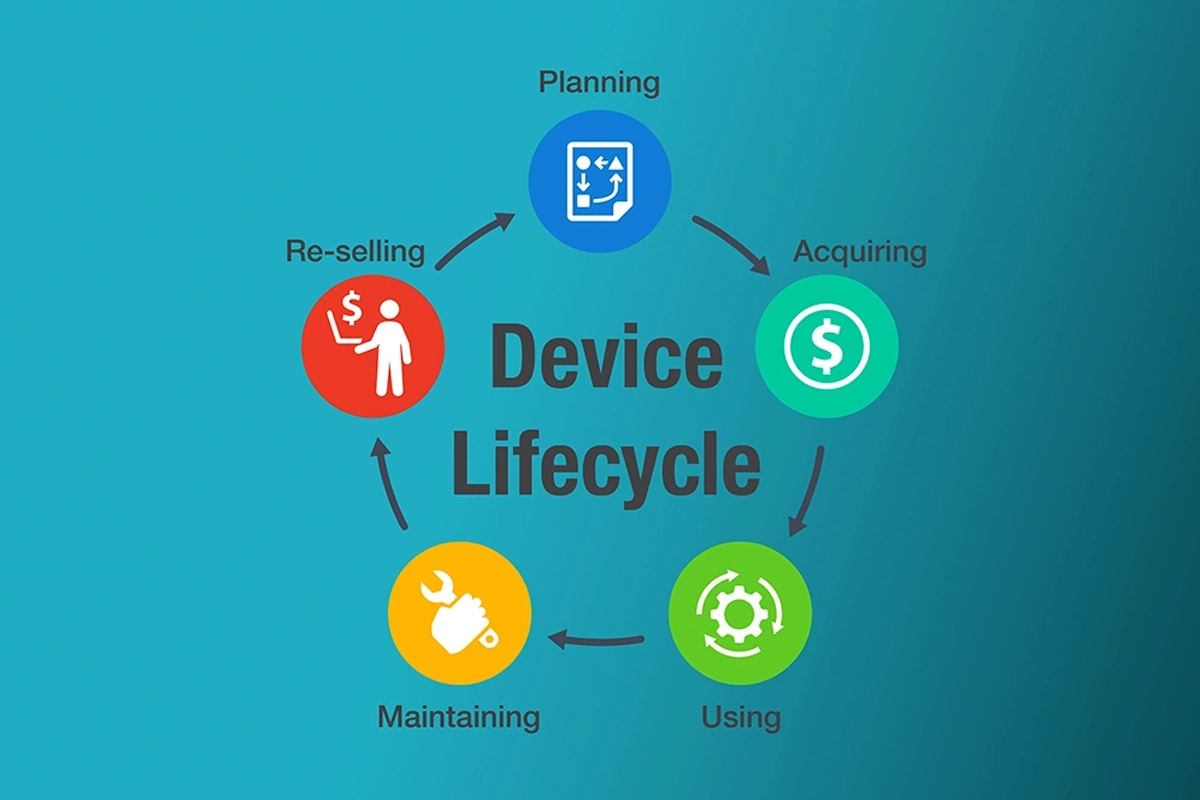
Device lifecycle management is the process of planning technology from purchase through deployment, maintenance, replacement, and secure retirement.
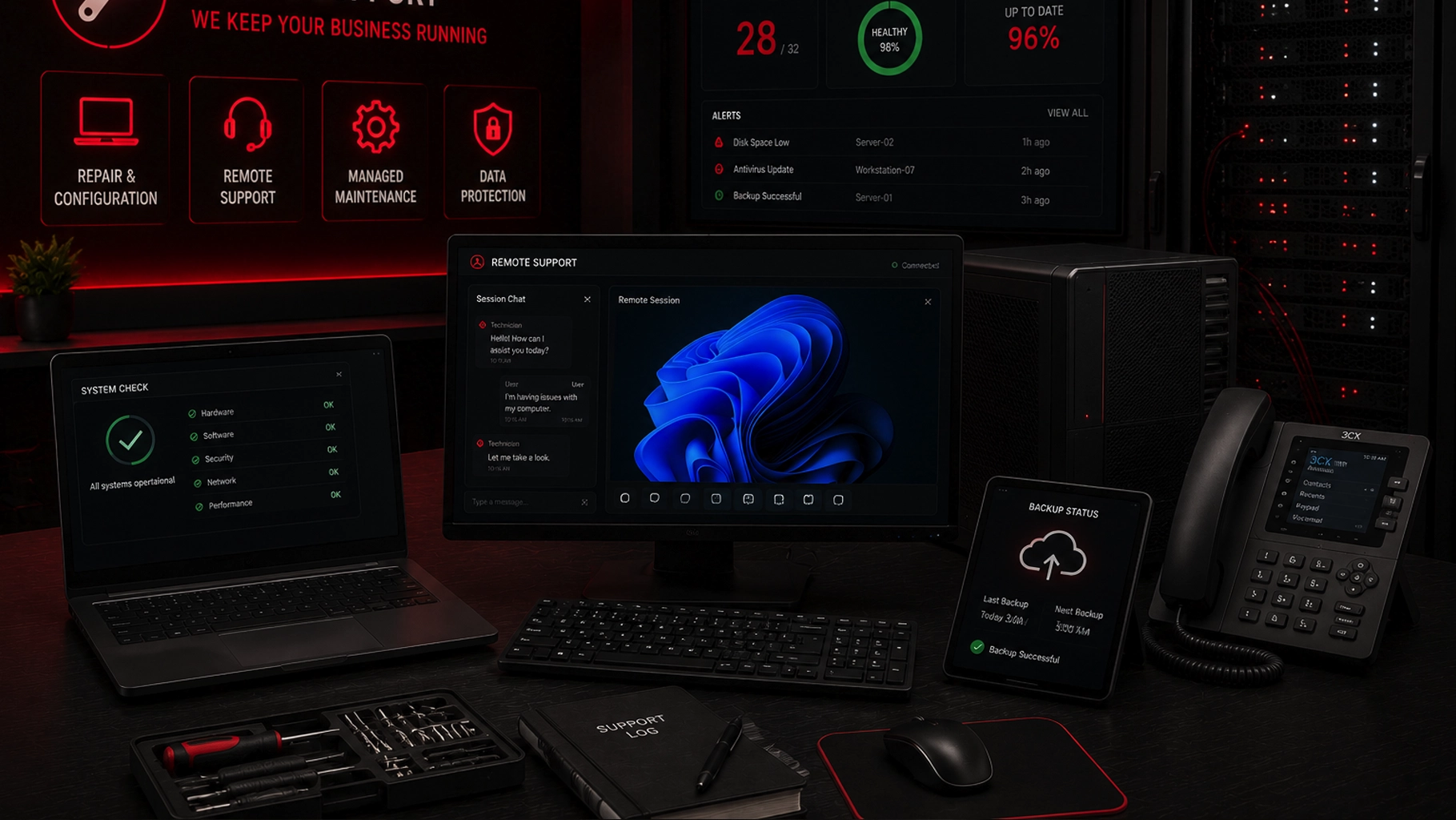
SMART Solutions provides Computer, Server & Device Support for business computers, servers, and connected devices, including repair, configuration, remote support, managed maintenance, and data-protection planning.
SMART takeaway
Replace technology on a plan, not during an emergency.
Track ownership, support status, condition, business criticality, repair history, warranty, security, and replacement timing so the business can decide when to maintain, repair, upgrade, replace, or retire each device.
Quick answer: what is device lifecycle management?
Device lifecycle management is a structured way to manage technology through stages such as:
- Plan: define the business need, compatibility, security, warranty, and budget.
- Acquire: purchase approved hardware with documented ownership and specifications.
- Deploy: configure accounts, applications, updates, security, backups, and asset records.
- Maintain: monitor health, patch systems, support users, and track warranty or support status.
- Review: compare repair cost, risk, performance, compatibility, and business impact.
- Replace: migrate users, data, applications, and settings through a planned transition.
- Retire: remove access, sanitize data appropriately, update records, and dispose of equipment according to business requirements.
NIST CSF 2.0 emphasizes knowing the hardware, software, systems, and services an organization depends on. CISA also warns that unsupported software and hardware can create security risk when vendors no longer provide fixes.
Sources: NIST CSF 2.0 Small Business Quick-Start Guide and CISA — Top Cybersecurity Misconfigurations.
1. Start with a reliable device inventory
Lifecycle planning fails when devices are discovered only after they break.
For each important device, record:
- Asset name or tag
- Assigned user or location
- Device type and model
- Serial number
- Purchase or deployment date
- Operating system or firmware
- Warranty and support status
- Important applications or roles
- Security and management status
- Backup or data location
- Expected replacement window
Our IT asset inventory guide provides a deeper structure for hardware, software, cloud services, network equipment, phones, cameras, and other business technology.
2. Track vendor support dates
A device can still turn on after the vendor stops supporting the operating system, firmware, or hardware platform.
That is why lifecycle status is different from basic functionality.
Review whether the vendor still provides:
- Security updates
- Firmware updates
- Replacement parts
- Technical support
- Compatible drivers
- Supported operating systems
- Application compatibility
CISA notes that unsupported operating systems and outdated firmware create risk because vulnerabilities may no longer receive fixes.
Source: CISA — NSA and CISA Top Ten Cybersecurity Misconfigurations.
3. Separate repairable problems from lifecycle problems
Not every slow or broken device needs replacement.
A repair may make sense when the hardware remains supported, the problem is isolated, parts are available, performance still meets the business need, and the repair does not create repeated downtime.
Replacement becomes more reasonable when several factors accumulate:
- Repeated failures
- Unsupported operating system or firmware
- Application incompatibility
- Insufficient capacity for the business workload
- Unavailable or expensive parts
- Expired warranty combined with high criticality
- Security controls that cannot be supported
- Repair cost approaching the value of a supported replacement
The decision should include the cost of downtime and staff disruption, not only the repair invoice.
4. Use business criticality to set replacement priorities
A conference-room display and an accounting workstation may have very different consequences when they fail.
Classify devices by operational importance. Ask what process stops if the device is unavailable and how quickly the business needs a replacement or workaround.
High-priority assets may justify spare equipment, shorter replacement cycles, stronger warranties, or a documented recovery plan.
Our Network & Security Assessment can help identify aging or difficult-to-support technology as part of a broader improvement plan.
5. Include security in the deployment stage
A new device should not enter production with an undefined security baseline.
Before handing it to a user, confirm:
- Supported operating system and updates
- Required applications
- Endpoint protection and management tools
- Encryption when appropriate
- User and administrator account design
- MFA for supported business services
- Backup or data-sync configuration
- Asset inventory record
- Recovery information
Our endpoint hardening checklist explains how to reduce unnecessary attack surface while preserving the workflows users actually need.
6. Track maintenance and repair history
A device with three failures in six months should not look identical in the inventory to one that has operated reliably for four years.
Record meaningful repair history, recurring symptoms, replaced parts, warranty cases, and major upgrades.
This helps the business identify patterns and avoid spending repeatedly on hardware that is approaching the end of its practical life.
7. Plan replacement before the support deadline
Do not schedule a major replacement project for the day after support ends.
Allow time to:
- Select compatible replacement hardware
- Confirm application requirements
- Budget and order equipment
- Configure and test the new device
- Migrate data and user settings
- Validate printers, scanners, peripherals, or specialized devices
- Train the user if the workflow changes
- Keep a rollback or temporary fallback option during transition
Our patch management guide also recommends tracking exceptions and replacement plans for systems that cannot be updated normally.
8. Preserve business data during replacement
Replacing hardware does not automatically mean every file should be copied blindly.
Identify where business data belongs, what should be migrated, what is already stored in approved cloud or server locations, and what local-only data still needs attention.
Confirm the destination is backed up and accessible before wiping or retiring the old device.
For servers or high-impact devices, test the new environment before the old one becomes unavailable.
9. Remove access during retirement
Retirement is an identity and security event as well as a hardware event.
Remove the device from relevant management platforms, remote-support tools, VPN access, certificates, security consoles, asset records, backup jobs, and trusted-device lists where applicable.
If the device was assigned to an employee who is leaving, coordinate the hardware process with the broader user access review and offboarding process.
10. Sanitize data before disposal or reuse
Deleting files or formatting a drive does not necessarily provide the same assurance as an appropriate media-sanitization process.
NIST SP 800-88 Rev. 2, finalized in September 2025, provides guidance for organizations to establish media-sanitization programs and select techniques based on the sensitivity of the information and the intended disposition of the media.
Source: NIST SP 800-88 Rev. 2 — Guidelines for Media Sanitization.
The appropriate method can differ depending on storage technology, data sensitivity, whether the device will be reused, and organizational requirements. Follow current manufacturer and NIST guidance rather than assuming one wiping method fits every medium.
11. Update the inventory when the device leaves
A retired device should not remain listed as active for years.
Record the retirement date, replacement asset, disposition method, sanitization status where appropriate, and person or vendor responsible for disposal.
Accurate records reduce confusion during future audits, support requests, security incidents, and budget planning.
12. Forecast replacement spending instead of reacting to failures
Once the inventory includes age, support status, warranty, business criticality, and replacement windows, the company can estimate upcoming technology needs.
That turns hardware replacement from a surprise expense into a planning conversation.
A simple forecast can group devices into:
Device lifecycle management FAQ
How old is too old for a business computer?
Age alone is not enough. Review vendor support, security updates, workload, reliability, warranty, repair history, compatibility, and the impact of failure.
Should a business replace devices on a fixed schedule?
A target replacement window can help budgeting, but actual decisions should also consider condition, support status, criticality, and business needs. Different device classes may justify different cycles.
Is secure disposal only necessary for computers?
No. Any storage-bearing device may contain business information. That can include servers, drives, phones, tablets, network appliances, copiers, and other equipment depending on design.
Can SMART Solutions help with business-device lifecycle planning?
SMART Solutions’ Computer, Server & Device Support service covers repair, configuration, maintenance, troubleshooting, and data-protection planning, which can support lifecycle decisions for business technology.
Authoritative sources
- NIST SP 1300 — Cybersecurity Framework 2.0 Small Business Quick-Start Guide
- NIST SP 800-88 Rev. 2 — Guidelines for Media Sanitization
- CISA — Small and Medium-Sized Business Resources
- CISA — Top Ten Cybersecurity Misconfigurations
Move from emergency replacement to lifecycle planning
Technology is easier to manage when the business knows which devices are healthy, which are aging, which are unsupported, and which need budget before they become urgent.
Explore Computer, Server & Device Support or contact SMART Solutions to build a practical device inventory, maintenance, replacement, and retirement plan.