

Cloud Backup vs Local Backup: Which Is Better for Business Data?
Compare cloud and local backup for recovery speed, control and resilience, and learn why many South Florida businesses benefit from using both.
Backups are not just about saving copies of files.
Backups are about recovery.
If a computer fails, a server crashes, files are deleted, ransomware hits, or a device is damaged, your business needs to know whether the data can be restored, how long recovery will take, and whether the backup is actually usable.
Two common options are cloud backup and local backup. Both can be valuable, but they protect your business in different ways.
Cloud backup stores data offsite in a cloud environment. Local backup stores data on a device or system near your business location.
For many businesses, the best answer is not cloud or local. The best answer is a strategy that uses both.
SMART Solutions helps businesses plan SMART Backup solutions that connect backup, recovery, ransomware protection, monitoring, retention, and continuity planning.
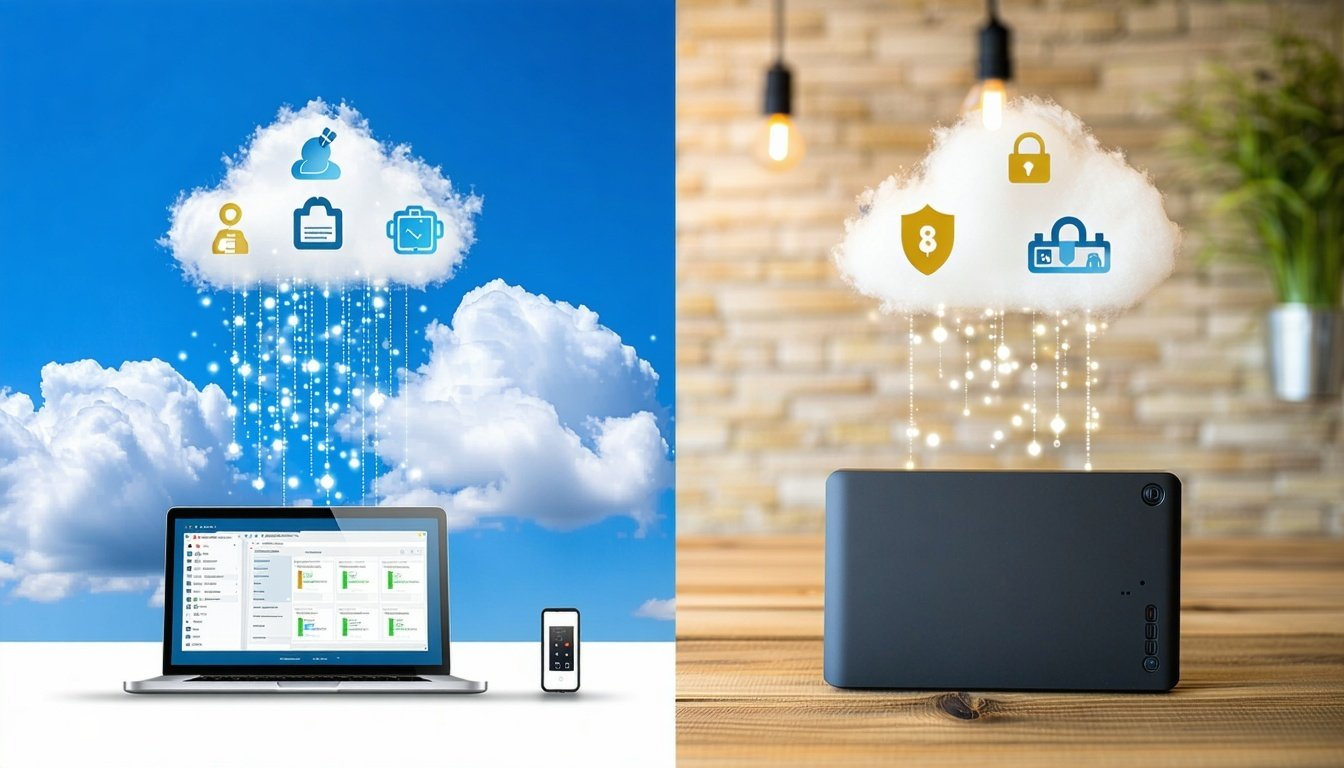
SMART takeaway
A backup is only useful if your business can recover from it.
Cloud backup helps with offsite protection. Local backup helps with faster local restores. A stronger strategy often includes both, plus monitoring, retention, encryption, and immutability.
Quick answer
Cloud backup is best for offsite protection, ransomware resilience, remote recovery, and disaster planning. Local backup is best for fast recovery inside the same office. Many businesses should use both cloud and local backup as part of a complete business continuity plan.
Cloud backup vs local backup
What is cloud backup?
Cloud backup copies files, systems, desktops, servers, or business data to cloud storage.
The biggest benefit is separation.
If the office has a hardware failure, theft, flood, fire, or ransomware incident, the cloud backup is not sitting in the same place as the affected device.
Cloud backup can support:
- Offsite data protection
- File and folder recovery
- Server and desktop backup
- Retention planning
- Encryption
- Backup monitoring
- Immutable storage options
- Business continuity planning
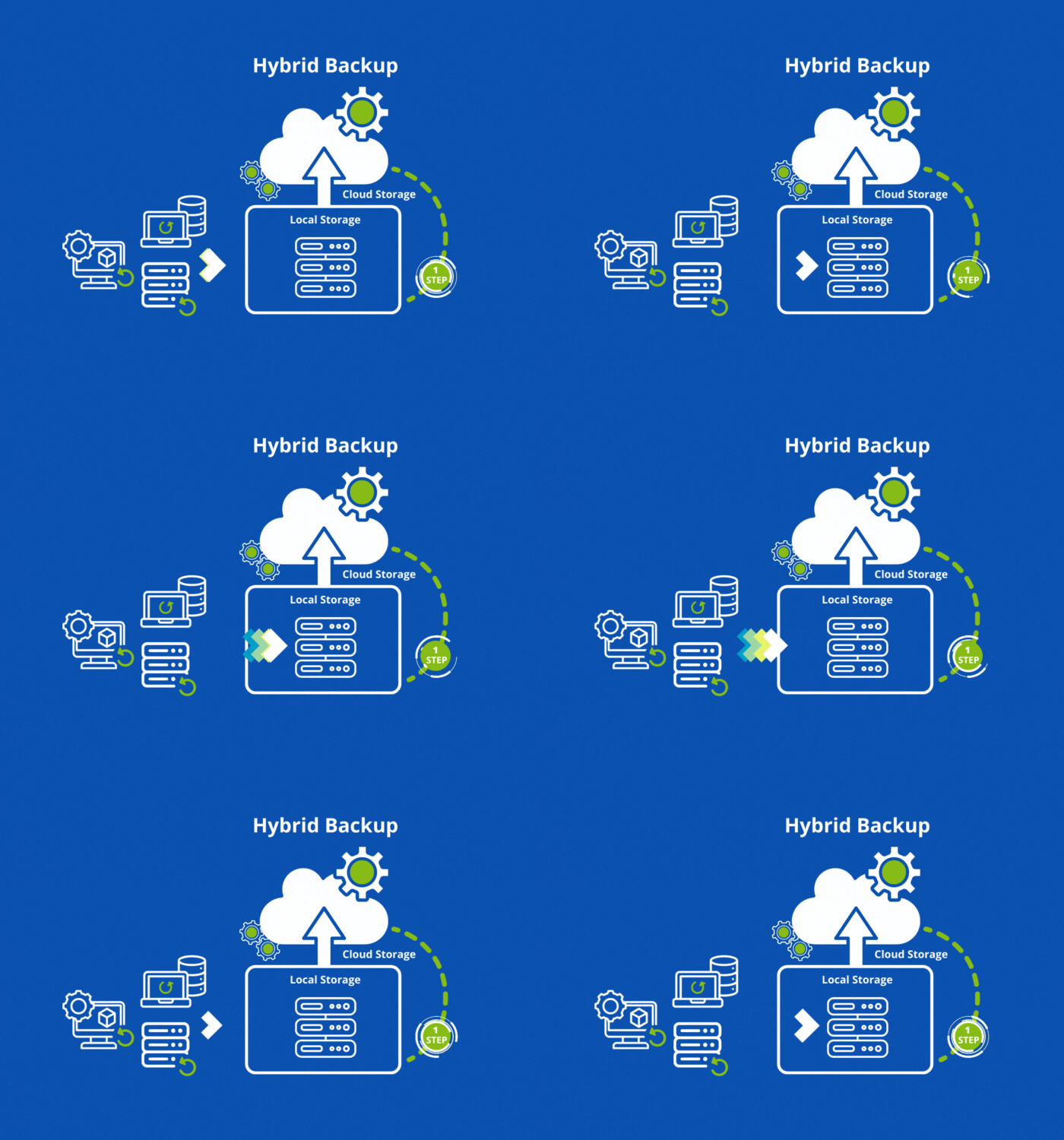
Cloud backup helps answer a critical question: what happens if the office equipment is gone, damaged, encrypted, or unavailable?
What is local backup?
Local backup stores backup data on a device close to the original systems. This may include an external drive, NAS, backup appliance, local server, or onsite storage system.
The main advantage is speed.
Restoring a large amount of data from a local device may be faster than downloading it from the cloud, especially if the internet connection is limited.
Local backup can be useful for:
- Fast file restores
- Large system recovery
- Local image-based recovery
- Office environments with large files
- Businesses with limited internet bandwidth
Local backup helps answer another important question: how fast can we restore if the local backup is still safe?
Best for cloud backup
Cloud backup is best when your business needs:
- Offsite protection
- Recovery after local equipment damage
- Protection from theft or physical disaster
- Ransomware recovery planning
- Long-term retention
- Remote access to backup data
- Backup monitoring and reporting
Cloud backup is especially important for businesses that cannot afford to lose access to important records, customer files, accounting data, project folders, or server information.
Best for local backup
Local backup is best when your business needs:
- Fast local recovery
- Large file restores
- Image-based recovery nearby
- Quick access to recent backups
- A second copy close to the protected systems
Local backup can be very useful, but it should not be the only layer of protection.
Why businesses often need both
A cloud-only strategy may be slower for very large restores.
A local-only strategy may fail if the local device is damaged, stolen, deleted, or encrypted.
That is why many businesses use a layered approach.
- Use local backup for faster recovery when the office environment is still available.
- Use cloud backup for offsite protection and disaster recovery.
- Use retention planning so older versions can be restored when needed.
- Use immutability to help prevent backup data from being changed or deleted.
- Use monitoring to confirm backups are actually completing.
Backup reality
A backup that is never tested is only a guess.
Businesses should not assume backups are working. Backup jobs, restore points, retention, encryption, and recovery steps should be reviewed before an emergency.
Ransomware changes the backup conversation
Ransomware can encrypt files, servers, desktops, and connected storage.
If the backup is easy for ransomware to reach, the backup may be damaged too.
A stronger backup plan should consider:
- Immutable backup storage
- Separate backup credentials
- Retention policies
- Offsite copies
- Backup alerts
- Recovery testing
- Endpoint protection and cybersecurity

Backups should connect with your broader cybersecurity strategy, not sit as an isolated tool.
Which backup should your business choose?
Choose cloud backup if your priority is offsite protection, ransomware recovery, and continuity after local damage.
Choose local backup if your priority is fast recovery for files, desktops, servers, or large datasets.
Choose both if your business cannot afford to lose access to important data.
How SMART Solutions helps
SMART Solutions helps South Florida businesses plan backup strategies around real recovery needs.
We can help with:
- Cloud backup planning
- Local backup planning
- Image-based backup options
- Backup monitoring
- Retention planning
- Immutable backup strategy
- Encryption and secure transfer planning
- Recovery readiness review
Ready to protect your data?
Build a backup plan around recovery, not just storage.
SMART Backup helps businesses protect files, systems, desktops, servers, and continuity needs with a smarter backup and recovery strategy.
Contact SMART Solutions to review your current backup setup and identify gaps before an emergency happens.