In a busy dental practice, every minute counts.
When computers are slow, the impact goes far beyond simple frustration. It can affect patient flow, delay treatment coordination, slow down imaging, and create bottlenecks at the front desk. Over time, those small delays add up—and they may be costing your practice more than you realize.

Many dental offices accept sluggish computers as “just part of the day.” But when your team is constantly waiting for systems to respond, productivity drops.
Think about how often your staff depends on technology to keep the day moving:
- Checking patients in and out
- Verifying insurance coverage
- Accessing treatment plans
- Loading digital X-rays and images
- Updating charts and clinical notes
- Processing payments and scheduling follow-ups
If any of these tasks take longer than they should, your team loses valuable time. That time turns into longer wait times, more stress for staff, and a less efficient patient experience.
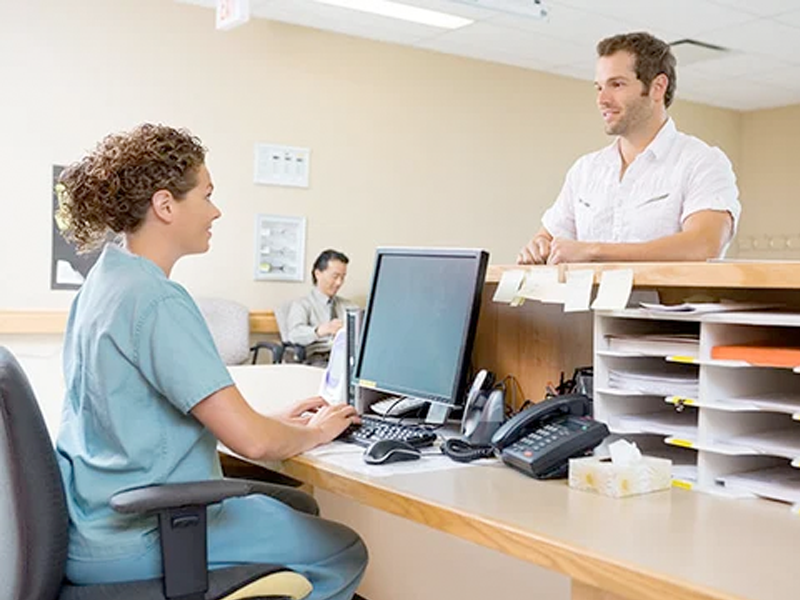
Your front desk sets the tone for the patient experience. When computers lag during check-in, scheduling, or payment processing, lines form quickly and frustration builds on both sides of the desk.

Treatment coordinators need fast access to charts, estimates, insurance information, and scheduling tools. Delays here can affect case presentation and reduce the number of patients you can efficiently move through the day.
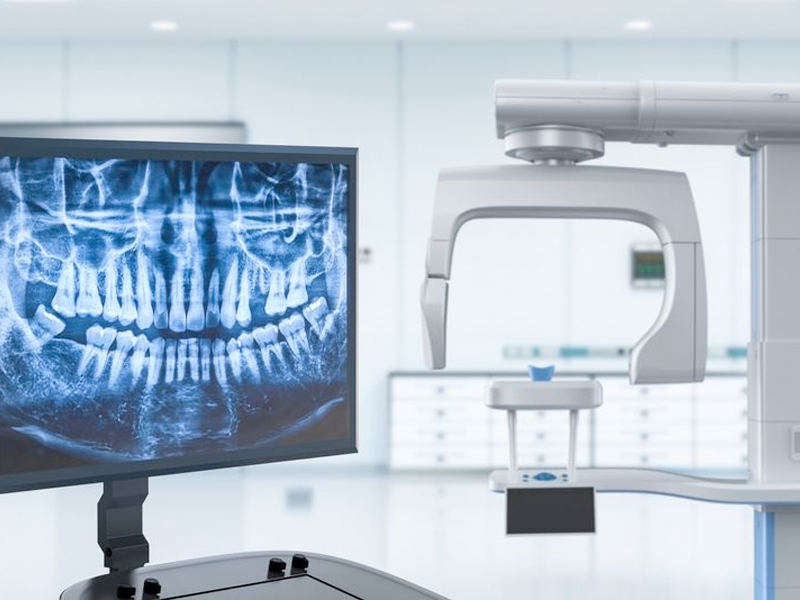
Digital imaging should be fast and seamless. If X-rays or other files take too long to load, it interrupts clinical workflow and can slow down providers during patient visits.

Insurance verification is already time-sensitive. Slow systems make it worse, especially when staff must switch between multiple portals or wait for practice management software to catch up.
Have you noticed delays in Open Dental, X-ray loading, or insurance verification lately? If the answer is yes, your workstations may be overdue for a performance check.

Your front desk sets the tone for the patient experience. When computers lag during check-in, scheduling, or payment processing, lines form quickly and frustration builds on both sides of the desk.

Tx coordinators need fast access to charts, estimates, insurance information, and scheduling tools. Delays here can affect case presentation and reduce the number of patients you can efficiently move through the day.

Digital imaging should be fast and seamless. If X-rays or other files take too long to load, it interrupts clinical workflow and can slow down providers during patient visits.

Insurance verification is already time-sensitive. Slow systems make it worse, especially when staff must switch between multiple portals or wait for practice management software to catch up.
A workstation that wastes just a few minutes per hour may not seem like a major issue. But across multiple team members, multiple operatories, and a full workweek, that lost time becomes expensive.
Slow computers can lead to:
- Fewer patients handled efficiently each day
- Reduced staff productivity
- More errors from rushing or repeated tasks
- Lower team morale
- A less professional patient experience
In other words, outdated or underperforming systems can quietly drain revenue without showing up as an obvious line item in your budget.
Ask yourself:
Have you noticed delays in Open Dental, X-ray loading, or insurance verification lately?
If the answer is yes, your computers may be holding your practice back.
The good news is that not every speed issue requires a full overhaul. In many cases, the right evaluation can uncover simple ways to improve performance, such as:
- Replacing outdated workstations
- Upgrading memory or storage
- Reviewing network performance
- Checking software compatibility
- Identifying background processes slowing things down
A proactive technology check can help your office run faster, smoother, and with less stress.
Your team should be focused on patient care—not waiting on spinning wheels and frozen screens.
When your systems perform well, your practice performs better too.